Secret City 2 F2P
Secret City 2 F2P

Secret City 2 F2P

Puzzle

| Do Games Limited

Play on PC with BlueStacks or from our cloud

  • Overview
  • Game Features
  • How to Play

Page Modified On: July 14, 2026

Play Secret City 2 F2P on PC or Mac

Secret City 2 F2P by Do Games Limited has plenty to keep you busy. BlueStacks lets you play it on PC or Mac with more screen space, better control, and fewer mobile limits.

About the Game

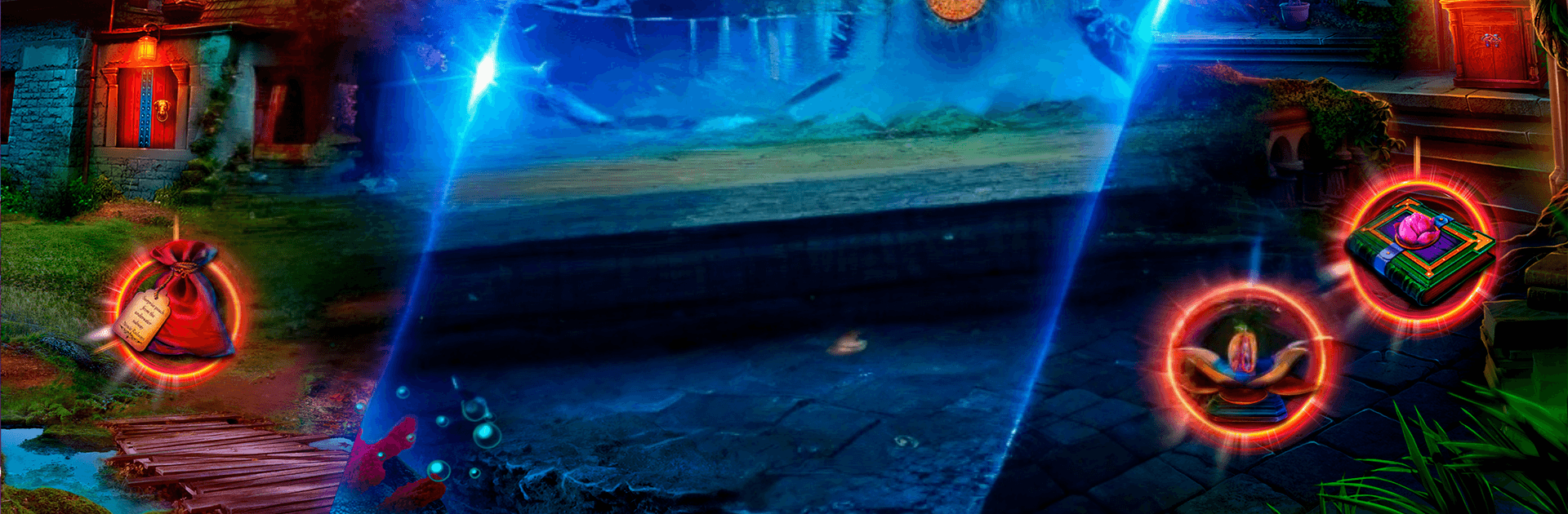
Secret City 2 F2P is a Puzzle adventure that mixes hidden-object hunts with clever brainteasers and a moody, mythic storyline. A famed explorer has turned to stone, a long-lost Merfolk kingdom rises from the ocean, and a ruthless heir is ready to claim limitless power. You’re called back to investigate, piece together clues, and stop a looming coup before the city falls. Prefer playing on a bigger screen? It also runs smoothly on PC through BlueStacks.

Game Features

  • Sunken Kingdom Mystery: Explore shimmering underwater halls and newly risen streets, uncovering what—or who—petrified a legendary dwarf and why the Merfolk are suddenly at war with themselves.
  • Hidden-Object Scenes: Search richly illustrated locations packed with interactive details. Spot items by list, silhouette, and multi-step interactions that reward a sharp eye.
  • Brainy Puzzles & Mini-Games: Tackle logic locks, pattern riddles, and gadgety contraptions woven naturally into the investigation. Expect variety, not filler.
  • A Tyrant’s Plot: Track the power-hungry princess Tenebris as she schemes to revive immortal generals. Follow leads across districts of the Secret City and cut off her plans piece by piece.
  • Bonus Case Included: An additional chapter challenges you to foil another catastrophic threat to the kingdom, adding fresh scenes and puzzles.
  • Replayables & Achievements: Revisit your favorite HOPs and mini-games to beat your best times, and rack up achievements as you refine your approach.
  • Play Your Way: Enjoy the full story for free. Use the built-in hint system if you get stuck, and keep the adventure going even without Wi‑Fi.

Start playing Secret City 2 F2P on BlueStacks and get a smoother, more comfortable PC or Mac setup.


Game Features

Enhancements

  • Macros
  • Multi Instance
  • Multi Instance Sync
  • Script
  • Enhancements
Macros

Macros

Automate the predictable in Secret City 2 F2P and transform your gameplay with Macros. Get access to inventive Macros in the BlueStacks Macro Community
Multi Instance

Multi Instance

Play Secret City 2 F2P on one window. And chat with your friend on the other. Press CTRL + Shift + 8 to open the Multi-Instance Manager. And start creating fresh instances or clone an existing one.
Multi Instance Sync

Multi Instance Sync

Play Secret City 2 F2P with the power of Multi-Instance Sync. Replicate what you are doing on the main instance on all other instances. Level up faster, play more.
Script

Script

Script your way to gaming glory in Secret City 2 F2P with BlueStacks Script. Write and run a set of commands to automate repeated tasks. Trigger the command by assigning it to any key.
Read More

How to Download and Play Secret City 2 F2P on PC or Mac

  • Download and install BlueStacks on your PC or Mac

  • Complete Google sign-in to access the Play Store, or do it later

  • Look for Secret City 2 F2P in the search bar at the top right corner

  • Click to install Secret City 2 F2P from the search results

  • Complete Google sign-in (if you skipped step 2) to install Secret City 2 F2P

  • Click the Secret City 2 F2P icon on the home screen to start playing

video
Watch Video

Minimum System Requirements

With BlueStacks 5, you can get started on a PC that fulfills the following requirements.

  • Operating System

    Microsoft Windows 7 or above, macOS 11 (Big Sur) or above

  • Processor

    Intel, AMD or Apple Silicon Processor

  • RAM

    at least 4GB

  • HDD

    10GB Free Disk Space

Note:

* You must be an Administrator on your PC. Up to date graphics drivers from Microsoft or the chipset vendor.

Secret City 2 F2P - FAQs

  • How to play Secret City 2 F2P on Windows PC & Mac?

    Play Secret City 2 F2P on your PC or Mac by following these simple steps.

    • Click on 'Play Secret City 2 F2P on PC’ to download BlueStacks
    • Install it and log-in to Google Play Store
    • Launch and play the game.
  • Why is BlueStacks the fastest and safest platform to play games on PC?

    BlueStacks respects your privacy and is always safe and secure to use. It does not carry any malware, spyware, or any sort of additional software that could harm your PC.

    It is engineered to optimize speed and performance for a seamless gaming experience.

  • What are Secret City 2 F2P PC requirements?

    Minimum requirement to run Secret City 2 F2P on your PC

    • OS: Microsoft Windows 7 or above MacOS 11 (Big Sur) or above
    • Processor: Intel, AMD or Apple Silicon Processor
    • RAM: Your PC must have at least 4GB of RAM. (Note that having 4GB or more disk space is not a substitute for RAM)
    • HDD: 10GB Free Disk Space.
    • You must be an Administrator on your PC.