Secrets of Salem 1: Extra f2p

Secrets of Salem 1: Extra f2p

Puzzle

| Do Games Limited

Play on PC with BlueStacks or from our cloud

  • Overview
  • Game Features
  • How to Play

Page Modified On: May 26, 2026

Play Secrets of Salem 1: Extra f2p on PC or Mac

Explore a whole new adventure with Secrets of Salem 1: Extra f2p, a Puzzle game created by Do Games Limited. Experience great gameplay with BlueStacks, the most popular gaming platform to play Android games on your PC or Mac.

About the Game

Secrets of Salem 1: Extra f2p drops you into a story-driven Puzzle adventure where a single enchanted letter sparks real trouble. You’ll team up with Dakota Lovelace and her ally, Sebille, to trace the sender, sift through strange clues, and keep Salem from sliding into something very ugly and very supernatural. Prefer playing on a bigger screen with a mouse? It runs smoothly on BlueStacks, too.

Game Features

  • Cursed Letter Mystery: Pick apart the case from the moment glowing ink hits Dakota’s counter. Track who sent it, why it’s dangerous, and how to shut it down before the city pays the price.
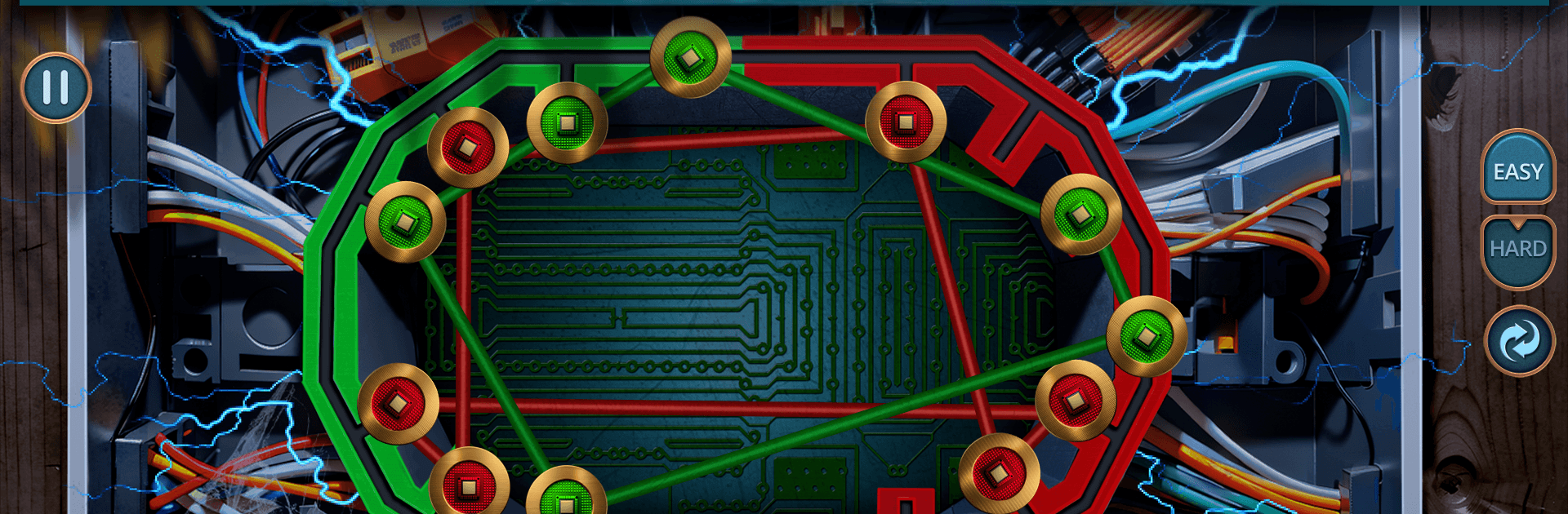
  • Search-and-Solve Gameplay: Explore richly detailed scenes, spot hidden objects, and use what you find to crack layered puzzles. Every clue nudges the investigation forward.
  • Arcane Tools & Rituals: Brew reagents, piece together broken relics, and tinker with occult mechanisms. You’re not just reading about magic—you’re using it.
  • Twisted Salem Locales: Move from a secretive coven library to caved-in mines, echoing crypts, and a watchtower where the sky looks wrong. Each location has its own logic and tricks.
  • Living Clues: Pages murmur, stones flash illusions, and artifacts thrum with power. Pay attention—these aren’t background effects; they’re directions in disguise.
  • Journal That Matters: Your notes auto-capture oddities and connections, helping you sort patterns from noise when the plot gets weird.
  • Rising Stakes: The longer the curse lingers, the faster it spreads. Unmask the spellcaster behind it and cut off the corruption before Salem tips past the point of no return.

Start playing Secrets of Salem 1: Extra f2p on BlueStacks and get a smoother, more comfortable PC or Mac setup.


Game Features

Enhancements

  • Macros
  • Multi Instance
  • Multi Instance Sync
  • Script
  • Enhancements
Macros

Macros

Automate the predictable in Secrets of Salem 1: Extra f2p and transform your gameplay with Macros. Get access to inventive Macros in the BlueStacks Macro Community
Multi Instance

Multi Instance

Play Secrets of Salem 1: Extra f2p on one window. And chat with your friend on the other. Press CTRL + Shift + 8 to open the Multi-Instance Manager. And start creating fresh instances or clone an existing one.
Multi Instance Sync

Multi Instance Sync

Play Secrets of Salem 1: Extra f2p with the power of Multi-Instance Sync. Replicate what you are doing on the main instance on all other instances. Level up faster, play more.
Script

Script

Script your way to gaming glory in Secrets of Salem 1: Extra f2p with BlueStacks Script. Write and run a set of commands to automate repeated tasks. Trigger the command by assigning it to any key.
Read More

How to Download and Play Secrets of Salem 1: Extra f2p on PC or Mac

  • Download and install BlueStacks on your PC or Mac

  • Complete Google sign-in to access the Play Store, or do it later

  • Look for Secrets of Salem 1: Extra f2p in the search bar at the top right corner

  • Click to install Secrets of Salem 1: Extra f2p from the search results

  • Complete Google sign-in (if you skipped step 2) to install Secrets of Salem 1: Extra f2p

  • Click the Secrets of Salem 1: Extra f2p icon on the home screen to start playing

video
Watch Video

Minimum System Requirements

With BlueStacks 5, you can get started on a PC that fulfills the following requirements.

  • Operating System

    Microsoft Windows 7 or above, macOS 11 (Big Sur) or above

  • Processor

    Intel, AMD or Apple Silicon Processor

  • RAM

    at least 4GB

  • HDD

    10GB Free Disk Space

Note:

* You must be an Administrator on your PC. Up to date graphics drivers from Microsoft or the chipset vendor.

Secrets of Salem 1: Extra f2p - FAQs

  • How to play Secrets of Salem 1: Extra f2p on Windows PC & Mac?

    Play Secrets of Salem 1: Extra f2p on your PC or Mac by following these simple steps.

    • Click on 'Play Secrets of Salem 1: Extra f2p on PC’ to download BlueStacks
    • Install it and log-in to Google Play Store
    • Launch and play the game.
  • Why is BlueStacks the fastest and safest platform to play games on PC?

    BlueStacks respects your privacy and is always safe and secure to use. It does not carry any malware, spyware, or any sort of additional software that could harm your PC.

    It is engineered to optimize speed and performance for a seamless gaming experience.

  • What are Secrets of Salem 1: Extra f2p PC requirements?

    Minimum requirement to run Secrets of Salem 1: Extra f2p on your PC

    • OS: Microsoft Windows 7 or above MacOS 11 (Big Sur) or above
    • Processor: Intel, AMD or Apple Silicon Processor
    • RAM: Your PC must have at least 4GB of RAM. (Note that having 4GB or more disk space is not a substitute for RAM)
    • HDD: 10GB Free Disk Space.
    • You must be an Administrator on your PC.