Sudoku
Sudoku

Sudoku

Puzzle

| Splend Apps

Play on PC with BlueStacks or from our cloud

  • Overview
  • Game Features
  • How to Play

Page Modified On: September 18, 2026

Play Sudoku on PC or Mac

Explore a whole new adventure with Sudoku, a Puzzle game created by Splend Apps. Experience great gameplay with BlueStacks, the most popular gaming platform to play Android games on your PC or Mac.

About the Game

Sudoku turns the classic number grid into a clean, thoughtful Puzzle you can actually get better at, not just chip away at. Whether you’re learning the basics or tackling fiendish brain-benders, it gives you tools that teach your eyes what to look for and why. Prefer a bigger screen? It runs smoothly on PC with BlueStacks, so you can settle in and focus.

Game Features

  • Massive library: Work through 100,000 hand-crafted boards across five difficulties, from true beginner to expert-level challenges.
  • Logic-first design: Every puzzle has a single valid solution and can be cracked with reasoning alone—no guessing games.
  • Gentle ramp-up: Start with a short warm-up set, then unlock tougher levels as you improve so you’re never thrown in too deep.
  • Built-in course: Learn with 12 concise lessons covering 26 techniques, from easy singles to advanced patterns like X-Wing and Swordfish.
  • Smart hints: Get step-by-step guidance that explains the exact logic used—and flags your mistake first if you made one.
  • Notes that clean themselves: Pencil in candidates and watch impossible numbers auto-clear as the board evolves.
  • Controls and safety nets: Use undo, an eraser, and a configurable mistake limit to keep experiments stress-free.
  • Visual helpers: Highlight matching digits plus the active row, column, and box to keep your scan tight.
  • Score and stats: Chase personal bests with speed bonuses, daily streaks, and flawless-game counters.
  • Cloud progress: Sync with Google Play Games so your solves and stats travel neatly to your next device.
  • Play your way: Tweak fonts, number size, grid thickness, and colors, with light/dark themes ready to go.
  • Calming feedback: Optional music, crisp sound effects, gentle haptics, and lessons you can have read aloud.
  • Always ready: Autosave, full offline play, and an optional daily reminder to keep the habit going.
  • Multilingual access: Available in 60 languages with full right‑to‑left support.
  • Fair and flexible: Free to play with a one-time option to remove ads—privacy respected.

Start your journey now. Download the game on BlueStacks, invite your friends, and march on a new adventure.
Game Features

Enhancements

  • Macros
  • Multi Instance
  • Multi Instance Sync
  • Script
  • Enhancements
Macros

Macros

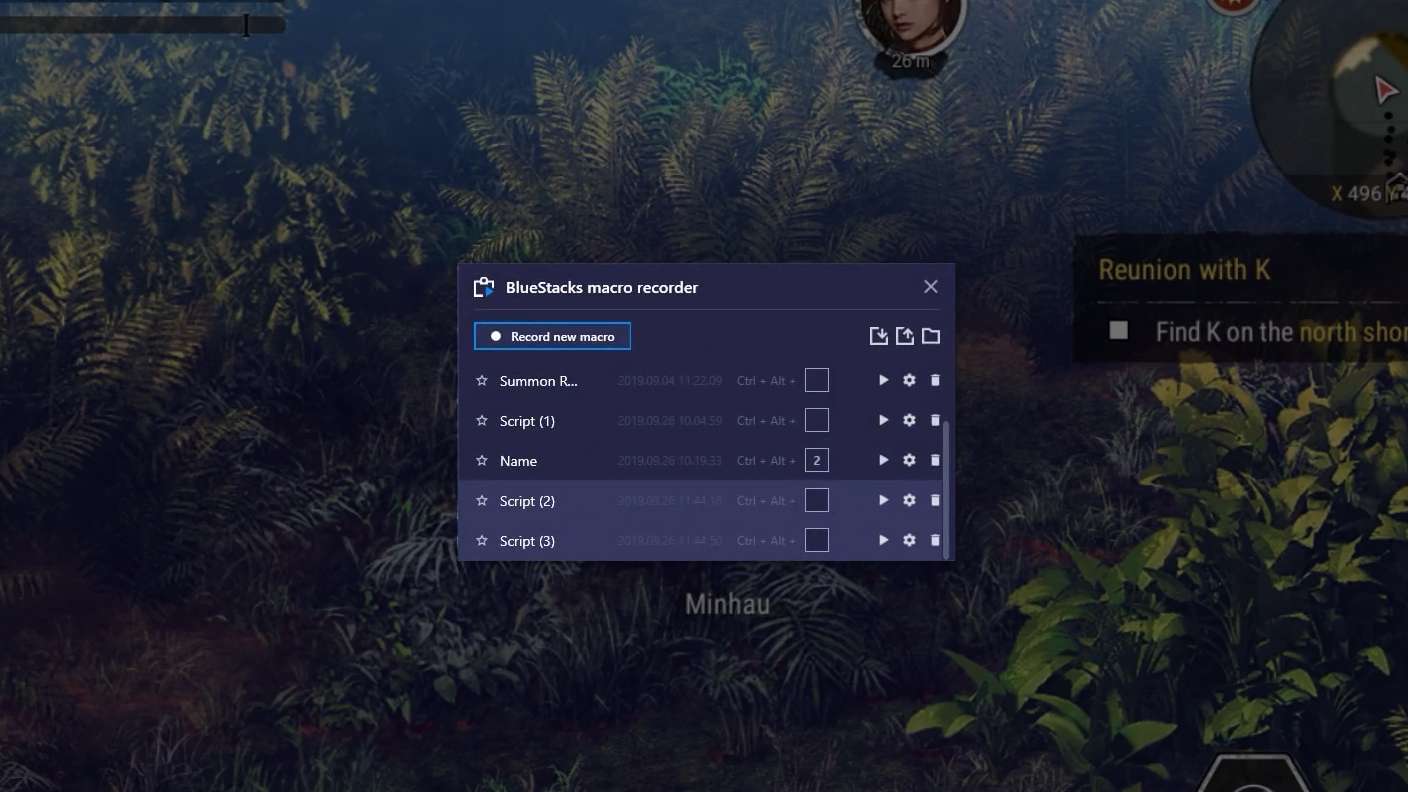
Automate the predictable in Sudoku and transform your gameplay with Macros. Get access to inventive Macros in the BlueStacks Macro Community
Multi Instance

Multi Instance

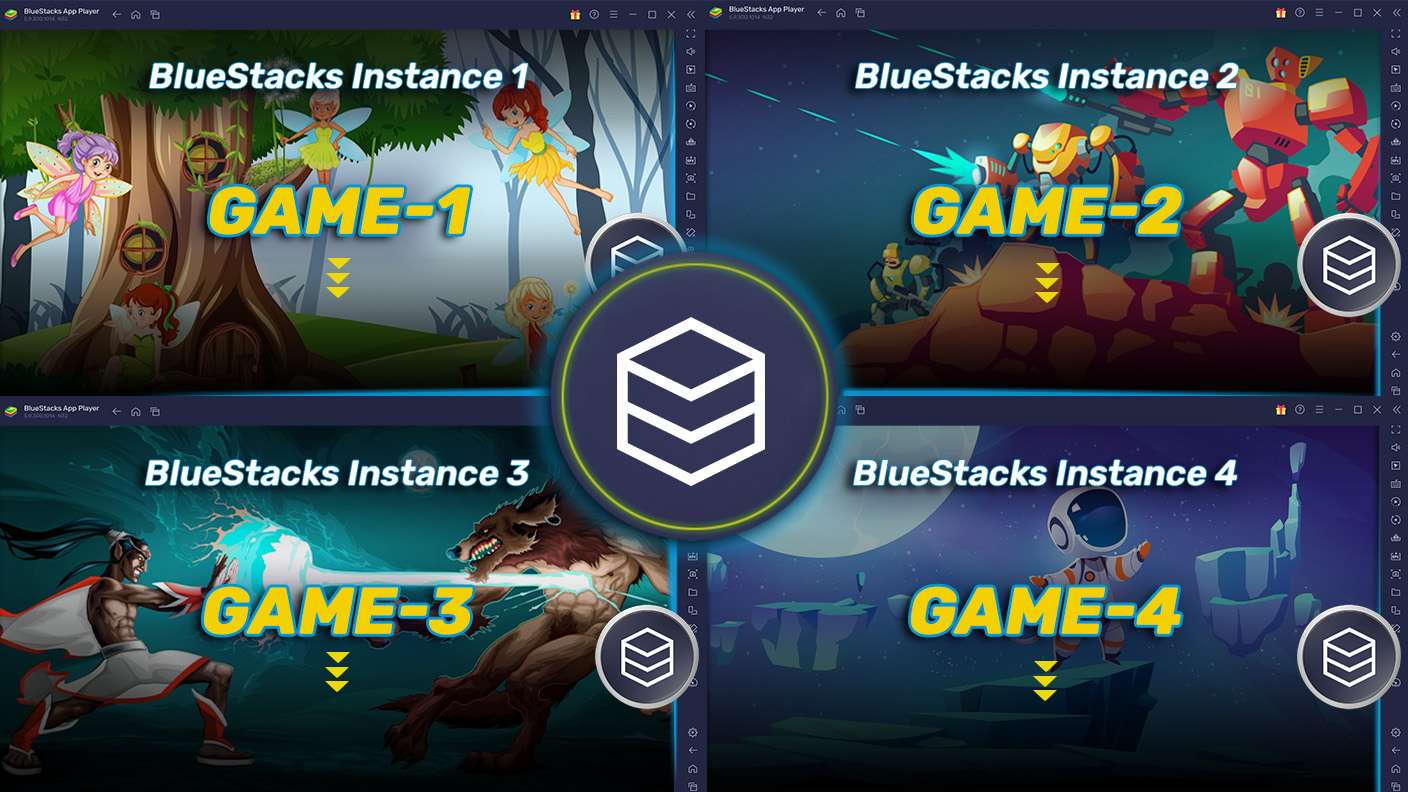
Play Sudoku on one window. And chat with your friend on the other. Press CTRL + Shift + 8 to open the Multi-Instance Manager. And start creating fresh instances or clone an existing one.
Multi Instance Sync

Multi Instance Sync

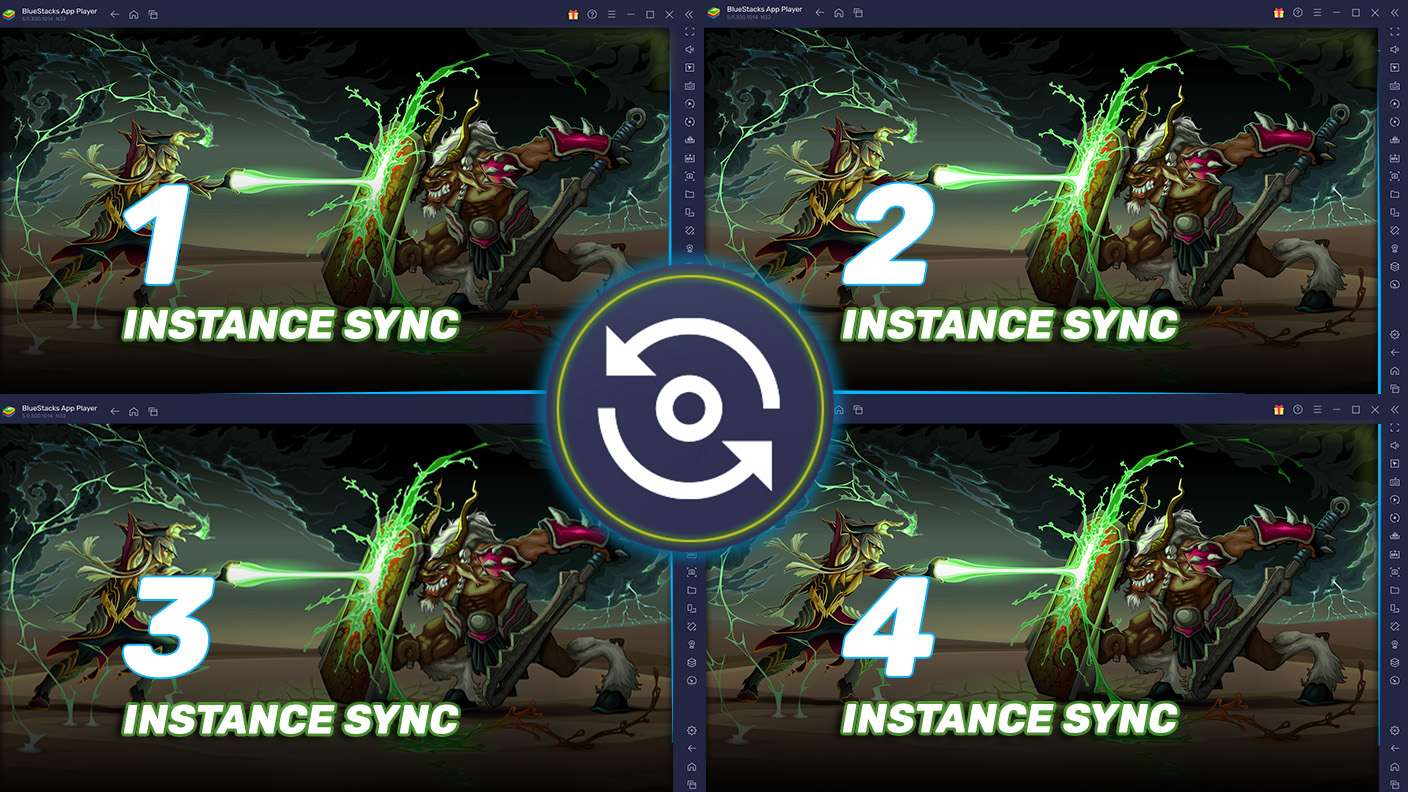
Play Sudoku with the power of Multi-Instance Sync. Replicate what you are doing on the main instance on all other instances. Level up faster, play more.
Script

Script

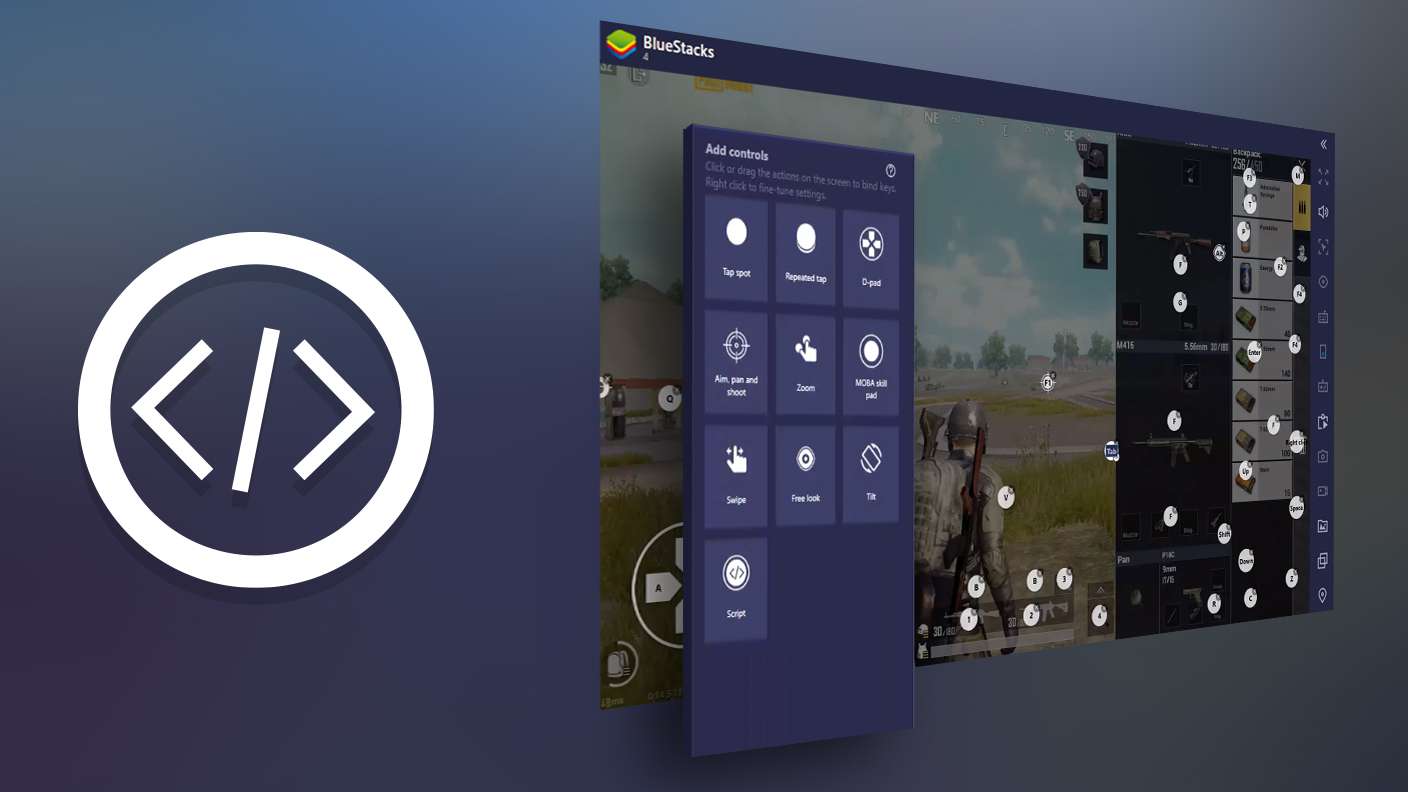
Script your way to gaming glory in Sudoku with BlueStacks Script. Write and run a set of commands to automate repeated tasks. Trigger the command by assigning it to any key.
Read More

How to Download and Play Sudoku on PC or Mac

  • Download and install BlueStacks on your PC or Mac

  • Complete Google sign-in to access the Play Store, or do it later

  • Look for Sudoku in the search bar at the top right corner

  • Click to install Sudoku from the search results

  • Complete Google sign-in (if you skipped step 2) to install Sudoku

  • Click the Sudoku icon on the home screen to start playing

video
Watch Video

Minimum System Requirements

With BlueStacks 5, you can get started on a PC that fulfills the following requirements.

  • Operating System

    Microsoft Windows 7 or above, macOS 11 (Big Sur) or above

  • Processor

    Intel, AMD or Apple Silicon Processor

  • RAM

    at least 4GB

  • HDD

    10GB Free Disk Space

Note:

* You must be an Administrator on your PC. Up to date graphics drivers from Microsoft or the chipset vendor.

Sudoku - FAQs

  • How to play Sudoku on Windows PC & Mac?

    Play Sudoku on your PC or Mac by following these simple steps.

    • Click on 'Play Sudoku on PC’ to download BlueStacks
    • Install it and log-in to Google Play Store
    • Launch and play the game.
  • Why is BlueStacks the fastest and safest platform to play games on PC?

    BlueStacks respects your privacy and is always safe and secure to use. It does not carry any malware, spyware, or any sort of additional software that could harm your PC.

    It is engineered to optimize speed and performance for a seamless gaming experience.

  • What are Sudoku PC requirements?

    Minimum requirement to run Sudoku on your PC

    • OS: Microsoft Windows 7 or above MacOS 11 (Big Sur) or above
    • Processor: Intel, AMD or Apple Silicon Processor
    • RAM: Your PC must have at least 4GB of RAM. (Note that having 4GB or more disk space is not a substitute for RAM)
    • HDD: 10GB Free Disk Space.
    • You must be an Administrator on your PC.