Superhero & Puzzles Match3 RPG

Superhero & Puzzles Match3 RPG

Puzzle

| Cedar Games Studio

Play on PC with BlueStacks or from our cloud

  • Overview
  • Game Features
  • How to Play

Page Modified On: June 09, 2026

Play Superhero & Puzzles Match3 RPG on PC or Mac

Explore a whole new adventure with Superhero & Puzzles Match3 RPG, a Puzzle game created by Cedar Games Studio. Experience great gameplay with BlueStacks, the most popular gaming platform to play Android games on your PC or Mac.

About the Game

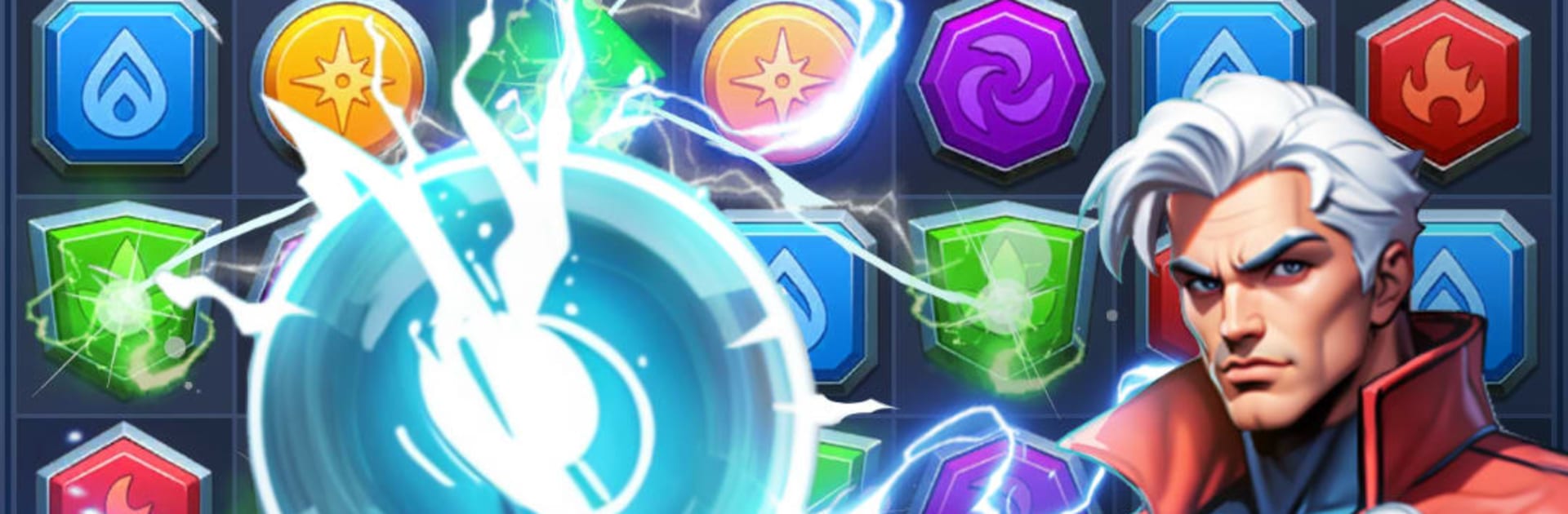
Superhero & Puzzles Match3 RPG blends Puzzle action with a hero-collecting RPG, where every match powers up your squad. You’ll recruit a roster of superheroes, trigger clever tile combos, and push through a story that jumps across eras while managing a base that keeps the team battle‑ready. On PC, it feels right at home with BlueStacks.

Game Features

  • Match-3 With Bite: Every swap matters. Charge abilities, set up cascades, and aim for the tiles that break enemy defenses instead of just chasing random matches.
  • Heroes That Click: Build your lineup from a large cast, each with distinct roles and elemental strengths. Find synergies that make your specials chain together and swing tough fights.
  • Time-Hopping Story: Travel through fractured realms and uncover mysteries from different eras. Battles reveal new pieces of the bigger narrative.
  • Your Fortress, Your Rules: Upgrade a stronghold that fuels your progress. Improve facilities to train heroes, gather resources, and prep for the next showdown.
  • Competitive PvP: Take your best squad into tile-based duels. Outsmart real opponents, counter their team comps, and climb the leaderboards.
  • Alliance Power: Team up with others to share tips, coordinate strategies, and challenge rival groups in alliance wars that reward smart play and teamwork.
  • Deep Progression: Train and ascend heroes to unlock their full potential. Tweak lineups to handle tricky enemy types and evolving tactical puzzles.

Ready to top the leaderboard? We bet you do. Let precise controls and sharp visuals optimized on BlueStacks lead you to victory.


Game Features

Enhancements

  • Macros
  • Multi Instance
  • Multi Instance Sync
  • Script
  • Enhancements
Macros

Macros

Automate the predictable in Superhero & Puzzles Match3 RPG and transform your gameplay with Macros. Get access to inventive Macros in the BlueStacks Macro Community
Multi Instance

Multi Instance

Play Superhero & Puzzles Match3 RPG on one window. And chat with your friend on the other. Press CTRL + Shift + 8 to open the Multi-Instance Manager. And start creating fresh instances or clone an existing one.
Multi Instance Sync

Multi Instance Sync

Play Superhero & Puzzles Match3 RPG with the power of Multi-Instance Sync. Replicate what you are doing on the main instance on all other instances. Level up faster, play more.
Script

Script

Script your way to gaming glory in Superhero & Puzzles Match3 RPG with BlueStacks Script. Write and run a set of commands to automate repeated tasks. Trigger the command by assigning it to any key.
Read More

How to Download and Play Superhero & Puzzles Match3 RPG on PC or Mac

  • Download and install BlueStacks on your PC or Mac

  • Complete Google sign-in to access the Play Store, or do it later

  • Look for Superhero & Puzzles Match3 RPG in the search bar at the top right corner

  • Click to install Superhero & Puzzles Match3 RPG from the search results

  • Complete Google sign-in (if you skipped step 2) to install Superhero & Puzzles Match3 RPG

  • Click the Superhero & Puzzles Match3 RPG icon on the home screen to start playing

video
Watch Video

Minimum System Requirements

With BlueStacks 5, you can get started on a PC that fulfills the following requirements.

  • Operating System

    Microsoft Windows 7 or above, macOS 11 (Big Sur) or above

  • Processor

    Intel, AMD or Apple Silicon Processor

  • RAM

    at least 4GB

  • HDD

    10GB Free Disk Space

Note:

* You must be an Administrator on your PC. Up to date graphics drivers from Microsoft or the chipset vendor.

Superhero & Puzzles Match3 RPG - FAQs

  • How to play Superhero & Puzzles Match3 RPG on Windows PC & Mac?

    Play Superhero & Puzzles Match3 RPG on your PC or Mac by following these simple steps.

    • Click on 'Play Superhero & Puzzles Match3 RPG on PC’ to download BlueStacks
    • Install it and log-in to Google Play Store
    • Launch and play the game.
  • Why is BlueStacks the fastest and safest platform to play games on PC?

    BlueStacks respects your privacy and is always safe and secure to use. It does not carry any malware, spyware, or any sort of additional software that could harm your PC.

    It is engineered to optimize speed and performance for a seamless gaming experience.

  • What are Superhero & Puzzles Match3 RPG PC requirements?

    Minimum requirement to run Superhero & Puzzles Match3 RPG on your PC

    • OS: Microsoft Windows 7 or above MacOS 11 (Big Sur) or above
    • Processor: Intel, AMD or Apple Silicon Processor
    • RAM: Your PC must have at least 4GB of RAM. (Note that having 4GB or more disk space is not a substitute for RAM)
    • HDD: 10GB Free Disk Space.
    • You must be an Administrator on your PC.