
Thief Game: Stickman Escape

Thief Game: Stickman Escape

Puzzle

| Supono Holdings LTD

Play on PC with BlueStacks or from our cloud

  • Overview
  • Game Features
  • How to Play

Page Modified On: October 08, 2026

Play Thief Game: Stickman Escape on PC or Mac

Thief Game: Stickman Escape by Supono Holdings LTD has plenty to keep you busy. BlueStacks lets you play it on PC or Mac with more screen space, better control, and fewer mobile limits.

About the Game

Thief Game: Stickman Escape is a playful Puzzle caper where you guide a cheeky stick figure through wild heists and tricky getaways. It’s all about quick thinking, smart choices, and a good laugh when plans go sideways. Prefer a bigger screen? It runs smoothly on BlueStacks, too.

Game Features

  • Sneaky Heists: Slip past guards, cameras, and oddball obstacles as you plot each clever escape.
  • Pick-the-Right-Tool Choices: Choose the gadget or disguise that makes the setup work—pick well and you’re gone; pick wrong and, well, hilarity.
  • Progressive Brain Teasers: Early levels ease you in, then stack on multi-step logic so every win feels earned.
  • Comedy in Every Misstep: Wrong answers trigger goofy, slapstick outcomes that make trying again half the fun.
  • Tap-Simple Controls: No learning curve—tap, decide, react; it’s straightforward and satisfying.
  • Quick, Snackable Levels: Stages are built for short sessions, whether you’ve got a minute or a moment longer.
  • Jigsaw Breaks: Mix things up with jigsaw-style mini challenges that give your brain a different kind of workout.
  • Multiple Ways to Escape: Experiment with routes and solutions to find faster, funnier, or just plain weirder outcomes.
  • Clean Stickman Style: Bold, readable visuals keep the action clear and the jokes front and center.

BlueStacks gives you more room to focus on the game and less time adjusting around mobile limitations.
Game Features

Enhancements

  • Macros
  • Multi Instance
  • Multi Instance Sync
  • Script
  • Enhancements
Macros

Macros

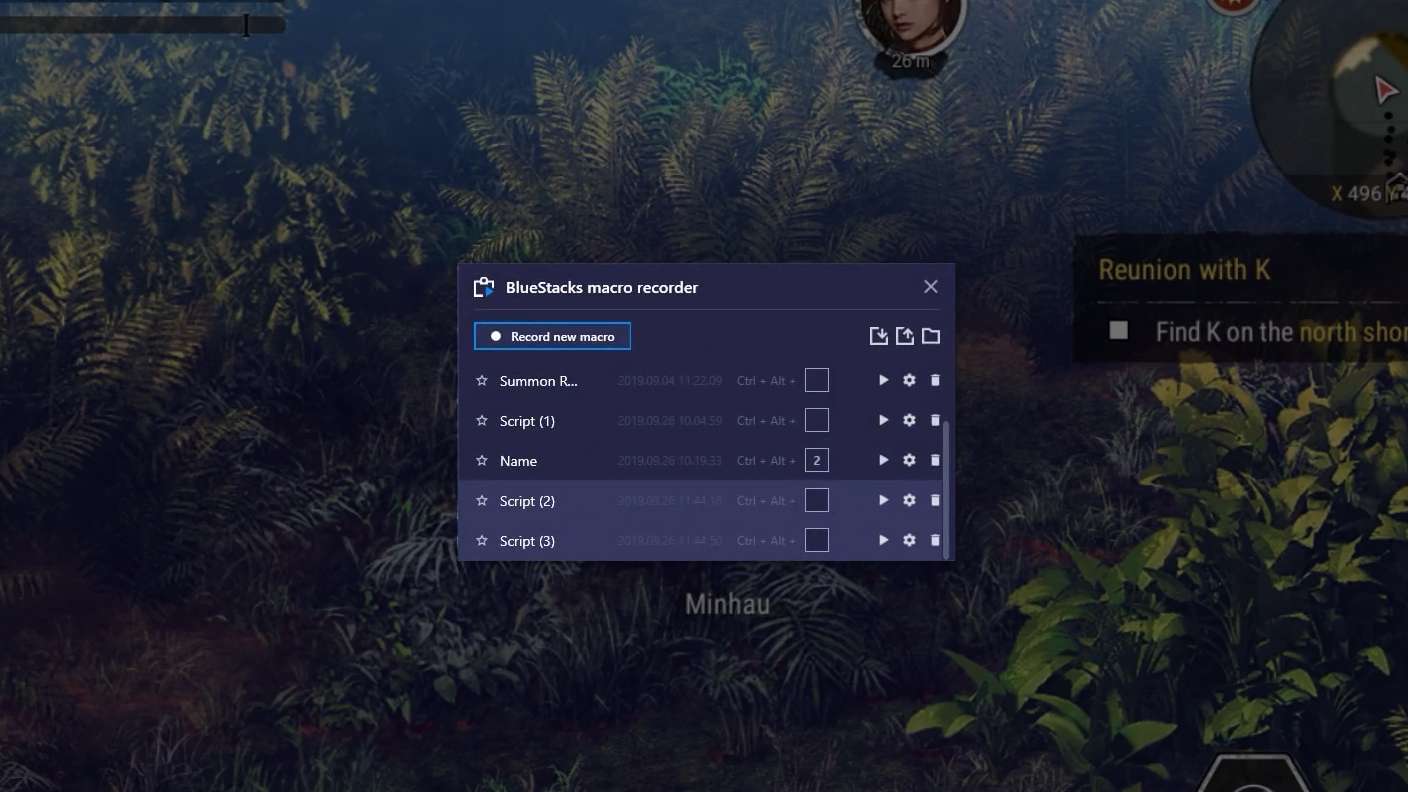
Automate the predictable in Thief Game: Stickman Escape and transform your gameplay with Macros. Get access to inventive Macros in the BlueStacks Macro Community
Multi Instance

Multi Instance

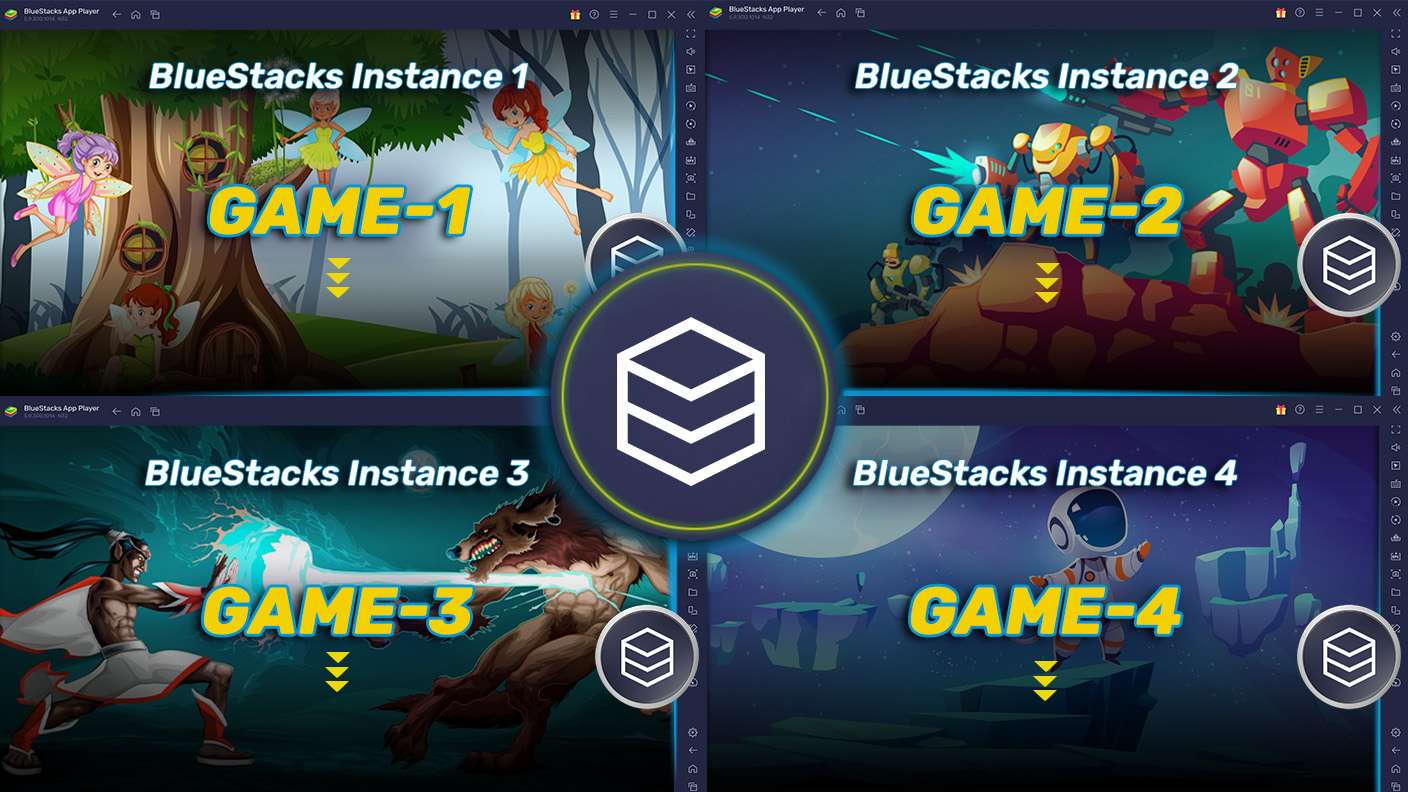
Play Thief Game: Stickman Escape on one window. And chat with your friend on the other. Press CTRL + Shift + 8 to open the Multi-Instance Manager. And start creating fresh instances or clone an existing one.
Multi Instance Sync

Multi Instance Sync

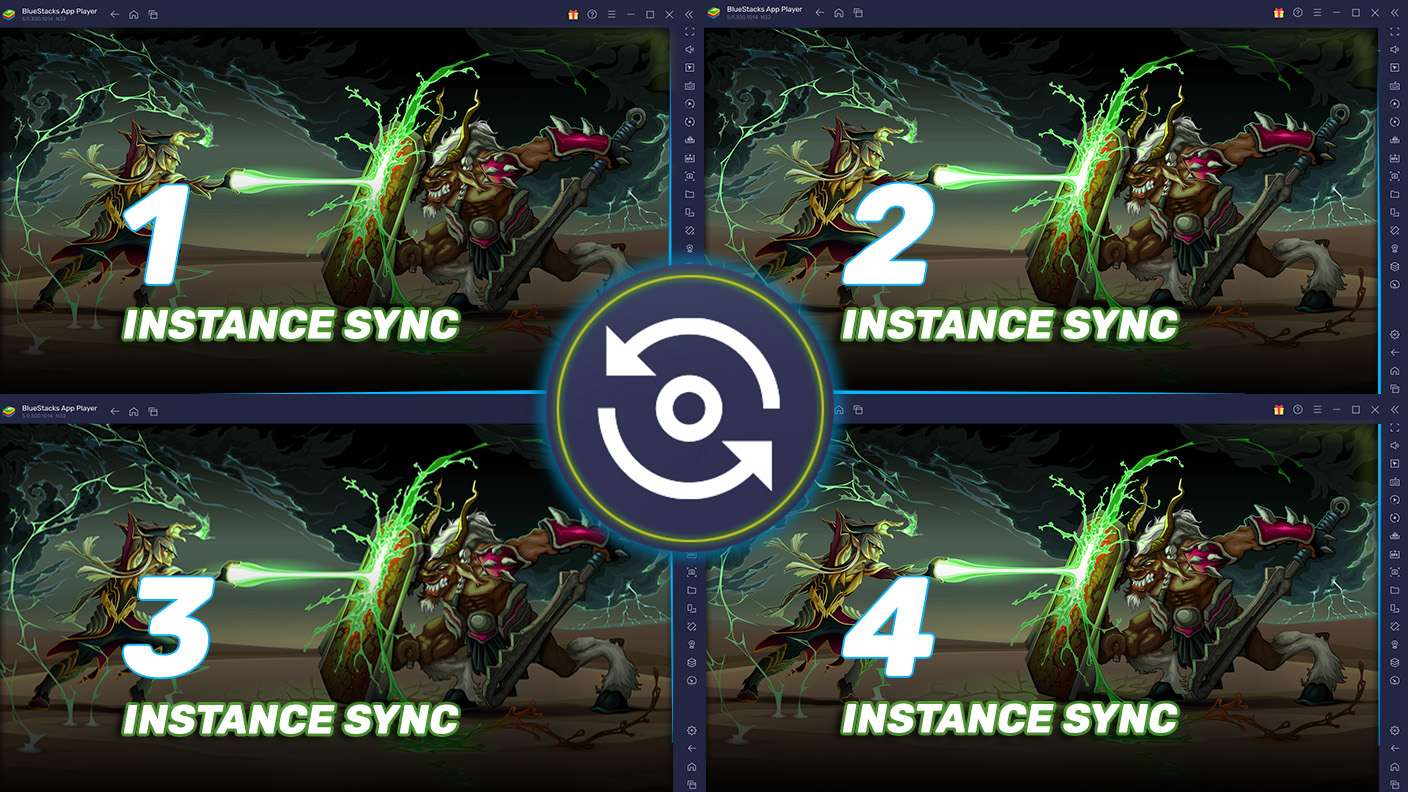
Play Thief Game: Stickman Escape with the power of Multi-Instance Sync. Replicate what you are doing on the main instance on all other instances. Level up faster, play more.
Script

Script

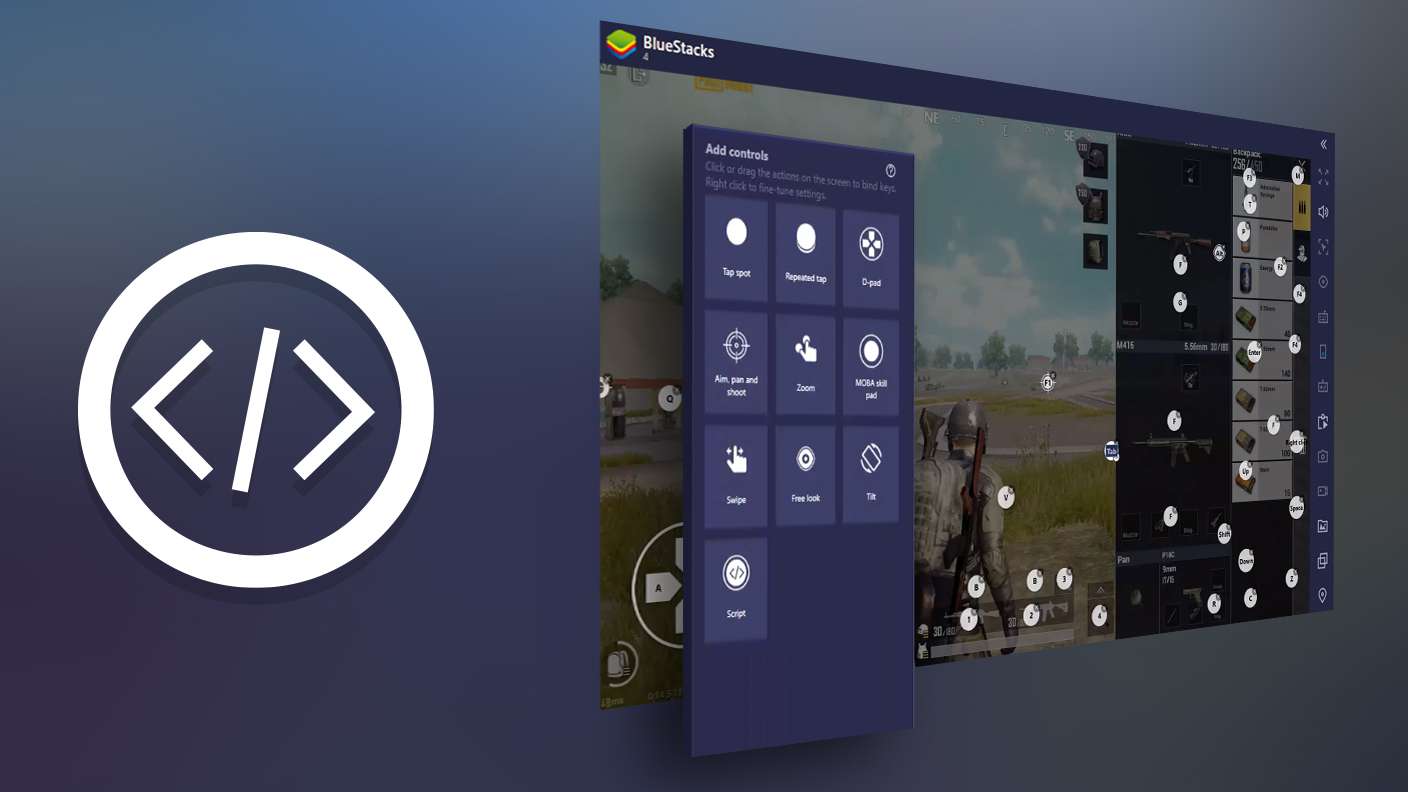
Script your way to gaming glory in Thief Game: Stickman Escape with BlueStacks Script. Write and run a set of commands to automate repeated tasks. Trigger the command by assigning it to any key.
Read More

How to Download and Play Thief Game: Stickman Escape on PC or Mac

  • Download and install BlueStacks on your PC or Mac

  • Complete Google sign-in to access the Play Store, or do it later

  • Look for Thief Game: Stickman Escape in the search bar at the top right corner

  • Click to install Thief Game: Stickman Escape from the search results

  • Complete Google sign-in (if you skipped step 2) to install Thief Game: Stickman Escape

  • Click the Thief Game: Stickman Escape icon on the home screen to start playing

video
Watch Video

Minimum System Requirements

With BlueStacks 5, you can get started on a PC that fulfills the following requirements.

  • Operating System

    Microsoft Windows 7 or above, macOS 11 (Big Sur) or above

  • Processor

    Intel, AMD or Apple Silicon Processor

  • RAM

    at least 4GB

  • HDD

    10GB Free Disk Space

Note:

* You must be an Administrator on your PC. Up to date graphics drivers from Microsoft or the chipset vendor.

Thief Game: Stickman Escape - FAQs

  • How to play Thief Game: Stickman Escape on Windows PC & Mac?

    Play Thief Game: Stickman Escape on your PC or Mac by following these simple steps.

    • Click on 'Play Thief Game: Stickman Escape on PC’ to download BlueStacks
    • Install it and log-in to Google Play Store
    • Launch and play the game.
  • Why is BlueStacks the fastest and safest platform to play games on PC?

    BlueStacks respects your privacy and is always safe and secure to use. It does not carry any malware, spyware, or any sort of additional software that could harm your PC.

    It is engineered to optimize speed and performance for a seamless gaming experience.

  • What are Thief Game: Stickman Escape PC requirements?

    Minimum requirement to run Thief Game: Stickman Escape on your PC

    • OS: Microsoft Windows 7 or above MacOS 11 (Big Sur) or above
    • Processor: Intel, AMD or Apple Silicon Processor
    • RAM: Your PC must have at least 4GB of RAM. (Note that having 4GB or more disk space is not a substitute for RAM)
    • HDD: 10GB Free Disk Space.
    • You must be an Administrator on your PC.