City Car Drifting & Racing 3d

City Car Drifting & Racing 3d

Racing

| Instant Play

Play on PC with BlueStacks or from our cloud

  • Overview
  • Game Features
  • How to Play

Page Modified On: May 05, 2026

Play City Car Drifting & Racing 3d on PC or Mac

Join millions to experience City Car Drifting & Racing 3d, an exciting Racing game from Instant Play. With BlueStacks App Player, you are always a step ahead of your opponent, ready to outplay them with faster gameplay and better control with the mouse and keyboard on your PC or Mac.

About the Game

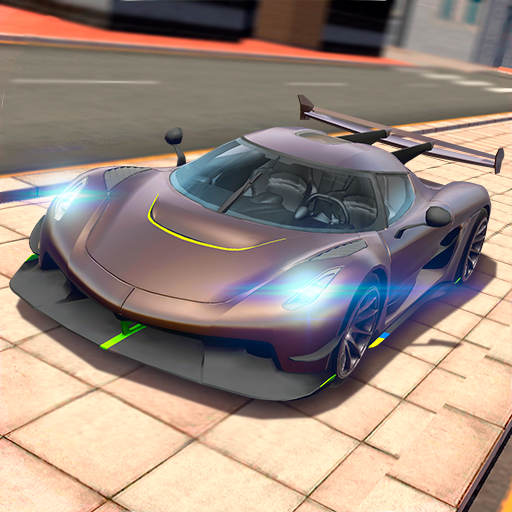
City Car Drifting & Racing 3d puts you behind the wheel of fast rides built to slide. This Racing title from Instant Play focuses on clean lines, smoky drifts, and tight city corners that beg to be threaded at speed. It’s all about feel: smooth controls, responsive cars, and a 3D city that rewards guts and precision.

Game Features

  • Authentic Drifting Feel: Balanced handling lets you kick the tail out, hold angle, and snap back in time for the next apex without fighting the car.
  • Urban Tracks with Attitude: Wind through busy city roads and detailed streets packed with tricky bends, hairpins, and long straights where you can open it up.
  • Drift Pro Mode: Chase high scores with clean entries, angle, and style—your skill behind the wheel decides who comes out on top.
  • Classic Racing Sprints: Prefer pure speed? Hit challenging tracks where tight lines and late braking shave off precious seconds.
  • Missions and Challenges: Knock out bite-size objectives—from time attacks to precision drift runs—that keep the action moving and your skills sharp.
  • Cars You Actually Want: Unlock powerful sports cars and tune performance to match your driving style, whether that’s grippy and tidy or wild and sideways.
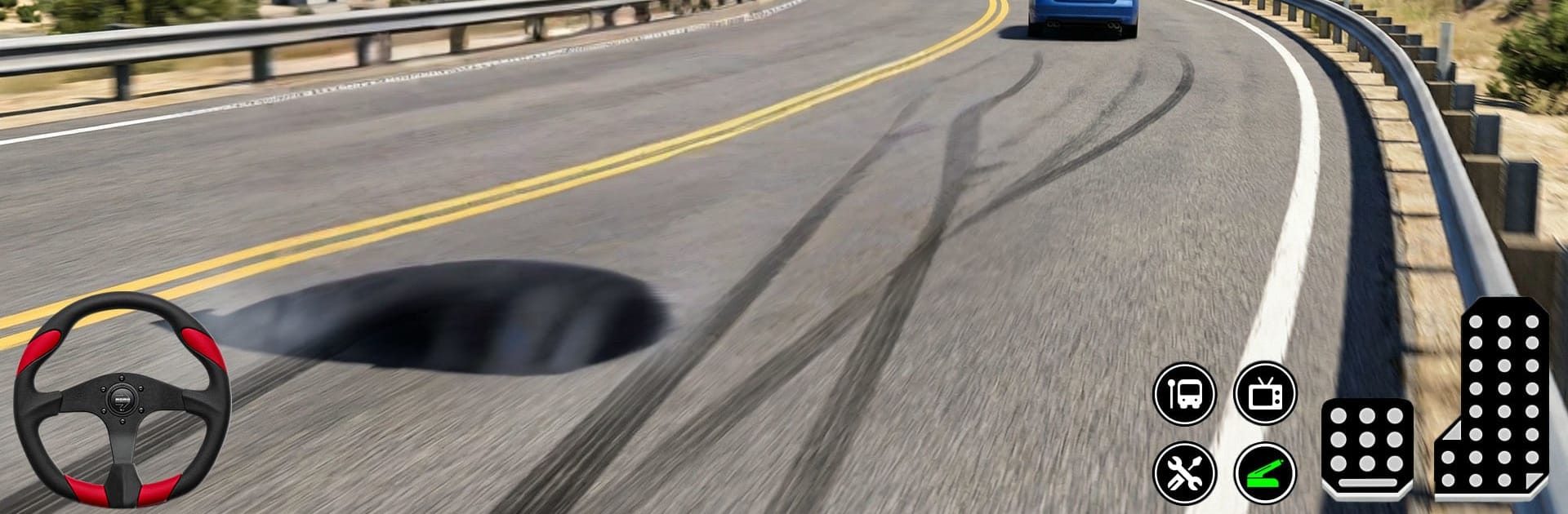
  • Slick Visuals, Smooth Controls: A dynamic 3D city, tire smoke, and responsive input make every slide feel satisfying.
  • Play Your Way: Touch-friendly on mobile, and it also feels great on BlueStacks if you like steering with a keyboard.

Start your journey now. Download the game on BlueStacks, invite your friends, and march on a new adventure.


Game Features

Enhancements

  • Macros
  • Multi Instance
  • Multi Instance Sync
  • Script
  • Enhancements
Macros

Macros

Automate the predictable in City Car Drifting & Racing 3d and transform your gameplay with Macros. Get access to inventive Macros in the BlueStacks Macro Community
Multi Instance

Multi Instance

Play City Car Drifting & Racing 3d on one window. And chat with your friend on the other. Press CTRL + Shift + 8 to open the Multi-Instance Manager. And start creating fresh instances or clone an existing one.
Multi Instance Sync

Multi Instance Sync

Play City Car Drifting & Racing 3d with the power of Multi-Instance Sync. Replicate what you are doing on the main instance on all other instances. Level up faster, play more.
Script

Script

Script your way to gaming glory in City Car Drifting & Racing 3d with BlueStacks Script. Write and run a set of commands to automate repeated tasks. Trigger the command by assigning it to any key.
Read More

How to Download and Play City Car Drifting & Racing 3d on PC or Mac

  • Download and install BlueStacks on your PC or Mac

  • Complete Google sign-in to access the Play Store, or do it later

  • Look for City Car Drifting & Racing 3d in the search bar at the top right corner

  • Click to install City Car Drifting & Racing 3d from the search results

  • Complete Google sign-in (if you skipped step 2) to install City Car Drifting & Racing 3d

  • Click the City Car Drifting & Racing 3d icon on the home screen to start playing

video
Watch Video

Minimum System Requirements

With BlueStacks 5, you can get started on a PC that fulfills the following requirements.

  • Operating System

    Microsoft Windows 7 or above, macOS 11 (Big Sur) or above

  • Processor

    Intel, AMD or Apple Silicon Processor

  • RAM

    at least 4GB

  • HDD

    10GB Free Disk Space

Note:

* You must be an Administrator on your PC. Up to date graphics drivers from Microsoft or the chipset vendor.

City Car Drifting & Racing 3d - FAQs

  • How to play City Car Drifting & Racing 3d on Windows PC & Mac?

    Play City Car Drifting & Racing 3d on your PC or Mac by following these simple steps.

    • Click on 'Play City Car Drifting & Racing 3d on PC’ to download BlueStacks
    • Install it and log-in to Google Play Store
    • Launch and play the game.
  • Why is BlueStacks the fastest and safest platform to play games on PC?

    BlueStacks respects your privacy and is always safe and secure to use. It does not carry any malware, spyware, or any sort of additional software that could harm your PC.

    It is engineered to optimize speed and performance for a seamless gaming experience.

  • What are City Car Drifting & Racing 3d PC requirements?

    Minimum requirement to run City Car Drifting & Racing 3d on your PC

    • OS: Microsoft Windows 7 or above MacOS 11 (Big Sur) or above
    • Processor: Intel, AMD or Apple Silicon Processor
    • RAM: Your PC must have at least 4GB of RAM. (Note that having 4GB or more disk space is not a substitute for RAM)
    • HDD: 10GB Free Disk Space.
    • You must be an Administrator on your PC.