Grand Theft Auto V
Grand Theft Auto V

Grand Theft Auto V

Racing

| Mushtaq Ahmad78

Play on PC with BlueStacks or from our cloud

  • Overview
  • Game Features
  • How to Play

Page Modified On: June 29, 2026

Play Grand Theft Auto V on PC or Mac

Grand Theft Auto V by Mushtaq Ahmad78 has plenty to keep you busy. BlueStacks lets you play it on PC or Mac with more screen space, better control, and fewer mobile limits.

About the Game

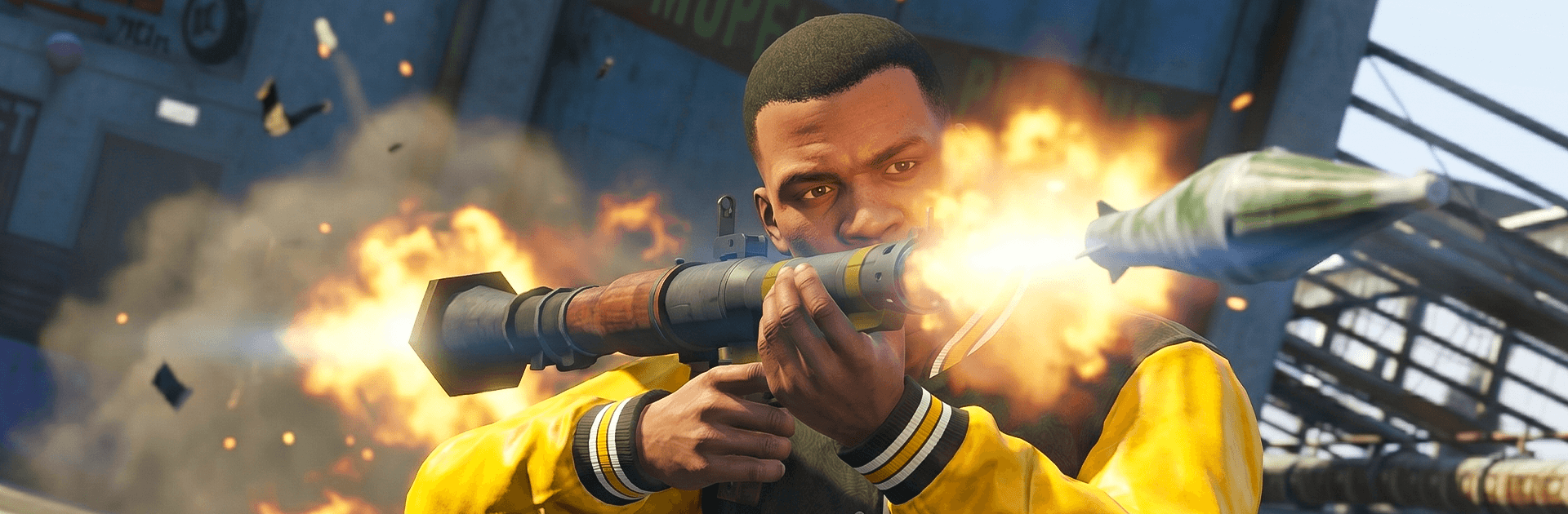
Grand Theft Auto V throws you into a high-octane world of fast getaways, bold heists, and wild stories across Los Santos and its sunbaked outskirts. You’ll hop between three very different antiheroes and tackle jobs from different angles—sometimes careful, sometimes chaotic, always thrilling. Expect tight driving, epic car chases, and that unmistakable rush that fans of the Racing vibe love.

Game Features

  • Three leads, one tangled saga: Swap between a sharp hustler, a seasoned pro, and a hothead to unlock fresh tactics, missions, and outcomes.
  • Switch on the fly: Jumping characters mid-mission opens up clever routes, split-second rescues, and new ways to pull off the perfect score.
  • Heists your way: Scope the target, pick your crew, and decide—sneak in quiet or go loud. Either way, plan your getaway like a pro.
  • A city that never sits still: From beachfront chaos to neon-lit blocks and dusty backroads, random encounters and side gigs keep the map buzzing.
  • Racing-grade pursuits: Street races, police tail-spins, and precision driving put your reflexes to work. Nail drifts, outsmart roadblocks, and own the asphalt.
  • Gearhead playground: Tune and customize cars and bikes, take to the skies in planes and choppers, hit the water, or even explore below the surface.
  • Online mayhem: Build your character, link up with crews, compete in races, and scrap over turf in a constantly evolving online scene.
  • Smooth, sharp, responsive: High-fidelity 3D visuals and flexible controls keep action crisp whether you’re cruising or causing a scene.
  • Play it your way on PC: Prefer a bigger view and custom controls? Fire it up on BlueStacks for clean visuals and handy key or gamepad mapping without fuss.

Get ready for a buttery smooth, high-performance gaming action only on BlueStacks.

Game Features

Enhancements

  • Macros
  • Multi Instance
  • Multi Instance Sync
  • Script
  • Enhancements
Macros

Macros

Automate the predictable in Grand Theft Auto V and transform your gameplay with Macros. Get access to inventive Macros in the BlueStacks Macro Community
Multi Instance

Multi Instance

Play Grand Theft Auto V on one window. And chat with your friend on the other. Press CTRL + Shift + 8 to open the Multi-Instance Manager. And start creating fresh instances or clone an existing one.
Multi Instance Sync

Multi Instance Sync

Play Grand Theft Auto V with the power of Multi-Instance Sync. Replicate what you are doing on the main instance on all other instances. Level up faster, play more.
Script

Script

Script your way to gaming glory in Grand Theft Auto V with BlueStacks Script. Write and run a set of commands to automate repeated tasks. Trigger the command by assigning it to any key.
Read More

How to Download and Play Grand Theft Auto V on PC or Mac

  • Download and install BlueStacks on your PC or Mac

  • Complete Google sign-in to access the Play Store, or do it later

  • Look for Grand Theft Auto V in the search bar at the top right corner

  • Click to install Grand Theft Auto V from the search results

  • Complete Google sign-in (if you skipped step 2) to install Grand Theft Auto V

  • Click the Grand Theft Auto V icon on the home screen to start playing

video
Watch Video

Minimum System Requirements

With BlueStacks 5, you can get started on a PC that fulfills the following requirements.

  • Operating System

    Microsoft Windows 7 or above, macOS 11 (Big Sur) or above

  • Processor

    Intel, AMD or Apple Silicon Processor

  • RAM

    at least 4GB

  • HDD

    10GB Free Disk Space

Note:

* You must be an Administrator on your PC. Up to date graphics drivers from Microsoft or the chipset vendor.

Grand Theft Auto V - FAQs

  • How to play Grand Theft Auto V on Windows PC & Mac?

    Play Grand Theft Auto V on your PC or Mac by following these simple steps.

    • Click on 'Play Grand Theft Auto V on PC’ to download BlueStacks
    • Install it and log-in to Google Play Store
    • Launch and play the game.
  • Why is BlueStacks the fastest and safest platform to play games on PC?

    BlueStacks respects your privacy and is always safe and secure to use. It does not carry any malware, spyware, or any sort of additional software that could harm your PC.

    It is engineered to optimize speed and performance for a seamless gaming experience.

  • What are Grand Theft Auto V PC requirements?

    Minimum requirement to run Grand Theft Auto V on your PC

    • OS: Microsoft Windows 7 or above MacOS 11 (Big Sur) or above
    • Processor: Intel, AMD or Apple Silicon Processor
    • RAM: Your PC must have at least 4GB of RAM. (Note that having 4GB or more disk space is not a substitute for RAM)
    • HDD: 10GB Free Disk Space.
    • You must be an Administrator on your PC.