Mad Racing by KoGames

Mad Racing by KoGames

Racing

| BooBooLab ltd

Play on PC with BlueStacks or from our cloud

  • Overview
  • Game Features
  • How to Play

Page Modified On: October 30, 2026

Play Mad Racing by KoGames on PC or Mac

Play Mad Racing by KoGames by BooBooLab ltd on PC or Mac with BlueStacks. Use a bigger screen, mouse and keyboard controls, and smoother performance while you play.

About the Game

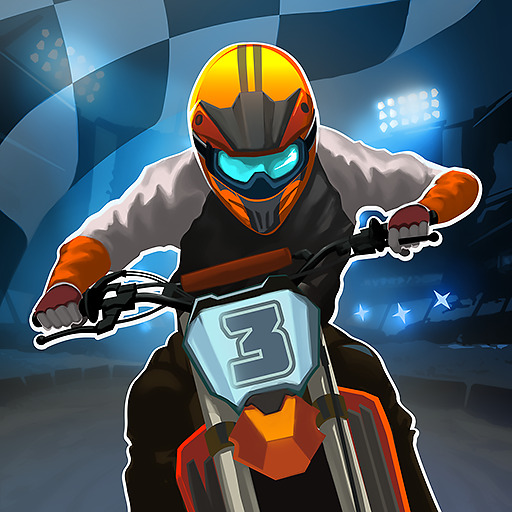
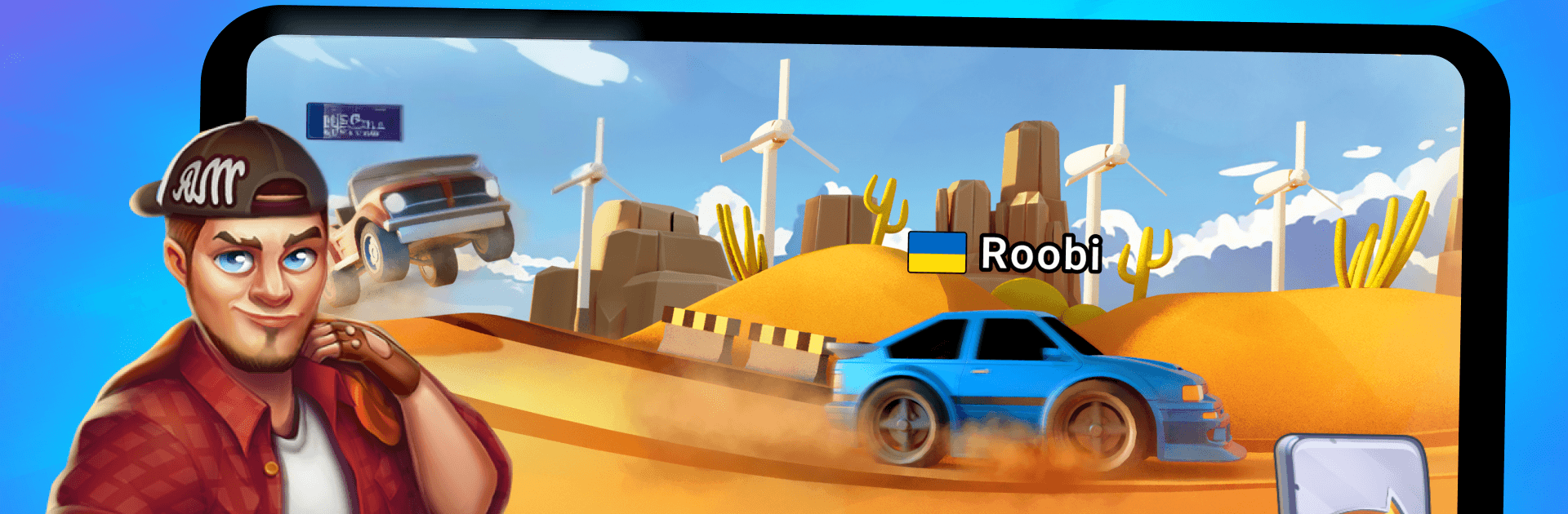
Mad Racing by KoGames is a fast-paced 2D Racing playground built for anyone who craves tight tracks, big air, and head-to-head showdowns. You’ll swap between wild vehicles, learn the quirks of each hilltop course, and chase cleaner runs as you climb through competitive modes and a solo campaign. Prefer a bigger screen and crisp inputs? It runs smoothly on PC with BlueStacks, too.

Game Features

  • Real opponents, instant matchups: Go head-to-head with players worldwide in quick sessions that test timing, balance, and guts.
  • Play with friends: Spin up a private room, share an invite, and settle bragging rights on the same course.
  • Single-player campaign: Work through a curated path of stages to sharpen your lines, unlock goodies, and prove consistency.
  • A garage full of toys: Swap between sleek sports cars, nimble motorcycles, grippy ATVs, and ground-shaking monster trucks to fit the terrain.
  • Tracks with attitude: Master steep climbs, floaty jumps, looping drops, and sneaky traps across dozens of handcrafted hilltop routes.
  • Physics that reward skill: Control throttle and balance to carry speed, clear gaps, and stick buttery landings.
  • Build it your way: Upgrade performance parts, collect skins, and turn your ride into something unmistakably yours.
  • Cups and championships: Enter structured competitions, climb brackets, and take home meaningful prizes.
  • Eye-catching backdrops: Speed through colorful locations that keep the focus on the next obstacle—and the perfect line.
  • Quick to learn, hard to quit: Short runs, fast restarts, and noticeable progress make “one more try” a real thing.

Ready to top the leaderboard? We bet you do. Let precise controls and sharp visuals optimized on BlueStacks lead you to victory.


Game Features

Enhancements

  • Macros
  • Multi Instance
  • Multi Instance Sync
  • Script
  • Enhancements
Macros

Macros

Automate the predictable in Mad Racing by KoGames and transform your gameplay with Macros. Get access to inventive Macros in the BlueStacks Macro Community
Multi Instance

Multi Instance

Play Mad Racing by KoGames on one window. And chat with your friend on the other. Press CTRL + Shift + 8 to open the Multi-Instance Manager. And start creating fresh instances or clone an existing one.
Multi Instance Sync

Multi Instance Sync

Play Mad Racing by KoGames with the power of Multi-Instance Sync. Replicate what you are doing on the main instance on all other instances. Level up faster, play more.
Script

Script

Script your way to gaming glory in Mad Racing by KoGames with BlueStacks Script. Write and run a set of commands to automate repeated tasks. Trigger the command by assigning it to any key.
Read More

How to Download and Play Mad Racing by KoGames on PC or Mac

  • Download and install BlueStacks on your PC or Mac

  • Complete Google sign-in to access the Play Store, or do it later

  • Look for Mad Racing by KoGames in the search bar at the top right corner

  • Click to install Mad Racing by KoGames from the search results

  • Complete Google sign-in (if you skipped step 2) to install Mad Racing by KoGames

  • Click the Mad Racing by KoGames icon on the home screen to start playing

video
Watch Video

Minimum System Requirements

With BlueStacks 5, you can get started on a PC that fulfills the following requirements.

  • Operating System

    Microsoft Windows 7 or above, macOS 11 (Big Sur) or above

  • Processor

    Intel, AMD or Apple Silicon Processor

  • RAM

    at least 4GB

  • HDD

    10GB Free Disk Space

Note:

* You must be an Administrator on your PC. Up to date graphics drivers from Microsoft or the chipset vendor.

Mad Racing by KoGames - FAQs

  • How to play Mad Racing by KoGames on Windows PC & Mac?

    Play Mad Racing by KoGames on your PC or Mac by following these simple steps.

    • Click on 'Play Mad Racing by KoGames on PC’ to download BlueStacks
    • Install it and log-in to Google Play Store
    • Launch and play the game.
  • Why is BlueStacks the fastest and safest platform to play games on PC?

    BlueStacks respects your privacy and is always safe and secure to use. It does not carry any malware, spyware, or any sort of additional software that could harm your PC.

    It is engineered to optimize speed and performance for a seamless gaming experience.

  • What are Mad Racing by KoGames PC requirements?

    Minimum requirement to run Mad Racing by KoGames on your PC

    • OS: Microsoft Windows 7 or above MacOS 11 (Big Sur) or above
    • Processor: Intel, AMD or Apple Silicon Processor
    • RAM: Your PC must have at least 4GB of RAM. (Note that having 4GB or more disk space is not a substitute for RAM)
    • HDD: 10GB Free Disk Space.
    • You must be an Administrator on your PC.