Mega Ramp Car Stunt Driving 3D

Mega Ramp Car Stunt Driving 3D

Racing

| Master Minds Studio

Play on PC with BlueStacks or from our cloud

  • Overview
  • Game Features
  • How to Play

Page Modified On: April 21, 2026

Play Mega Ramp Car Stunt Driving 3D on PC or Mac

Bring your A-game to Mega Ramp Car Stunt Driving 3D, the Racing game sensation from Master Minds Studio. Give your gameplay the much-needed boost with precise game controls, high FPS graphics, and top-tier features on your PC or Mac with BlueStacks.

About the Game

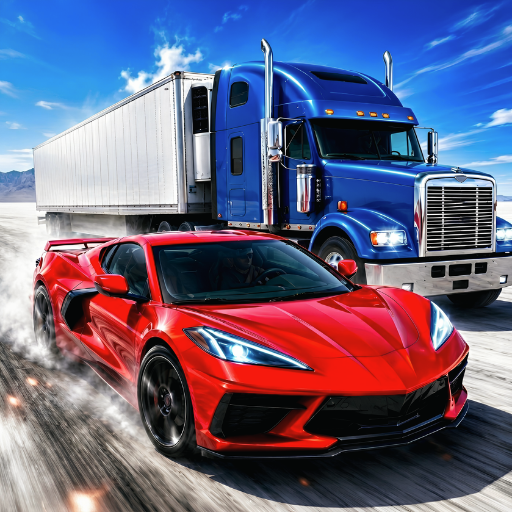
Mega Ramp Car Stunt Driving 3D is for players who like their Racing loud, fast, and a little unruly. Built by Master Minds Studio, it throws you onto wild tracks packed with giant ramps, sharp city turns, and split-second choices that either make you a hero or a highlight reel. It’s got that sweet spot of arcade speed with handling that actually makes sense, so landing a clean run feels seriously good.

Game Features

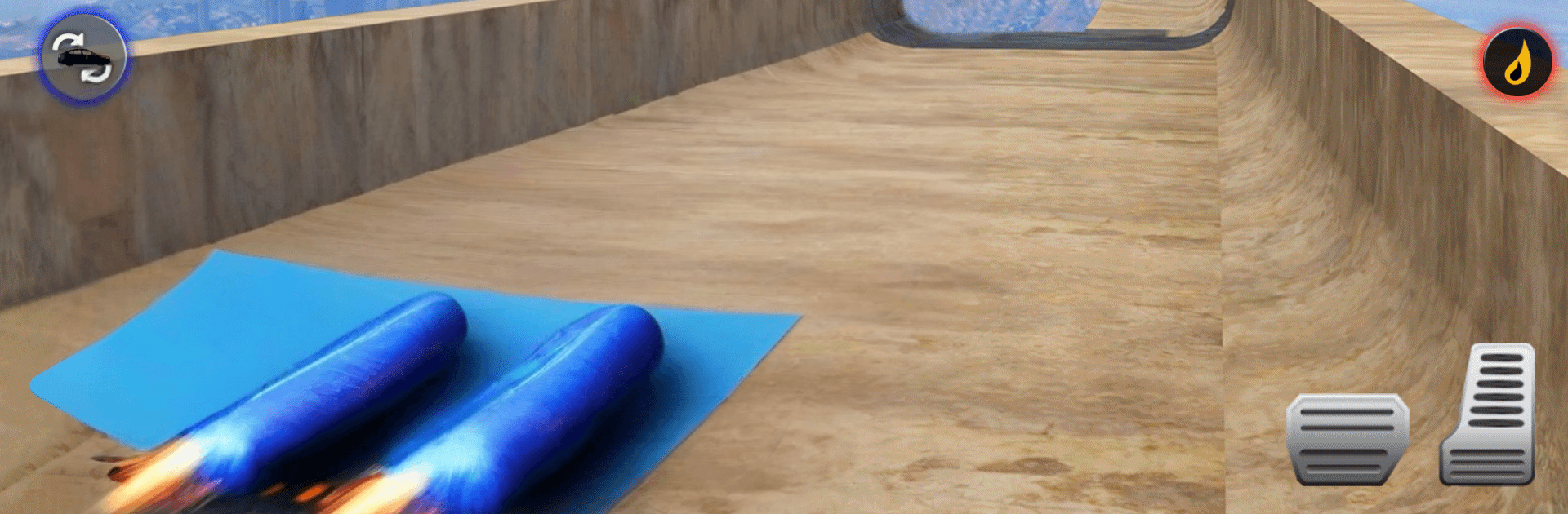
  • Mega ramps and city tracks: Launch into big-air jumps, thread through tight streets, and chain risky moves to keep your momentum alive.
  • Handling that rewards skill: Cars feel distinct—lightweights snap through corners while heavier rides bite into the road—so learning each one really pays off.
  • Deep tuning and style: Swap engines, tweak gearing, and dress up your ride with custom interiors to match the way you drive.
  • Multiple ways to compete: Face rival crews, chase championships, and show up to underground invitationals where bragging rights are everything.
  • Dynamic race conditions: Day turns to night, weather rolls in, and your lines have to change with the track.
  • Clean, responsive controls: Easy to pick up, smooth to master; it also plays great on PC with BlueStacks if you prefer a bigger screen and precise inputs.
  • Big sound, sharp visuals: Roaring engines, punchy effects, and slick animations make every landing, drift, and overtake feel impactful.
  • Ramps, traffic, and hazards: Dodge obstacles, pick smart overtakes, and use 3D stunt ramps to outpace the pack.
  • On-track boosts: Snag health pickups and keep your run alive when things get messy.
  • Missions and progression: Tackle challenging levels, unlock new events, and build a reputation one hard-fought win at a time.

Ready to top the leaderboard? We bet you do. Let precise controls and sharp visuals optimized on BlueStacks lead you to victory.


Game Features

Enhancements

  • Macros
  • Multi Instance
  • Multi Instance Sync
  • Script
  • Enhancements
Macros

Macros

Automate the predictable in Mega Ramp Car Stunt Driving 3D and transform your gameplay with Macros. Get access to inventive Macros in the BlueStacks Macro Community
Multi Instance

Multi Instance

Play Mega Ramp Car Stunt Driving 3D on one window. And chat with your friend on the other. Press CTRL + Shift + 8 to open the Multi-Instance Manager. And start creating fresh instances or clone an existing one.
Multi Instance Sync

Multi Instance Sync

Play Mega Ramp Car Stunt Driving 3D with the power of Multi-Instance Sync. Replicate what you are doing on the main instance on all other instances. Level up faster, play more.
Script

Script

Script your way to gaming glory in Mega Ramp Car Stunt Driving 3D with BlueStacks Script. Write and run a set of commands to automate repeated tasks. Trigger the command by assigning it to any key.
Read More

How to Download and Play Mega Ramp Car Stunt Driving 3D on PC or Mac

  • Download and install BlueStacks on your PC or Mac

  • Complete Google sign-in to access the Play Store, or do it later

  • Look for Mega Ramp Car Stunt Driving 3D in the search bar at the top right corner

  • Click to install Mega Ramp Car Stunt Driving 3D from the search results

  • Complete Google sign-in (if you skipped step 2) to install Mega Ramp Car Stunt Driving 3D

  • Click the Mega Ramp Car Stunt Driving 3D icon on the home screen to start playing

video
Watch Video

Minimum System Requirements

With BlueStacks 5, you can get started on a PC that fulfills the following requirements.

  • Operating System

    Microsoft Windows 7 or above, macOS 11 (Big Sur) or above

  • Processor

    Intel, AMD or Apple Silicon Processor

  • RAM

    at least 4GB

  • HDD

    10GB Free Disk Space

Note:

* You must be an Administrator on your PC. Up to date graphics drivers from Microsoft or the chipset vendor.

Mega Ramp Car Stunt Driving 3D - FAQs

  • How to play Mega Ramp Car Stunt Driving 3D on Windows PC & Mac?

    Play Mega Ramp Car Stunt Driving 3D on your PC or Mac by following these simple steps.

    • Click on 'Play Mega Ramp Car Stunt Driving 3D on PC’ to download BlueStacks
    • Install it and log-in to Google Play Store
    • Launch and play the game.
  • Why is BlueStacks the fastest and safest platform to play games on PC?

    BlueStacks respects your privacy and is always safe and secure to use. It does not carry any malware, spyware, or any sort of additional software that could harm your PC.

    It is engineered to optimize speed and performance for a seamless gaming experience.

  • What are Mega Ramp Car Stunt Driving 3D PC requirements?

    Minimum requirement to run Mega Ramp Car Stunt Driving 3D on your PC

    • OS: Microsoft Windows 7 or above MacOS 11 (Big Sur) or above
    • Processor: Intel, AMD or Apple Silicon Processor
    • RAM: Your PC must have at least 4GB of RAM. (Note that having 4GB or more disk space is not a substitute for RAM)
    • HDD: 10GB Free Disk Space.
    • You must be an Administrator on your PC.