NSR Street Car Racing

NSR Street Car Racing

Racing

| Yes2Games

Play on PC with BlueStacks or from our cloud

  • Overview
  • Game Features
  • How to Play

Page Modified On: May 25, 2026

Play NSR Street Car Racing on PC or Mac

Bring your A-game to NSR Street Car Racing, the Racing game sensation from Yes2Games. Give your gameplay the much-needed boost with precise game controls, high FPS graphics, and top-tier features on your PC or Mac with BlueStacks.

About the Game

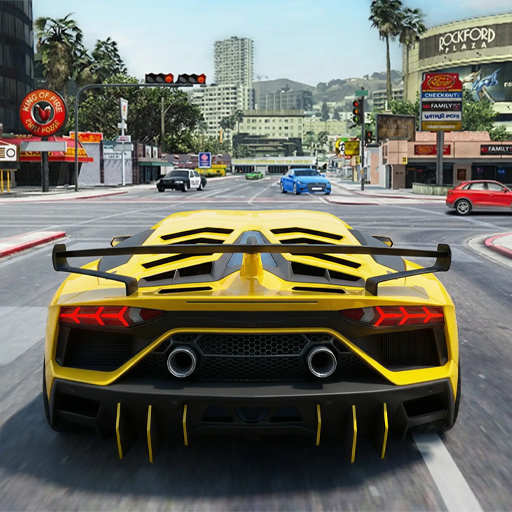
NSR Street Car Racing drops you onto glossy night streets and tight city circuits where skill beats luck. It’s a fast, skill-first Racing experience built around precise drifting, smart nitro timing, and online matchups with real rivals. Prefer playing on a PC? It runs on BlueStacks, too.

Game Features

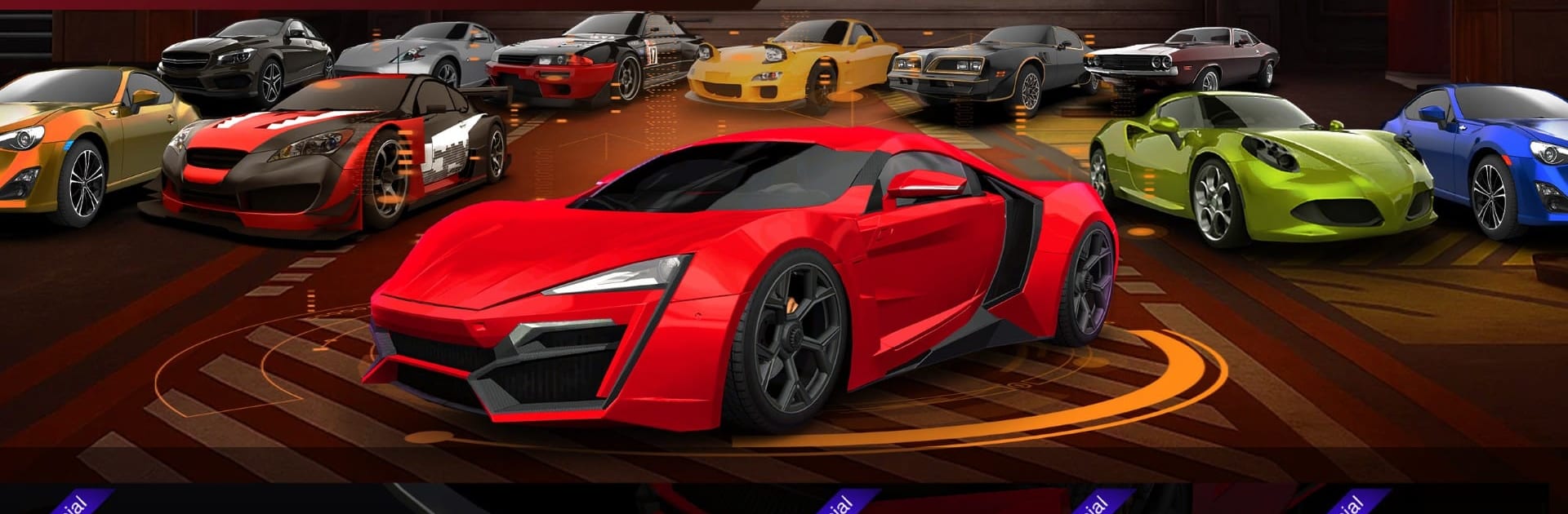
  • Big Garage, Bigger Choices: Collect a wide lineup of street legends and modern performance cars, each with its own feel, strengths, and upgrade paths.
  • Event Variety: Try city circuits, time trials, and focused challenges that push different parts of your driving game—from clean lines to raw speed.
  • Head-to-Head Multiplayer: Go wheel-to-wheel with racers from around the world and climb global leaderboards by outdrifting and outsmarting real opponents.
  • Precision Drift Physics: A handling model that rewards throttle control, weight transfer, and bold angles, letting you hold speed through tough corners.
  • Smart Nitro Use: Build your boost, time it on exits or long straights, and make passes stick when it matters most.
  • Deep Tuning & Upgrades: Bolt on performance parts, tweak setups to match each track, and personalize your ride so it looks and drives your way.
  • Skill-First Controls: Responsive steering and braking put the focus on timing and racing lines—small mistakes cost seconds, clean laps feel amazing.
  • Career That Pushes Back: Work through a structured mode that steadily ramps up difficulty, unlocks faster cars, and introduces trickier tracks.
  • City Tracks With Personality: Learn neon boulevards, technical backstreets, and sweeping expressways; memorize braking points and shave off tenths lap by lap.
  • Stats That Matter: Track achievements and your spot on the leaderboards to see how your progress stacks up against the competition.

Get ready for a buttery smooth, high-performance gaming action only on BlueStacks.

Game Features

Enhancements

  • Macros
  • Multi Instance
  • Multi Instance Sync
  • Script
  • Enhancements
Macros

Macros

Automate the predictable in NSR Street Car Racing and transform your gameplay with Macros. Get access to inventive Macros in the BlueStacks Macro Community
Multi Instance

Multi Instance

Play NSR Street Car Racing on one window. And chat with your friend on the other. Press CTRL + Shift + 8 to open the Multi-Instance Manager. And start creating fresh instances or clone an existing one.
Multi Instance Sync

Multi Instance Sync

Play NSR Street Car Racing with the power of Multi-Instance Sync. Replicate what you are doing on the main instance on all other instances. Level up faster, play more.
Script

Script

Script your way to gaming glory in NSR Street Car Racing with BlueStacks Script. Write and run a set of commands to automate repeated tasks. Trigger the command by assigning it to any key.
Read More

How to Download and Play NSR Street Car Racing on PC or Mac

  • Download and install BlueStacks on your PC or Mac

  • Complete Google sign-in to access the Play Store, or do it later

  • Look for NSR Street Car Racing in the search bar at the top right corner

  • Click to install NSR Street Car Racing from the search results

  • Complete Google sign-in (if you skipped step 2) to install NSR Street Car Racing

  • Click the NSR Street Car Racing icon on the home screen to start playing

video
Watch Video

Minimum System Requirements

With BlueStacks 5, you can get started on a PC that fulfills the following requirements.

  • Operating System

    Microsoft Windows 7 or above, macOS 11 (Big Sur) or above

  • Processor

    Intel, AMD or Apple Silicon Processor

  • RAM

    at least 4GB

  • HDD

    10GB Free Disk Space

Note:

* You must be an Administrator on your PC. Up to date graphics drivers from Microsoft or the chipset vendor.

NSR Street Car Racing - FAQs

  • How to play NSR Street Car Racing on Windows PC & Mac?

    Play NSR Street Car Racing on your PC or Mac by following these simple steps.

    • Click on 'Play NSR Street Car Racing on PC’ to download BlueStacks
    • Install it and log-in to Google Play Store
    • Launch and play the game.
  • Why is BlueStacks the fastest and safest platform to play games on PC?

    BlueStacks respects your privacy and is always safe and secure to use. It does not carry any malware, spyware, or any sort of additional software that could harm your PC.

    It is engineered to optimize speed and performance for a seamless gaming experience.

  • What are NSR Street Car Racing PC requirements?

    Minimum requirement to run NSR Street Car Racing on your PC

    • OS: Microsoft Windows 7 or above MacOS 11 (Big Sur) or above
    • Processor: Intel, AMD or Apple Silicon Processor
    • RAM: Your PC must have at least 4GB of RAM. (Note that having 4GB or more disk space is not a substitute for RAM)
    • HDD: 10GB Free Disk Space.
    • You must be an Administrator on your PC.