Real Car Racing Ultimate

Real Car Racing Ultimate

Racing

| Arcane Game Studio

Play on PC with BlueStacks or from our cloud

  • Overview
  • Game Features
  • How to Play

Page Modified On: April 21, 2026

Play Real Car Racing Ultimate on PC or Mac

Step into the World of Real Car Racing Ultimate, a thrilling Racing game from the house of Arcane Game Studio. Play this Android game on BlueStacks App Player and experience immersive gaming on PC or Mac.

About the Game

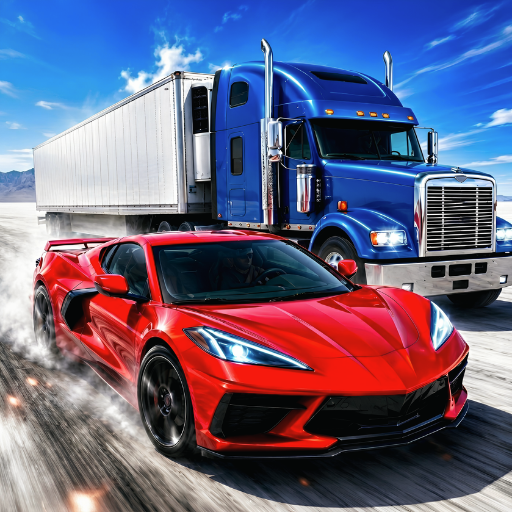
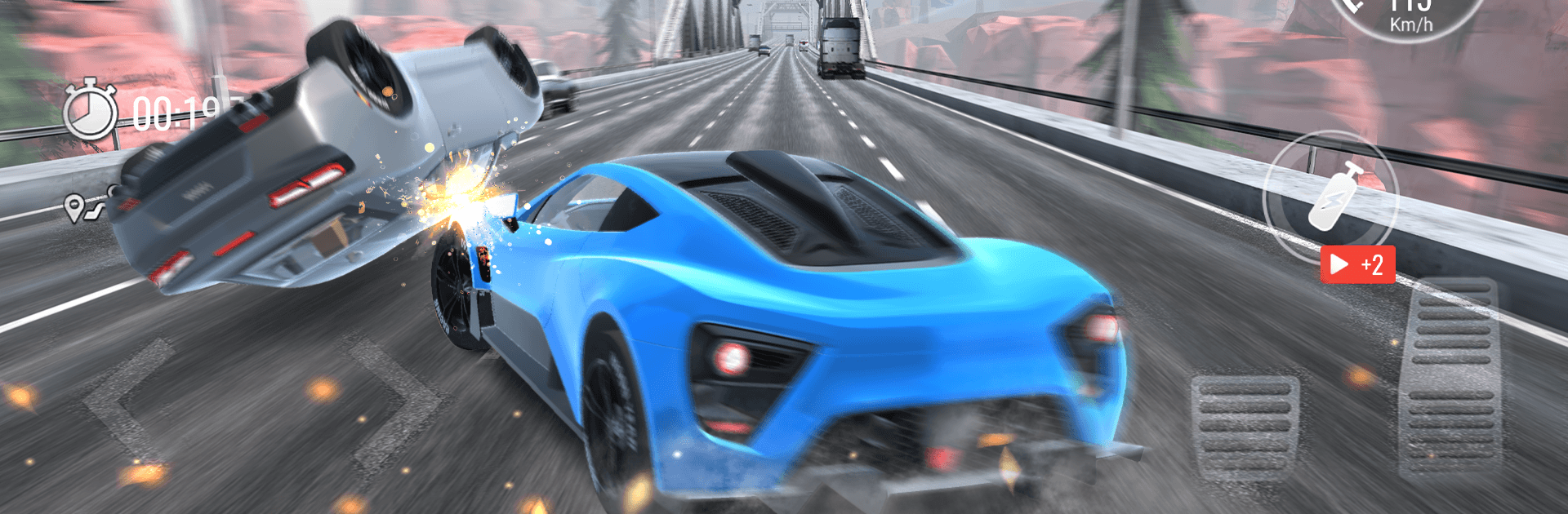
Real Car Racing Ultimate is all about clean lines, tight turns, and the thrill of threading through traffic without lifting off the gas. Built by Arcane Game Studio, this Racing title drops you onto busy city roads and wide-open highways with handling that actually feels right. Want to chill and cruise or chase new records? It’s built for both, and it also runs smoothly on BlueStacks if you’re into playing on a bigger screen.

Game Features

  • Authentic road feel: Cars react to your inputs with satisfying grip and weight, so every pass, brake check, and late apex matters.
  • Dynamic traffic: Navigate living traffic patterns that keep you alert—rush-hour bunches, clean gaps, and the occasional surprise lane change.
  • City-to-highway routes: Tackle sleek downtown loops, long straights, and tricky intersections that reward sharp timing and clean lines.
  • Multiple modes: Swap between open cruising, beat-the-clock time trials, and all-out sprints, each with rewards that push your progress forward.
  • Build your garage: Unlock new rides, tune performance parts, and tweak setups to match how you like to drive.
  • Smooth, accessible controls: Easy to pick up for newcomers and precise enough for veterans, so you can focus on hitting that perfect run.
  • Goals and rewards: Complete bite-sized challenges, stack up credits, and keep upgrading to take on tougher routes and faster targets.

Ready to top the leaderboard? We bet you do. Let precise controls and sharp visuals optimized on BlueStacks lead you to victory.


Game Features

Enhancements

  • Macros
  • Multi Instance
  • Multi Instance Sync
  • Script
  • Enhancements
Macros

Macros

Automate the predictable in Real Car Racing Ultimate and transform your gameplay with Macros. Get access to inventive Macros in the BlueStacks Macro Community
Multi Instance

Multi Instance

Play Real Car Racing Ultimate on one window. And chat with your friend on the other. Press CTRL + Shift + 8 to open the Multi-Instance Manager. And start creating fresh instances or clone an existing one.
Multi Instance Sync

Multi Instance Sync

Play Real Car Racing Ultimate with the power of Multi-Instance Sync. Replicate what you are doing on the main instance on all other instances. Level up faster, play more.
Script

Script

Script your way to gaming glory in Real Car Racing Ultimate with BlueStacks Script. Write and run a set of commands to automate repeated tasks. Trigger the command by assigning it to any key.
Read More

How to Download and Play Real Car Racing Ultimate on PC or Mac

  • Download and install BlueStacks on your PC or Mac

  • Complete Google sign-in to access the Play Store, or do it later

  • Look for Real Car Racing Ultimate in the search bar at the top right corner

  • Click to install Real Car Racing Ultimate from the search results

  • Complete Google sign-in (if you skipped step 2) to install Real Car Racing Ultimate

  • Click the Real Car Racing Ultimate icon on the home screen to start playing

video
Watch Video

Minimum System Requirements

With BlueStacks 5, you can get started on a PC that fulfills the following requirements.

  • Operating System

    Microsoft Windows 7 or above, macOS 11 (Big Sur) or above

  • Processor

    Intel, AMD or Apple Silicon Processor

  • RAM

    at least 4GB

  • HDD

    10GB Free Disk Space

Note:

* You must be an Administrator on your PC. Up to date graphics drivers from Microsoft or the chipset vendor.

Real Car Racing Ultimate - FAQs

  • How to play Real Car Racing Ultimate on Windows PC & Mac?

    Play Real Car Racing Ultimate on your PC or Mac by following these simple steps.

    • Click on 'Play Real Car Racing Ultimate on PC’ to download BlueStacks
    • Install it and log-in to Google Play Store
    • Launch and play the game.
  • Why is BlueStacks the fastest and safest platform to play games on PC?

    BlueStacks respects your privacy and is always safe and secure to use. It does not carry any malware, spyware, or any sort of additional software that could harm your PC.

    It is engineered to optimize speed and performance for a seamless gaming experience.

  • What are Real Car Racing Ultimate PC requirements?

    Minimum requirement to run Real Car Racing Ultimate on your PC

    • OS: Microsoft Windows 7 or above MacOS 11 (Big Sur) or above
    • Processor: Intel, AMD or Apple Silicon Processor
    • RAM: Your PC must have at least 4GB of RAM. (Note that having 4GB or more disk space is not a substitute for RAM)
    • HDD: 10GB Free Disk Space.
    • You must be an Administrator on your PC.