Speedy Car Racing 3D

Speedy Car Racing 3D

Racing

| 1der Sports

Play on PC with BlueStacks or from our cloud

  • Overview
  • Game Features
  • How to Play

Page Modified On: August 31, 2026

Play Speedy Car Racing 3D on PC or Mac

Explore a whole new adventure with Speedy Car Racing 3D, a Racing game created by 1der Sports. Experience great gameplay with BlueStacks, the most popular gaming platform to play Android games on your PC or Mac.

About the Game

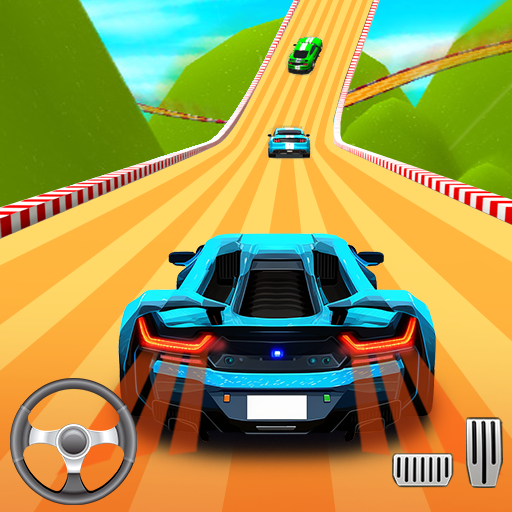
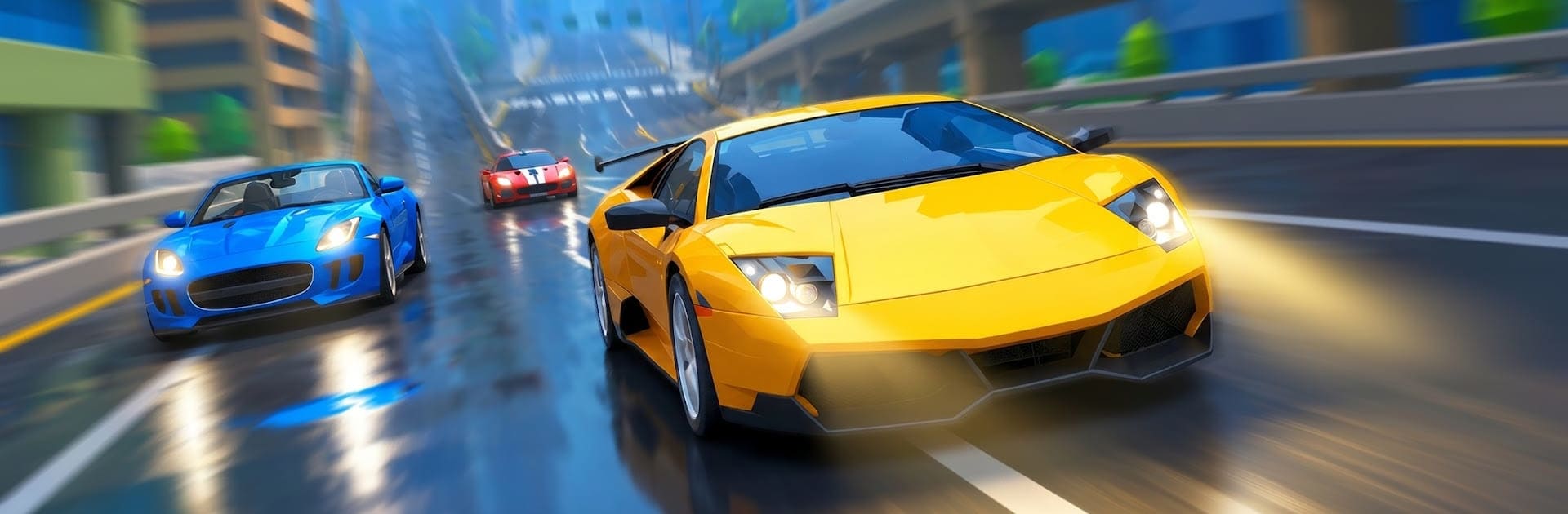
Speedy Car Racing 3D puts you on fast, twisty roads where timing and control matter more than anything. It’s a Racing rush built around crisp drifts, sneaky hazards, and that constant itch to push a little faster on the next run. Want a big-screen setup? It also plays smoothly on BlueStacks for a clean, responsive feel.

Game Features

  • Smooth, pick-up-and-play controls: Learn the basics in a minute, then spend the next hour shaving seconds off your best times.
  • Satisfying drift handling: Slide into corners, hold the line, and rocket out with speed to spare—clean drifts feel seriously rewarding.
  • Hazard-packed routes: Weave past roadblocks and unexpected obstacles while reading the track ahead and staying cool under pressure.
  • Momentum-focused racing: Keep the throttle steady, link your slides, and carry speed through turns to stay in front.
  • Varied track layouts: Blast through sweeping bends, tight hairpins, and tricky S-curves that constantly mix up your approach.
  • Short bursts or long sessions: Jump in for a quick race or chase back-to-back wins when you’re in the zone.
  • Feedback that fuels the rush: Crisp visuals and punchy engine sounds make every overtake and near-miss feel extra sharp.
  • Fair challenge curve: Early runs are friendly, but the difficulty ramps up as tracks get busier, tighter, and a lot more intense.

BlueStacks gives you more room to focus on the game and less time adjusting around mobile limitations.


Game Features

Enhancements

  • Macros
  • Multi Instance
  • Multi Instance Sync
  • Script
  • Enhancements
Macros

Macros

Automate the predictable in Speedy Car Racing 3D and transform your gameplay with Macros. Get access to inventive Macros in the BlueStacks Macro Community
Multi Instance

Multi Instance

Play Speedy Car Racing 3D on one window. And chat with your friend on the other. Press CTRL + Shift + 8 to open the Multi-Instance Manager. And start creating fresh instances or clone an existing one.
Multi Instance Sync

Multi Instance Sync

Play Speedy Car Racing 3D with the power of Multi-Instance Sync. Replicate what you are doing on the main instance on all other instances. Level up faster, play more.
Script

Script

Script your way to gaming glory in Speedy Car Racing 3D with BlueStacks Script. Write and run a set of commands to automate repeated tasks. Trigger the command by assigning it to any key.
Read More

How to Download and Play Speedy Car Racing 3D on PC or Mac

  • Download and install BlueStacks on your PC or Mac

  • Complete Google sign-in to access the Play Store, or do it later

  • Look for Speedy Car Racing 3D in the search bar at the top right corner

  • Click to install Speedy Car Racing 3D from the search results

  • Complete Google sign-in (if you skipped step 2) to install Speedy Car Racing 3D

  • Click the Speedy Car Racing 3D icon on the home screen to start playing

video
Watch Video

Minimum System Requirements

With BlueStacks 5, you can get started on a PC that fulfills the following requirements.

  • Operating System

    Microsoft Windows 7 or above, macOS 11 (Big Sur) or above

  • Processor

    Intel, AMD or Apple Silicon Processor

  • RAM

    at least 4GB

  • HDD

    10GB Free Disk Space

Note:

* You must be an Administrator on your PC. Up to date graphics drivers from Microsoft or the chipset vendor.

Speedy Car Racing 3D - FAQs

  • How to play Speedy Car Racing 3D on Windows PC & Mac?

    Play Speedy Car Racing 3D on your PC or Mac by following these simple steps.

    • Click on 'Play Speedy Car Racing 3D on PC’ to download BlueStacks
    • Install it and log-in to Google Play Store
    • Launch and play the game.
  • Why is BlueStacks the fastest and safest platform to play games on PC?

    BlueStacks respects your privacy and is always safe and secure to use. It does not carry any malware, spyware, or any sort of additional software that could harm your PC.

    It is engineered to optimize speed and performance for a seamless gaming experience.

  • What are Speedy Car Racing 3D PC requirements?

    Minimum requirement to run Speedy Car Racing 3D on your PC

    • OS: Microsoft Windows 7 or above MacOS 11 (Big Sur) or above
    • Processor: Intel, AMD or Apple Silicon Processor
    • RAM: Your PC must have at least 4GB of RAM. (Note that having 4GB or more disk space is not a substitute for RAM)
    • HDD: 10GB Free Disk Space.
    • You must be an Administrator on your PC.