Cabal Revolution
Cabal Revolution

Cabal Revolution

Role Playing

| CBSOFT COMPANY LIMITED

Play on PC with BlueStacks or from our cloud

  • Overview
  • Game Features
  • How to Play

Page Modified On: November 12, 2026

Play Cabal Revolution on PC or Mac

Bring your A-game to Cabal Revolution, the Role Playing game sensation from CBSOFT COMPANY LIMITED. Give your gameplay the much-needed boost with precise game controls, high FPS graphics, and top-tier features on your PC or Mac with BlueStacks.

About the Game

Cabal Revolution gives a classic favorite a bold refresh, trading grindy routines for smarter systems and punchier action. This Role Playing adventure lets you pick a class, craft a build, and put it to the test across slick dungeons and big, faction-based wars. Prefer a bigger screen and tighter controls? It runs smoothly on BlueStacks with zero hassle.

Game Features

  • Nine unique classes: Choose from nine roles—including the elusive Dark Mage—with freshly tuned skills that make every class feel distinct in solo play and group fights.
  • Flow-state combat: String abilities together in real time and flip on Combo Mode to keep pressure high while you weave attacks, cancels, and finishers.
  • Build freedom: Blend Mastery Passives, skill options, and gear picks to lock in a playstyle that actually feels like yours.
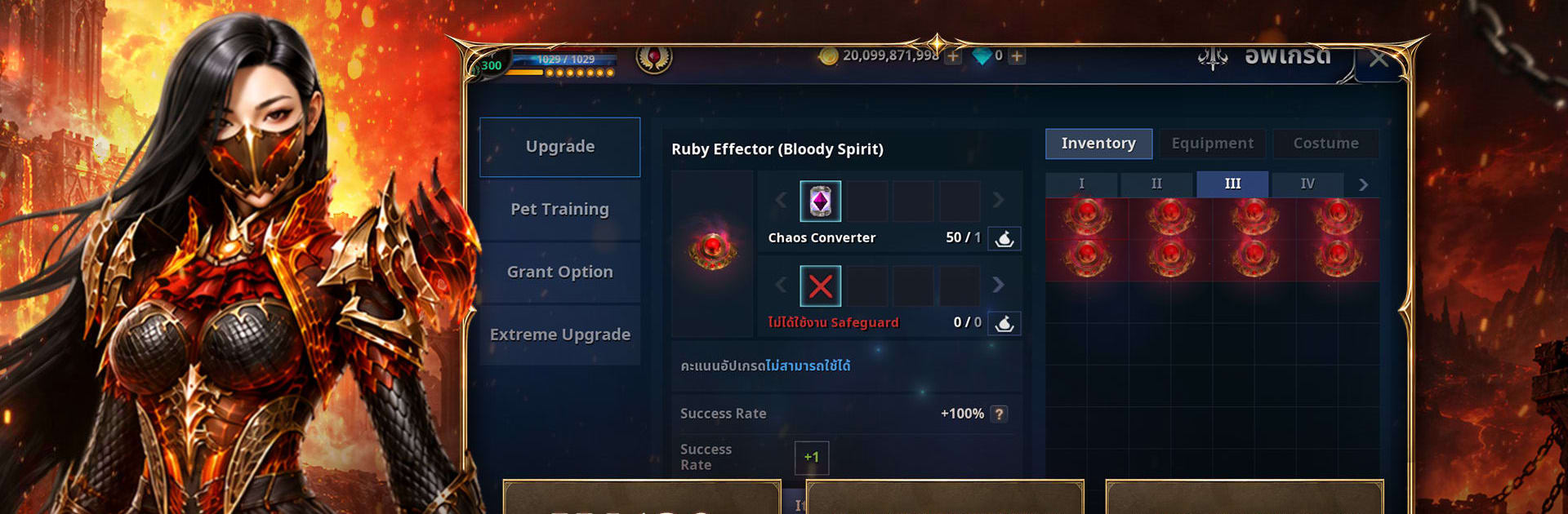
  • Deep gear upgrades: Push equipment through Extreme, Chaos, and Divine upgrade paths, and tap the returning Effector System to boost signature skills even further.
  • Evolved dungeons: A cleaner dungeon structure keeps runs snappy and rewarding, with optional boosts when you want to squeeze extra loot out of each clear.
  • Nation Wars, your way: Pledge to Capella or Procyon and storm large-scale battlefields, climbing ranks and chasing prestige titles like Bringer and Guardian.
  • Player-driven progression: Grow by playing—manage resources, choose meaningful upgrades, and chart the path that gets your character powerful on your terms.

Ready to top the leaderboard? We bet you do. Let precise controls and sharp visuals optimized on BlueStacks lead you to victory.


Game Features

Enhancements

  • Macros
  • Rerolling
  • Eco Mode
  • Multi Instance Sync
  • Enhancements
Macros

Macros

Focus more on the fun part of the game, skip the tedious aspects. Master Cabal Revolution with Macros. Record yourself completing the monotonous tasks you wish to automate and replay them later with just one keypress.
Rerolling

Rerolling

Speed up the rerolling process in Cabal Revolution. Perform multiple summons and keep looking for the best Heroes. Use Multi-Instance sync to replicate the rerolling mechanism in all instances.
Eco Mode

Eco Mode

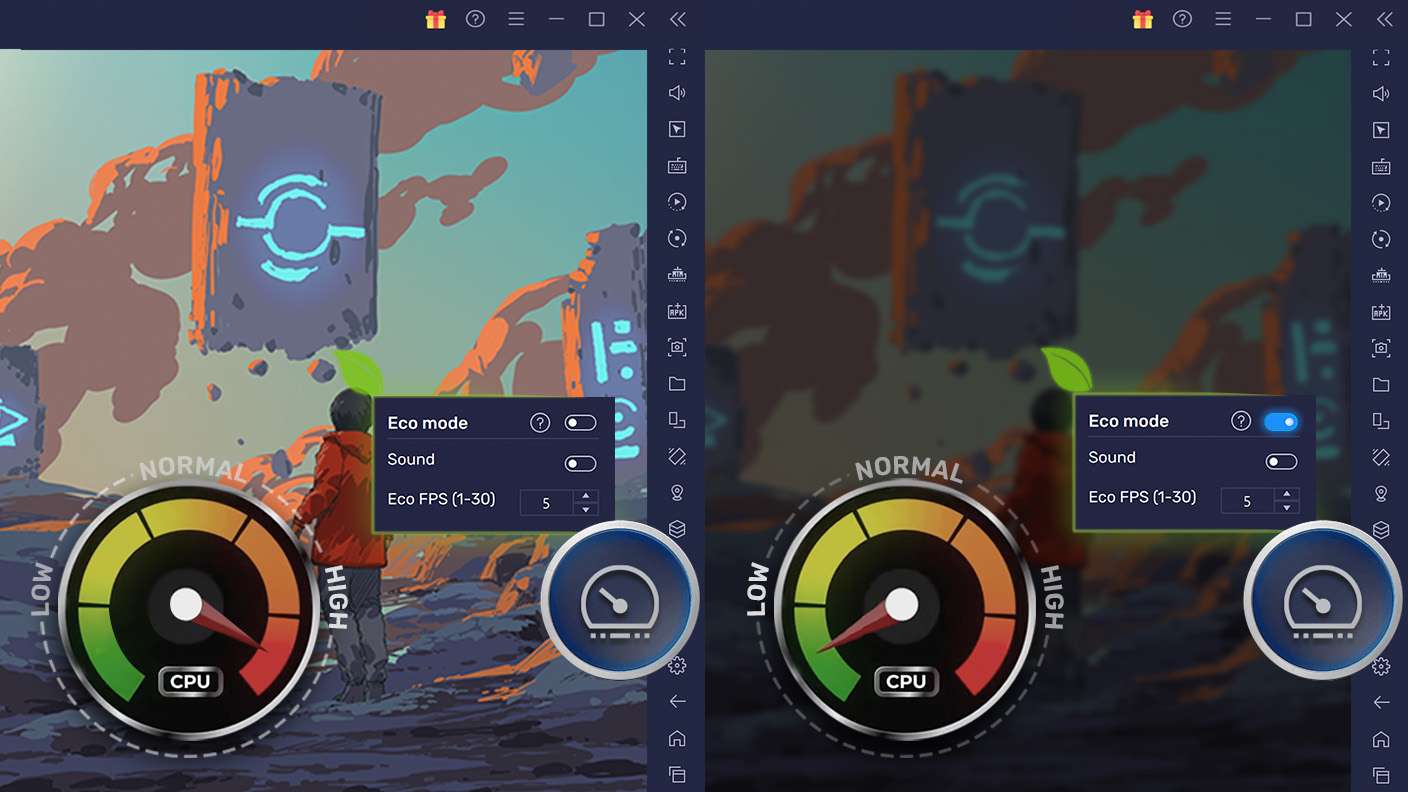
Farm in-game resources with ease in Cabal Revolution. Enable the Eco Mode when running the game in multiple instances. And lower your PC's resource consumption.
Multi Instance Sync

Multi Instance Sync

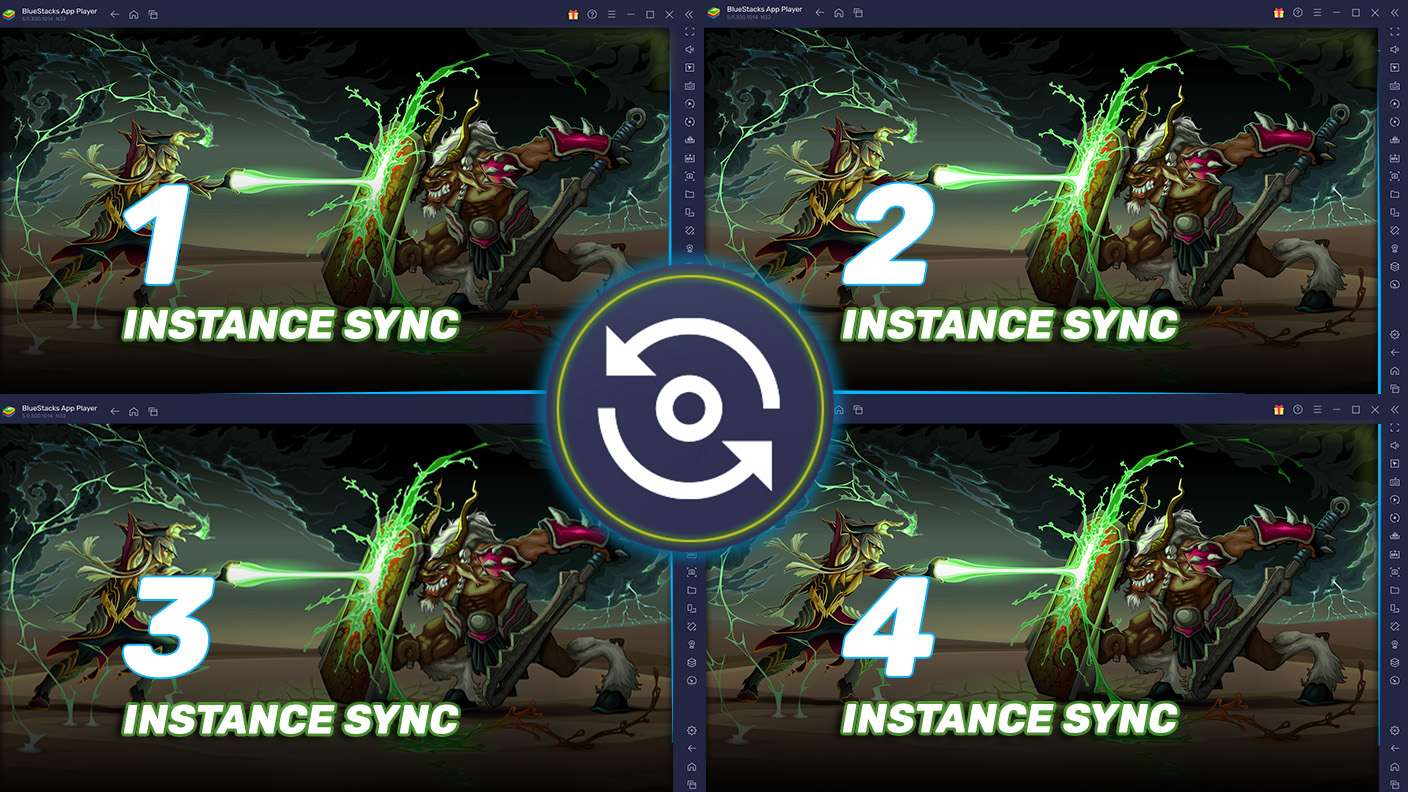
With the Multi-instance Sync, you can do even more in Cabal Revolution. Sync the action of the main instance and repeat them in real time for all other instances. Sync and sit back, let the game progress unfold.
Read More

How to Download and Play Cabal Revolution on PC or Mac

  • Download and install BlueStacks on your PC or Mac

  • Complete Google sign-in to access the Play Store, or do it later

  • Look for Cabal Revolution in the search bar at the top right corner

  • Click to install Cabal Revolution from the search results

  • Complete Google sign-in (if you skipped step 2) to install Cabal Revolution

  • Click the Cabal Revolution icon on the home screen to start playing

video
Watch Video

Minimum System Requirements

With BlueStacks 5, you can get started on a PC that fulfills the following requirements.

  • Operating System

    Microsoft Windows 7 or above, macOS 11 (Big Sur) or above

  • Processor

    Intel, AMD or Apple Silicon Processor

  • RAM

    at least 4GB

  • HDD

    10GB Free Disk Space

Note:

* You must be an Administrator on your PC. Up to date graphics drivers from Microsoft or the chipset vendor.

Cabal Revolution - FAQs

  • How to play Cabal Revolution on Windows PC & Mac?

    Play Cabal Revolution on your PC or Mac by following these simple steps.

    • Click on 'Play Cabal Revolution on PC’ to download BlueStacks
    • Install it and log-in to Google Play Store
    • Launch and play the game.
  • Why is BlueStacks the fastest and safest platform to play games on PC?

    BlueStacks respects your privacy and is always safe and secure to use. It does not carry any malware, spyware, or any sort of additional software that could harm your PC.

    It is engineered to optimize speed and performance for a seamless gaming experience.

  • What are Cabal Revolution PC requirements?

    Minimum requirement to run Cabal Revolution on your PC

    • OS: Microsoft Windows 7 or above MacOS 11 (Big Sur) or above
    • Processor: Intel, AMD or Apple Silicon Processor
    • RAM: Your PC must have at least 4GB of RAM. (Note that having 4GB or more disk space is not a substitute for RAM)
    • HDD: 10GB Free Disk Space.
    • You must be an Administrator on your PC.