Constellation Eleven - space RPG shooter

Constellation Eleven - space RPG shooter

Role Playing

| Astrobionics

Play on PC with BlueStacks or from our cloud

  • Overview
  • Game Features
  • How to Play

Page Modified On: June 26, 2025

Play Constellation Eleven - space RPG shooter on PC or Mac

From the innovators and creators at Astrobionics, Constellation Eleven – space RPG shooter is another fun addition to the World of Role Playing games. Go beyond your mobile screen and play it bigger and better on your PC or Mac. An immersive experience awaits you.

About the Game

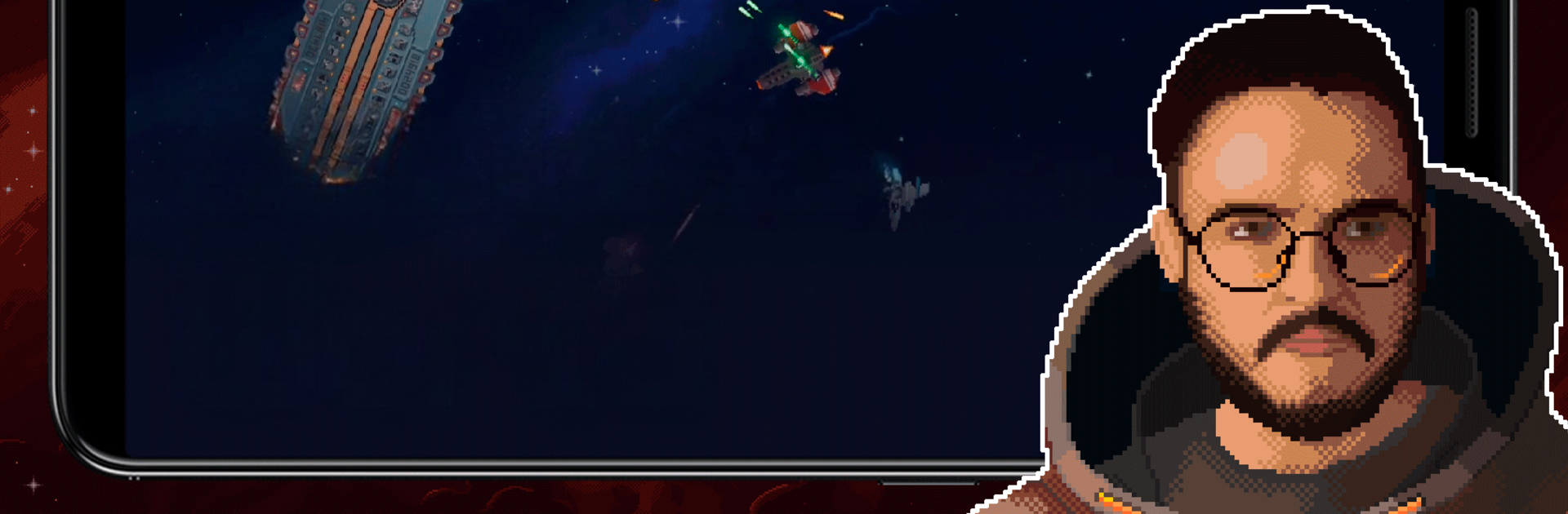
If zipping across the stars in a pixel-filled, retro spaceship sounds like your kind of adventure, Constellation Eleven – space RPG shooter might just grab your attention. Jump into a galaxy that feels alive with gritty dogfights, mysterious space stations, and never-ending opportunities to power up your ship. You’ll find yourself constantly on the lookout for better gear and new challenges, whether you’re on your couch with your phone or blasting baddies on your computer with BlueStacks.

Game Features

  • Classic Space Shooter Action
    Take the controls of your own battleship and weave through waves of enemies in top-down combat, calling back to that old-school arcade spirit with a modern twist.

  • Pixel Art Vibes
    The graphics have that satisfying pixel look, giving each battle, asteroid field, and abandoned outpost their own unmistakable style.

  • Pilot Customization
    Pick your pilot, dig for resources, and boost their skills however you see fit. Want to build a trade master or a battle-hardened ace? It’s totally up to you.

  • Procedurally Generated Galaxy
    With each jump into a new sector, you’ll discover freshly mixed-up chunks of space: asteroids, satellites, old stations—danger and opportunity everywhere.

  • Loot, Gear, and Upgrades
    Blasting foes means scoring random weapons and armor. Mix and match for the build that fits your style, from speed freak to heavy tank.

  • RPG & Roguelike Elements
    Every run is a little different. Grow stronger, take risks for bigger rewards, and decide how to handle tough fights with plenty of options to tweak your approach.

  • Side Quests & Trading
    New missions, space stations to visit, and merchants to trade with break up the action, so there’s always something new to track down.

  • Atmospheric Soundtrack
    The background music sets the right mood—cosmic, a bit mysterious, just perfect for cruising between the stars.

  • No Ads, Free to Play
    Enjoy the whole experience without being bugged by pop-ups. Play in English or Russian and just focus on the adventure.

Start your journey now. Download the game on BlueStacks, invite your friends, and march on a new adventure.


Game Features

Enhancements

  • Macros
  • Rerolling
  • Eco Mode
  • Multi Instance Sync
  • Enhancements
Macros

Macros

Focus more on the fun part of the game, skip the tedious aspects. Master Constellation Eleven - space RPG shooter with Macros. Record yourself completing the monotonous tasks you wish to automate and replay them later with just one keypress.
Rerolling

Rerolling

Speed up the rerolling process in Constellation Eleven - space RPG shooter. Perform multiple summons and keep looking for the best Heroes. Use Multi-Instance sync to replicate the rerolling mechanism in all instances.
Eco Mode

Eco Mode

Farm in-game resources with ease in Constellation Eleven - space RPG shooter. Enable the Eco Mode when running the game in multiple instances. And lower your PC's resource consumption.
Multi Instance Sync

Multi Instance Sync

With the Multi-instance Sync, you can do even more in Constellation Eleven - space RPG shooter. Sync the action of the main instance and repeat them in real time for all other instances. Sync and sit back, let the game progress unfold.
Read More

How to Download and Play Constellation Eleven - space RPG shooter on PC or Mac

  • Download and install BlueStacks on your PC or Mac

  • Complete Google sign-in to access the Play Store, or do it later

  • Look for Constellation Eleven - space RPG shooter in the search bar at the top right corner

  • Click to install Constellation Eleven - space RPG shooter from the search results

  • Complete Google sign-in (if you skipped step 2) to install Constellation Eleven - space RPG shooter

  • Click the Constellation Eleven - space RPG shooter icon on the home screen to start playing

video
Watch Video

Minimum System Requirements

With BlueStacks 5, you can get started on a PC that fulfills the following requirements.

  • Operating System

    Microsoft Windows 7 or above, macOS 11 (Big Sur) or above

  • Processor

    Intel, AMD or Apple Silicon Processor

  • RAM

    at least 4GB

  • HDD

    10GB Free Disk Space

Note:

* You must be an Administrator on your PC. Up to date graphics drivers from Microsoft or the chipset vendor.

Constellation Eleven - space RPG shooter - FAQs

  • How to play Constellation Eleven - space RPG shooter on Windows PC & Mac?

    Play Constellation Eleven - space RPG shooter on your PC or Mac by following these simple steps.

    • Click on 'Play Constellation Eleven - space RPG shooter on PC’ to download BlueStacks
    • Install it and log-in to Google Play Store
    • Launch and play the game.
  • Why is BlueStacks the fastest and safest platform to play games on PC?

    BlueStacks respects your privacy and is always safe and secure to use. It does not carry any malware, spyware, or any sort of additional software that could harm your PC.

    It is engineered to optimize speed and performance for a seamless gaming experience.

  • What are Constellation Eleven - space RPG shooter PC requirements?

    Minimum requirement to run Constellation Eleven - space RPG shooter on your PC

    • OS: Microsoft Windows 7 or above MacOS 11 (Big Sur) or above
    • Processor: Intel, AMD or Apple Silicon Processor
    • RAM: Your PC must have at least 4GB of RAM. (Note that having 4GB or more disk space is not a substitute for RAM)
    • HDD: 10GB Free Disk Space.
    • You must be an Administrator on your PC.