Crime State: Block City RP

Crime State: Block City RP

Role Playing

| NOVA GAMES LLP

Play on PC with BlueStacks or from our cloud

  • Overview
  • Game Features
  • How to Play

Page Modified On: June 02, 2026

Play Crime State: Block City RP on PC or Mac

Play Crime State: Block City RP by NOVA GAMES LLP on PC or Mac with BlueStacks. Use a bigger screen, mouse and keyboard controls, and smoother performance while you play.

About the Game

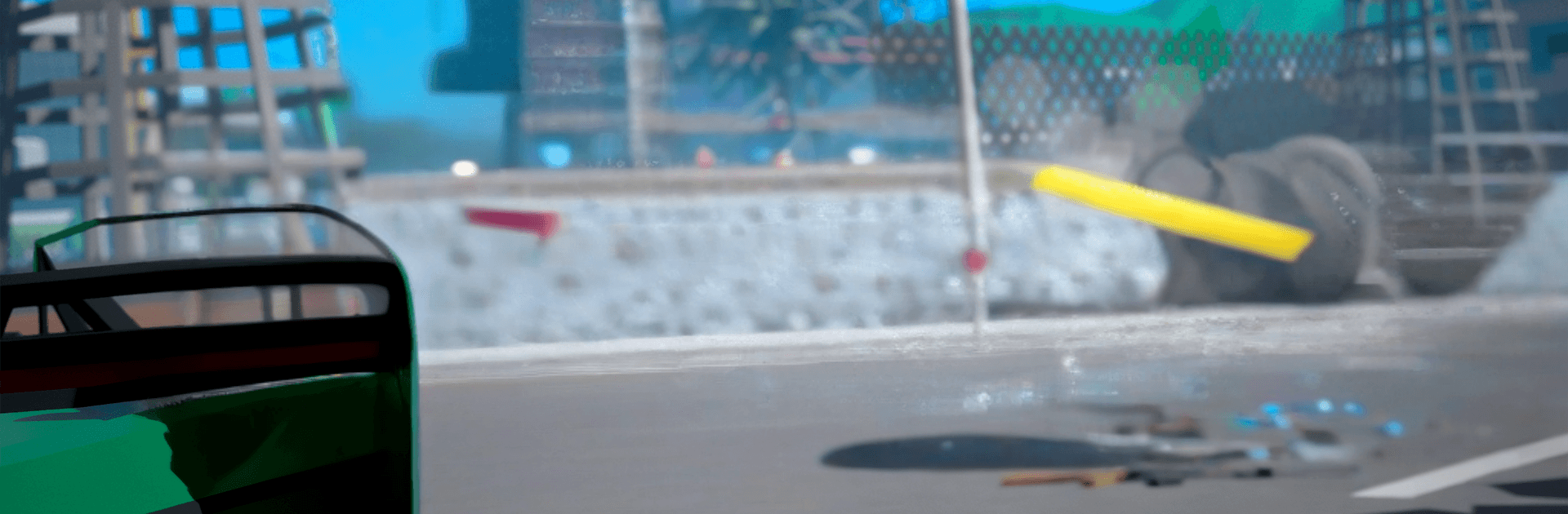
Crime State: Block City RP is a massive online Role Playing sandbox where the city never sleeps and everyone’s carving out their own story. Want to chase criminals, run a startup, or rule the streets? You can. It’s a living world with fast cars, risky jobs, and a player-driven economy that keeps moving even when you log off.

Game Features

  • Choose your path: Pick a lane and run with it—cop, SWAT, or military to keep order; entrepreneur to build a business empire; or gangster to seize turf and climb the underworld ladder. Your reputation sticks with you.
  • Huge online city: Explore a sprawling map packed with real players, live chat, and active role-play. The world keeps evolving, and your shops and properties keep working in the background.
  • Driving and racing playground: Take the wheel of a massive lineup of 150+ cars, from classics to exotics. Cruise freely or jump into street races, drift duels, drag sprints, and high-stakes police pursuits.
  • Deep car tuning: Build a ride that screams “you” with engine upgrades, suspension tweaks, body kits, and standout styles that turn heads at every intersection.
  • Crime and faction warfare: Team up with mafia families, plan robberies, fight for territory, and settle scores in shootouts and deathmatches. Strategy and crew coordination matter.
  • Business and economy sim: Buy property, launch companies, trade and negotiate, and influence entire districts. Go legit or mix in some shady side hustles—it’s your call.
  • Made for role-players: Systems that support storytelling—jobs, clans, property, and social tools—make it easy to stay in character and build a name.
  • PC-friendly option: Prefer a bigger screen and keyboard controls? Play on BlueStacks for a smooth setup without changing how the game feels.

Start your journey now. Download the game on BlueStacks, invite your friends, and march on a new adventure.


Game Features

Enhancements

  • Macros
  • Rerolling
  • Eco Mode
  • Multi Instance Sync
  • Enhancements
Macros

Macros

Focus more on the fun part of the game, skip the tedious aspects. Master Crime State: Block City RP with Macros. Record yourself completing the monotonous tasks you wish to automate and replay them later with just one keypress.
Rerolling

Rerolling

Speed up the rerolling process in Crime State: Block City RP. Perform multiple summons and keep looking for the best Heroes. Use Multi-Instance sync to replicate the rerolling mechanism in all instances.
Eco Mode

Eco Mode

Farm in-game resources with ease in Crime State: Block City RP. Enable the Eco Mode when running the game in multiple instances. And lower your PC's resource consumption.
Multi Instance Sync

Multi Instance Sync

With the Multi-instance Sync, you can do even more in Crime State: Block City RP. Sync the action of the main instance and repeat them in real time for all other instances. Sync and sit back, let the game progress unfold.
Read More

How to Download and Play Crime State: Block City RP on PC or Mac

  • Download and install BlueStacks on your PC or Mac

  • Complete Google sign-in to access the Play Store, or do it later

  • Look for Crime State: Block City RP in the search bar at the top right corner

  • Click to install Crime State: Block City RP from the search results

  • Complete Google sign-in (if you skipped step 2) to install Crime State: Block City RP

  • Click the Crime State: Block City RP icon on the home screen to start playing

video
Watch Video

Minimum System Requirements

With BlueStacks 5, you can get started on a PC that fulfills the following requirements.

  • Operating System

    Microsoft Windows 7 or above, macOS 11 (Big Sur) or above

  • Processor

    Intel, AMD or Apple Silicon Processor

  • RAM

    at least 4GB

  • HDD

    10GB Free Disk Space

Note:

* You must be an Administrator on your PC. Up to date graphics drivers from Microsoft or the chipset vendor.

Crime State: Block City RP - FAQs

  • How to play Crime State: Block City RP on Windows PC & Mac?

    Play Crime State: Block City RP on your PC or Mac by following these simple steps.

    • Click on 'Play Crime State: Block City RP on PC’ to download BlueStacks
    • Install it and log-in to Google Play Store
    • Launch and play the game.
  • Why is BlueStacks the fastest and safest platform to play games on PC?

    BlueStacks respects your privacy and is always safe and secure to use. It does not carry any malware, spyware, or any sort of additional software that could harm your PC.

    It is engineered to optimize speed and performance for a seamless gaming experience.

  • What are Crime State: Block City RP PC requirements?

    Minimum requirement to run Crime State: Block City RP on your PC

    • OS: Microsoft Windows 7 or above MacOS 11 (Big Sur) or above
    • Processor: Intel, AMD or Apple Silicon Processor
    • RAM: Your PC must have at least 4GB of RAM. (Note that having 4GB or more disk space is not a substitute for RAM)
    • HDD: 10GB Free Disk Space.
    • You must be an Administrator on your PC.