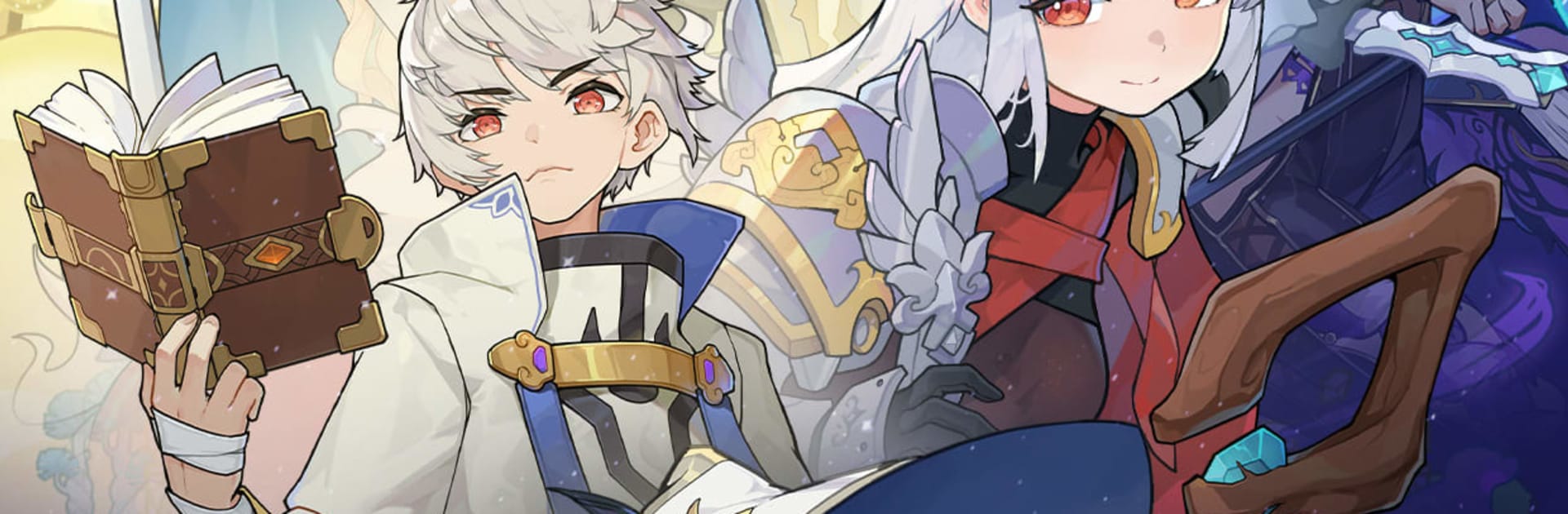


Sword x Staff is a Role Playing game developed by BOLTRAY GAMES. BlueStacks app player is the best platform to play this Android game on your PC or Mac for an immersive gaming experience.
About the Game
Sword x Staff immerses you in a massive world where you can explore the world freely and have it all. Every region comes with a unique vibe and appeal, but there are deep secrets waiting to be uncovered. As the Chosen Adventurer, you have to team up with Staff and Sword twins to dominate the quests and save the world. The game gives you access to over 200 skills that you can mix and match to develop your own fighting style.
Game Features
- Interactive Ecosystem: Interact with in-game characters and your environment. You can also explore the depths of Verdantglade, move to the Loong Haven to get ancient bronze ruins, and many others. There are also several allies to team up with to defeat Heiromons.
- Smooth Progression: The game stacks your character with resources, even when you are offline. This lets you progress through gameplay easily, without grinding or farming endlessly.
- Auto Battles: Sword x Staff uses AI to control characters intuitively and adapt to the battlefield. When you aren’t actively playing, you can enable the feature to let your characters reposition, predict enemies, chase targets, and unleash skills in battle.
- Character Customization: Enjoy diverse customization options that you can use to style your characters, such as hairstyles, outfits, and other unusual features. You can make them look cool, weird, stylish, or even hilarious.
How to Play?
Download Sword x Staff for free from the Google Play Store using the BlueStacks app player.