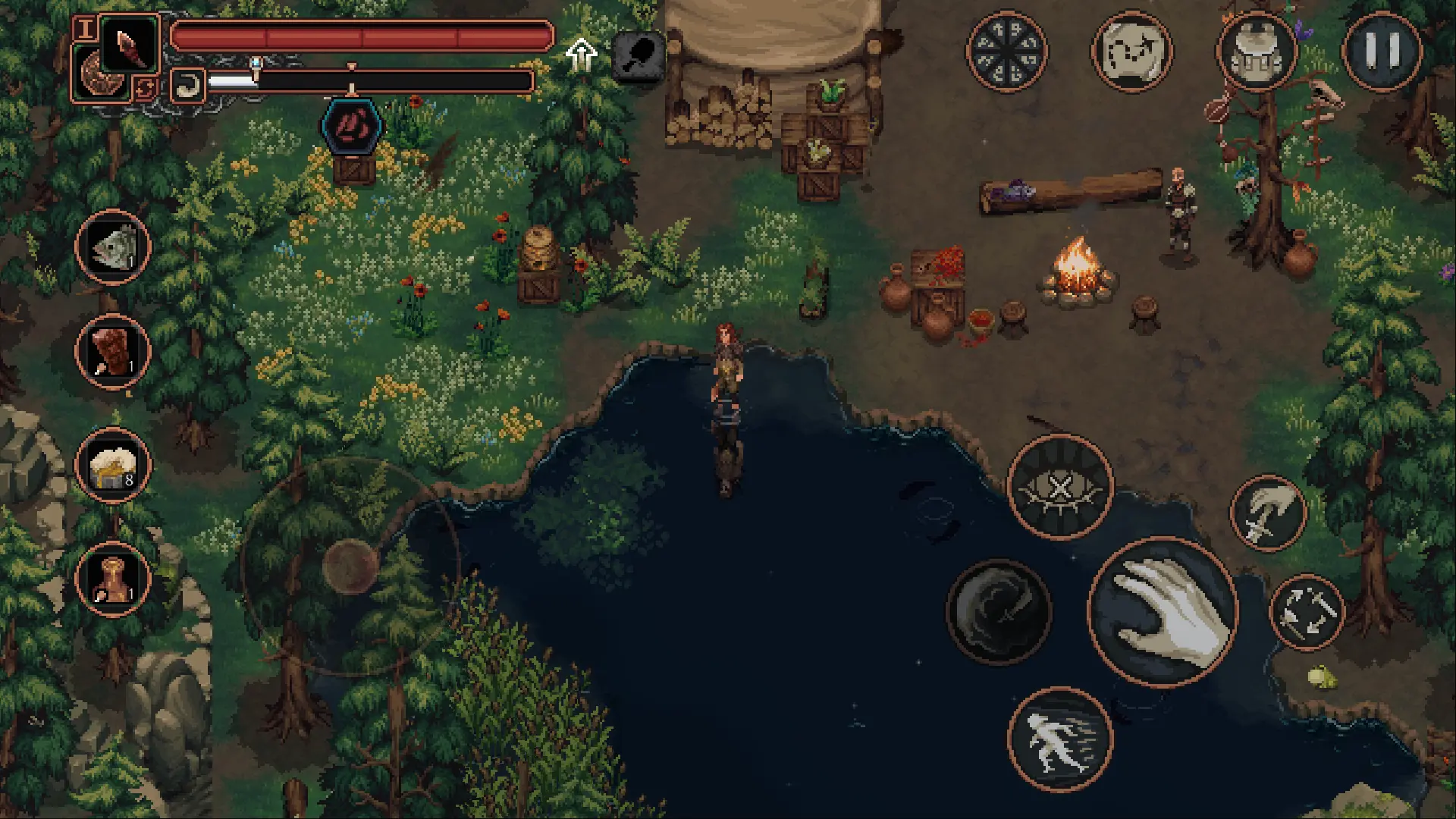


Step into the World of DROVA – Forsaken Kin, a thrilling Role Playing game from the house of Just2D Interactive & Deck13 Spotlight. Play this Android game on BlueStacks App Player and experience immersive gaming on PC or Mac.
About the Game
DROVA – Forsaken Kin is a gritty, pixel-art Role Playing adventure from Just2D Interactive & Deck13 Spotlight where nature fights back—and remembers. You start as a nobody in a land shaped by Celtic-inspired myth, caught between people who harness spirits and the wild forces they’ve angered. Explore, make hard calls, and watch the world respond. Want a bigger screen and keyboard? It also plays nicely on BlueStacks. You can try the first area for free before deciding to buy.
Game Features
- Handcrafted Open World: Wander a dense, hand-built map packed with secret paths, hostile biomes, and characters who react to what you’ve done.
- Consequence-Heavy Story: Your choices in quests and dialogue stick. Allies, enemies, and even the environment remember where you stood.
- Two Factions, Real Stakes: Align with one of two groups, each with its own ideals and goals. Your pick changes the tone, opportunities, and endgame.
- Flow-Based Combat: Fights reward timing and positioning. Swap weapons, weave combos, and survive by reading your opponent—not just mashing buttons.
- Learn and Evolve: Track down mentors to unlock abilities, then mix and match to build a style that actually fits how you play.
- Start From Nothing: Scavenge, trade, and craft your gear. Every upgrade feels earned when the world wants you dead.
- Spirits and Power: Bind nature spirits, bend their strength to your will, and brace for the backlash their fury sends across the land.
- Mobile Controls, Your Way: Fully adjustable touch controls let you tune every input. Prefer a pad? Controller support is built in.
- Try Before You Commit: The first area is free, giving you a feel for the tone, combat, and world before you purchase.
Start your journey now. Download the game on BlueStacks, invite your friends, and march on a new adventure.