How to Install and Play DROVA - Forsaken Kin on PC with BlueStacks
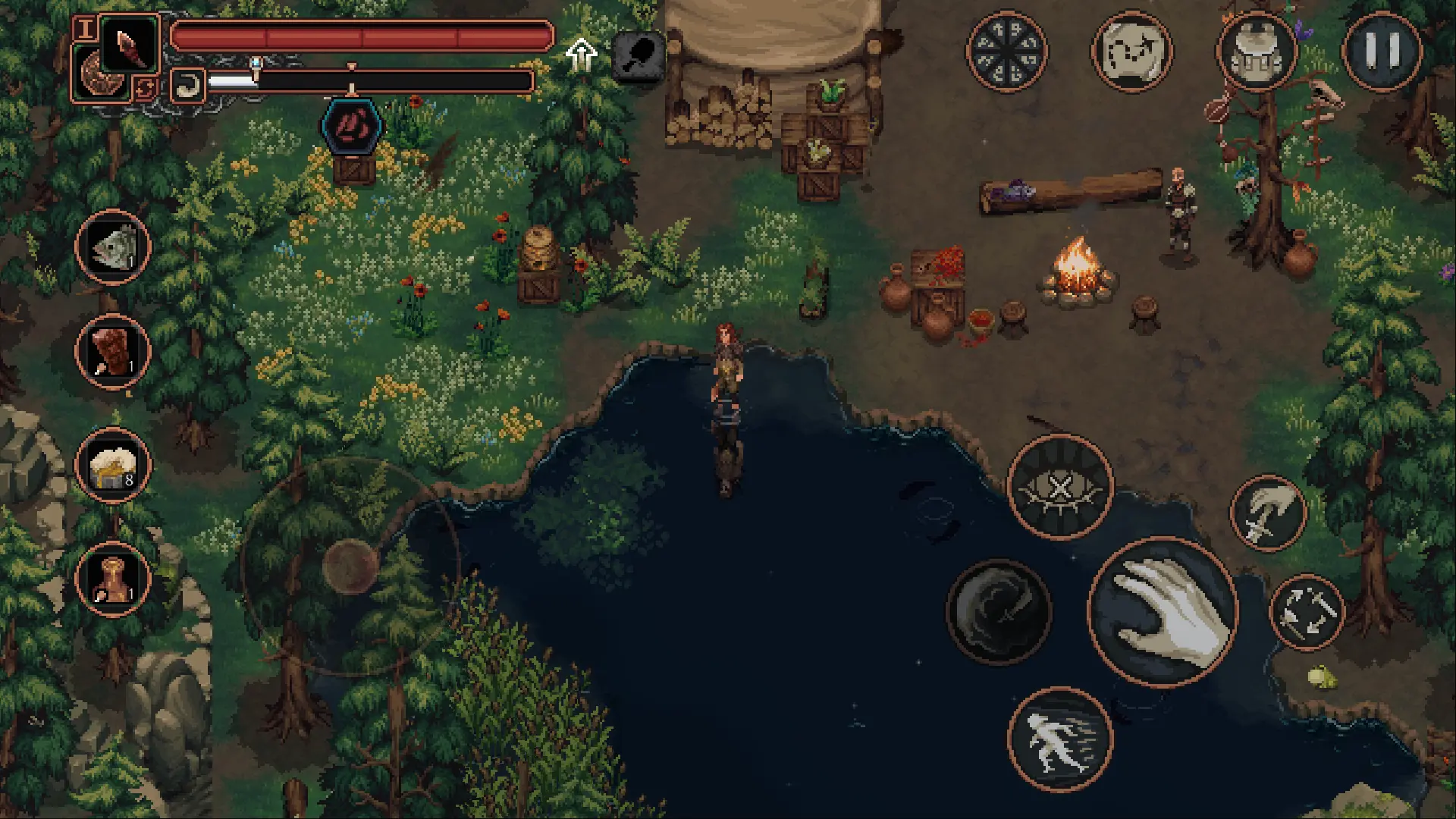
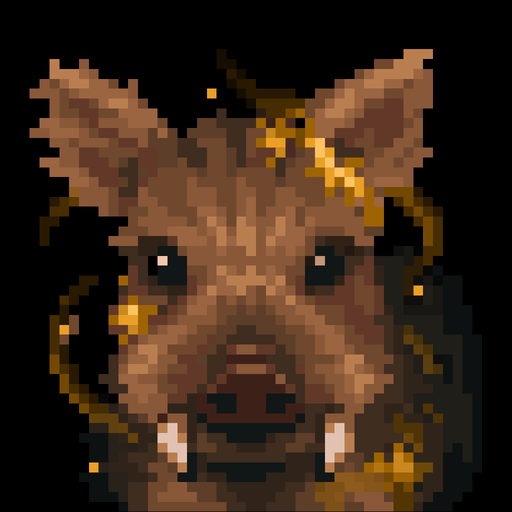
DROVA – Forsaken Kin is a dark pixel-style role-playing game where every choice matters. You start with nothing in a world inspired by Celtic myths, where people try to control powerful nature spirits. As you move forward, your decisions shape how the story plays out and how characters react to you.
You can join one of two groups, learn new skills, and fight enemies using smart timing and movement. The game also lets you try the first area for free, so you can see if you like it before getting the full version. It’s a great pick if you enjoy story games with real consequences.
How to Install DROVA – Forsaken Kin on PC
- Head to the game’s page and press the “Play DROVA – Forsaken Kin on PC” button.
- Wait for the download file, then open it from your browser.
- Install BlueStacks and start it on your PC or Mac.
- Log in to the Google Play Store, install DROVA – Forsaken Kin, and begin your journey.
How to Install DROVA – Forsaken Kin on Mac with BlueStacks Air
- Download BlueStacks Air: Visit the game’s page and click on the “Play DROVA – Forsaken Kin on Mac” button.
- Install the AppBlueStacks Air: Open the BlueStacksInstaller.pkg file and follow the setup steps.
- Launch and Sign In: Launch BlueStacks Air from your Launchpad or Applications folder and log in with your Google account.
- Download DROVA – Forsaken Kin: Find DROVA – Forsaken Kin in the Play Store and install it.
- Start Playing: Open DROVA – Forsaken Kin and jump straight into the adventure.
Already Using BlueStacks? Here’s What to Do
- Go to the game’s page and click the “DROVA – Forsaken Kin on PC” button.
- Open BlueStacks if it’s not already running.
- Install the game from the BlueStacks Store or Google Play Store.
- Launch DROVA – Forsaken Kin and start playing right away.
Minimum System Requirements
To run DROVA – Forsaken Kin smoothly, your system should meet these basic needs:
- Operating System: Microsoft Windows 7 or newer, macOS 11 (Big Sur) or newer
- Processor: Intel, AMD, or Apple Silicon (M1–M4)
- RAM: At least 4GB
- Storage: 10GB of free space
- Permissions: Admin access on your device
- Graphic Drivers: Updated drivers from Microsoft or your hardware provider
DROVA – Forsaken Kin is perfect for players who enjoy deep stories and tough choices. You can play solo, take your time with quests, and shape your own path. Some players will enjoy testing different builds, while others may focus on the story and the choices they make.
And when you play DROVA – Forsaken Kin on PC or Mac with BlueStacks, everything feels easier to control. You get a bigger screen, smoother movement, and the option to use a keyboard and mouse. So fights feel more precise, and you can play longer without dealing with small screen limits.