銀河對決:鬥士魂
銀河對決:鬥士魂

銀河對決:鬥士魂

Role Playing

| Big Dedi

Play on PC with BlueStacks or from our cloud

  • Overview
  • Game Features
  • How to Play

Page Modified On: October 22, 2026

Play 銀河對決:鬥士魂 on PC or Mac

Step into the World of 銀河對決:鬥士魂, a thrilling Role Playing game from the house of Big Dedi. Play this Android game on BlueStacks App Player and experience immersive gaming on PC or Mac.

About the Game

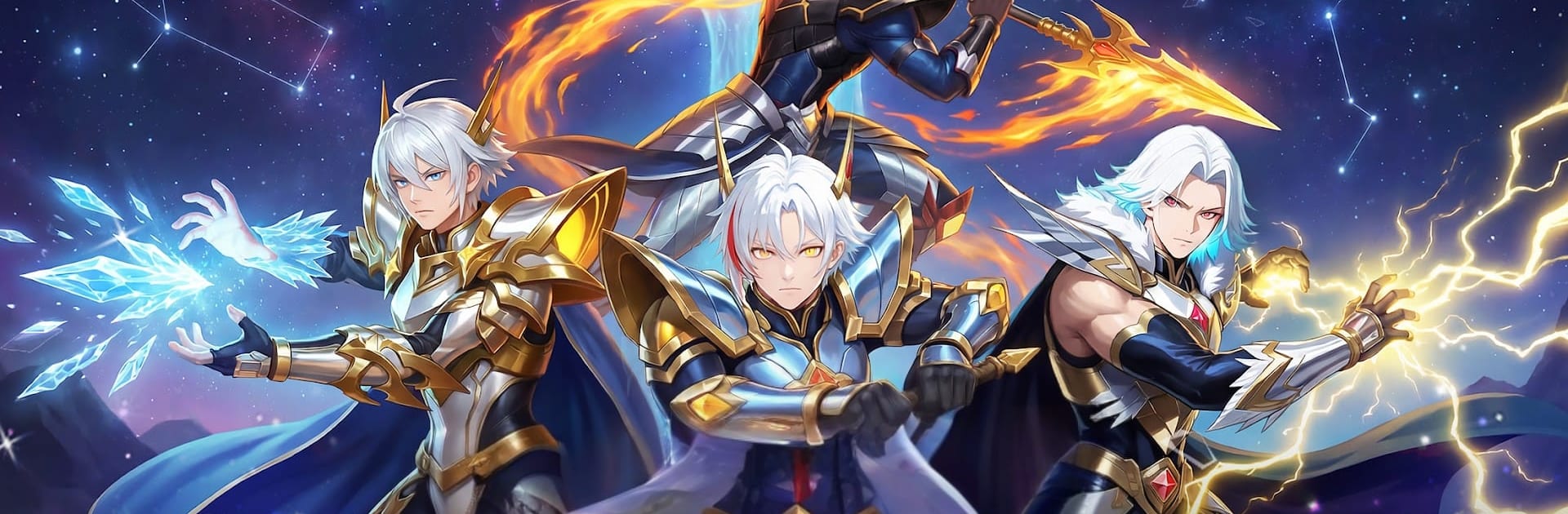
銀河對決:鬥士魂 throws you into a star-spanning battleground where brains beat brawn and every move counts. It’s a Role Playing card battler that rewards planning, timing, and a little nerve when the odds look rough. Expect tight, tactical clashes where smart energy use and clever squad rotation can flip the script in a single turn. Prefer playing on a PC? It also runs smoothly with BlueStacks.

Game Features

  • Strategic Energy Flow: Spend, save, or pivot—managing your power at the right moment turns close calls into clean wins.
  • Lineup Rotation Tactics: Swap your frontline at clutch moments to bait skills, protect key units, or line up a knockout play.
  • Every Card Has Purpose: Off-meta picks can shine when paired right, encouraging creative decks and unexpected synergies.
  • Outthink the Heavy Hitters: Outsmart bulkier teams with tempo plays, counters, and precise sequencing instead of brute force.
  • Flexible Deck-Building: Craft control shells, aggressive rushes, or combo-centered lists that match how you like to play.
  • Clear, Snappy Battles: Quick turns and readable effects keep the pace brisk while leaving room for deep decision-making.
  • Momentum Without Snowballing: Fall behind early? With tight resource reads and a smart rotate, comebacks stay on the table.
  • Learnable, Then Lethal: Easy to grasp after a round or two, yet rich enough to reward long-term mastery and experimentation.

BlueStacks gives you more room to focus on the game and less time adjusting around mobile limitations.


Game Features

Enhancements

  • Macros
  • Rerolling
  • Eco Mode
  • Multi Instance Sync
  • Enhancements
Macros

Macros

Focus more on the fun part of the game, skip the tedious aspects. Master 銀河對決:鬥士魂 with Macros. Record yourself completing the monotonous tasks you wish to automate and replay them later with just one keypress.
Rerolling

Rerolling

Speed up the rerolling process in 銀河對決:鬥士魂. Perform multiple summons and keep looking for the best Heroes. Use Multi-Instance sync to replicate the rerolling mechanism in all instances.
Eco Mode

Eco Mode

Farm in-game resources with ease in 銀河對決:鬥士魂. Enable the Eco Mode when running the game in multiple instances. And lower your PC's resource consumption.
Multi Instance Sync

Multi Instance Sync

With the Multi-instance Sync, you can do even more in 銀河對決:鬥士魂. Sync the action of the main instance and repeat them in real time for all other instances. Sync and sit back, let the game progress unfold.
Read More

How to Download and Play 銀河對決:鬥士魂 on PC or Mac

  • Download and install BlueStacks on your PC or Mac

  • Complete Google sign-in to access the Play Store, or do it later

  • Look for 銀河對決:鬥士魂 in the search bar at the top right corner

  • Click to install 銀河對決:鬥士魂 from the search results

  • Complete Google sign-in (if you skipped step 2) to install 銀河對決:鬥士魂

  • Click the 銀河對決:鬥士魂 icon on the home screen to start playing

video
Watch Video

Minimum System Requirements

With BlueStacks 5, you can get started on a PC that fulfills the following requirements.

  • Operating System

    Microsoft Windows 7 or above, macOS 11 (Big Sur) or above

  • Processor

    Intel, AMD or Apple Silicon Processor

  • RAM

    at least 4GB

  • HDD

    10GB Free Disk Space

Note:

* You must be an Administrator on your PC. Up to date graphics drivers from Microsoft or the chipset vendor.

銀河對決:鬥士魂 - FAQs

  • How to play 銀河對決:鬥士魂 on Windows PC & Mac?

    Play 銀河對決:鬥士魂 on your PC or Mac by following these simple steps.

    • Click on 'Play 銀河對決:鬥士魂 on PC’ to download BlueStacks
    • Install it and log-in to Google Play Store
    • Launch and play the game.
  • Why is BlueStacks the fastest and safest platform to play games on PC?

    BlueStacks respects your privacy and is always safe and secure to use. It does not carry any malware, spyware, or any sort of additional software that could harm your PC.

    It is engineered to optimize speed and performance for a seamless gaming experience.

  • What are 銀河對決:鬥士魂 PC requirements?

    Minimum requirement to run 銀河對決:鬥士魂 on your PC

    • OS: Microsoft Windows 7 or above MacOS 11 (Big Sur) or above
    • Processor: Intel, AMD or Apple Silicon Processor
    • RAM: Your PC must have at least 4GB of RAM. (Note that having 4GB or more disk space is not a substitute for RAM)
    • HDD: 10GB Free Disk Space.
    • You must be an Administrator on your PC.