Legend Sword:Awakening Clicker

Legend Sword:Awakening Clicker

Role Playing

| niee

Play on PC with BlueStacks or from our cloud

  • Overview
  • Game Features
  • How to Play

Page Modified On: October 21, 2026

Play Legend Sword:Awakening Clicker on PC or Mac

Play Legend Sword:Awakening Clicker by niee on PC or Mac with BlueStacks. Use a bigger screen, mouse and keyboard controls, and smoother performance while you play.

About the Game

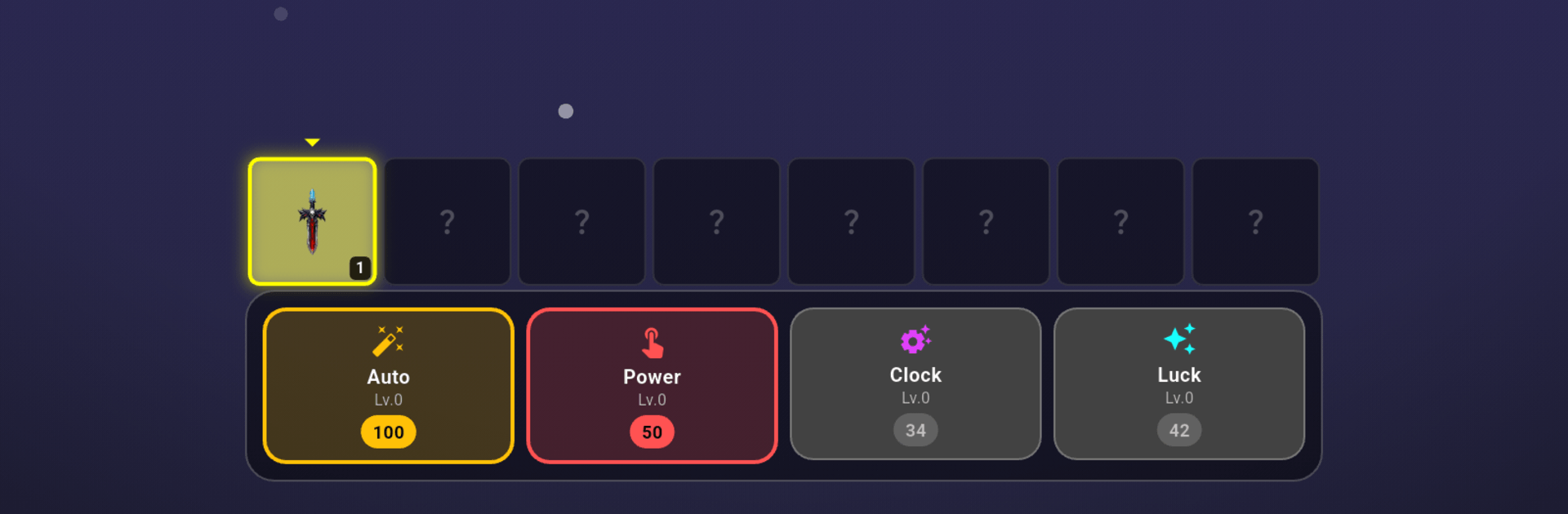
Legend Sword:Awakening Clicker blends a tap-happy clicker with a laid-back idle flow in a fast, gear-driven Role Playing loop. You guide a storm of living blades, chase stronger builds, and keep progressing whether you’re actively tapping or letting the forge work on its own. It also runs smoothly on BlueStacks if you’d rather play on a bigger screen.

Game Features

  • Click or Chill: Tap for quick bursts of EXP and momentum, or let progress roll in automatically while you’re off doing something else.
  • Storm of Flying Swords: Unleash Sain-gum (flying swords) that slice through enemies on their own, with rarer tiers bringing flashier effects and heavier hits.
  • Forge and Evolve: Nail the timing in the smithy to refine, temper, and evolve your blades into serious damage-dealers.
  • Four Quick-Hit Minigames: Test timing in Vulcanus’s Forge, seal rifts with memory play in the Void Rift, follow ancient sequences in the Altar of Memory, and crack a tactical match‑3 raid in the Legendary Forge.
  • Build Variety That Grows With You: Mix artifacts, sword tiers, and upgrades to create satisfying synergies without getting buried in menus.
  • Compete Worldwide: Climb leaderboards for level and collection bragging rights, and chase achievement milestones to prove your mastery.
  • Progress That Sticks: Cloud save support keeps your data safe and synced, so your hard-earned build is always ready to go.
  • Smooth, No-Nonsense Play: Enjoy an ad-free flow that keeps the focus on forging, experimenting, and watching those blades go to work.

Get ready for a buttery smooth, high-performance gaming action only on BlueStacks.

Game Features

Enhancements

  • Macros
  • Rerolling
  • Eco Mode
  • Multi Instance Sync
  • Enhancements
Macros

Macros

Focus more on the fun part of the game, skip the tedious aspects. Master Legend Sword:Awakening Clicker with Macros. Record yourself completing the monotonous tasks you wish to automate and replay them later with just one keypress.
Rerolling

Rerolling

Speed up the rerolling process in Legend Sword:Awakening Clicker. Perform multiple summons and keep looking for the best Heroes. Use Multi-Instance sync to replicate the rerolling mechanism in all instances.
Eco Mode

Eco Mode

Farm in-game resources with ease in Legend Sword:Awakening Clicker. Enable the Eco Mode when running the game in multiple instances. And lower your PC's resource consumption.
Multi Instance Sync

Multi Instance Sync

With the Multi-instance Sync, you can do even more in Legend Sword:Awakening Clicker. Sync the action of the main instance and repeat them in real time for all other instances. Sync and sit back, let the game progress unfold.
Read More

How to Download and Play Legend Sword:Awakening Clicker on PC or Mac

  • Download and install BlueStacks on your PC or Mac

  • Complete Google sign-in to access the Play Store, or do it later

  • Look for Legend Sword:Awakening Clicker in the search bar at the top right corner

  • Click to install Legend Sword:Awakening Clicker from the search results

  • Complete Google sign-in (if you skipped step 2) to install Legend Sword:Awakening Clicker

  • Click the Legend Sword:Awakening Clicker icon on the home screen to start playing

video
Watch Video

Minimum System Requirements

With BlueStacks 5, you can get started on a PC that fulfills the following requirements.

  • Operating System

    Microsoft Windows 7 or above, macOS 11 (Big Sur) or above

  • Processor

    Intel, AMD or Apple Silicon Processor

  • RAM

    at least 4GB

  • HDD

    10GB Free Disk Space

Note:

* You must be an Administrator on your PC. Up to date graphics drivers from Microsoft or the chipset vendor.

Legend Sword:Awakening Clicker - FAQs

  • How to play Legend Sword:Awakening Clicker on Windows PC & Mac?

    Play Legend Sword:Awakening Clicker on your PC or Mac by following these simple steps.

    • Click on 'Play Legend Sword:Awakening Clicker on PC’ to download BlueStacks
    • Install it and log-in to Google Play Store
    • Launch and play the game.
  • Why is BlueStacks the fastest and safest platform to play games on PC?

    BlueStacks respects your privacy and is always safe and secure to use. It does not carry any malware, spyware, or any sort of additional software that could harm your PC.

    It is engineered to optimize speed and performance for a seamless gaming experience.

  • What are Legend Sword:Awakening Clicker PC requirements?

    Minimum requirement to run Legend Sword:Awakening Clicker on your PC

    • OS: Microsoft Windows 7 or above MacOS 11 (Big Sur) or above
    • Processor: Intel, AMD or Apple Silicon Processor
    • RAM: Your PC must have at least 4GB of RAM. (Note that having 4GB or more disk space is not a substitute for RAM)
    • HDD: 10GB Free Disk Space.
    • You must be an Administrator on your PC.