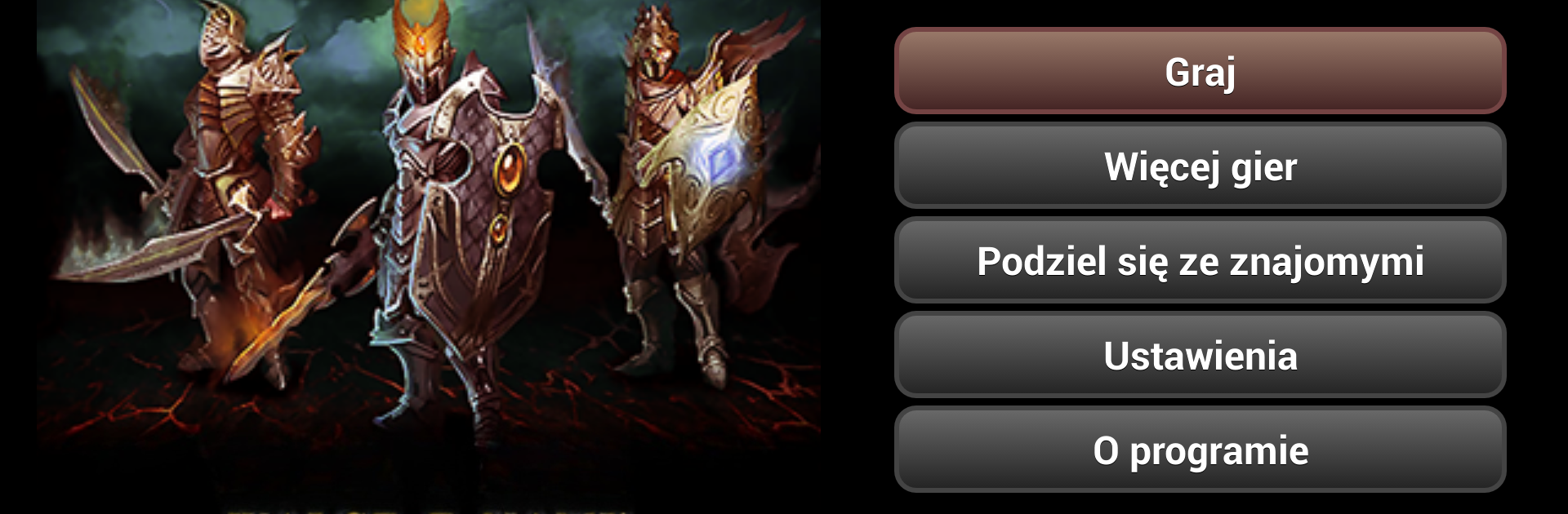
Legendarni Tytani
Legendarni Tytani

Legendarni Tytani

Role Playing

| ALLMOBILE

Play on PC with BlueStacks or from our cloud

  • Overview
  • Game Features
  • How to Play

Page Modified On: August 22, 2025

Play Legendarni Tytani on PC or Mac

Legendarni Tytani brings the Role Playing genre to life, and throws up exciting challenges for gamers. Developed by ALLMOBILE, this Android game is best experienced on BlueStacks, the World’s #1 app player for PC and Mac users.

About the Game

Legendarni Tytani, brought to you by ALLMOBILE, throws you into a fantasy world where danger and adventure go hand in hand. Whether you’re clashing swords in epic battles or forging unexpected alliances, this Role Playing game is all about carving out your own legend. Pick your hero, shape their destiny, and see where your choices lead you—one moment you’re hunting down monsters, the next you’re battling dark sorcerers and winning the favor of ancient gods.

Game Features

  • Build Your Hero
    Choose who you want to be, give your character a name, and set their path. As you fight, complete quests, and push your limits, your hero gets stronger with every win.

  • Epic Battles and Magic
    Take on monsters and enemy warriors, learning and unleashing powerful battle spells along the way. Use your skills to outthink and overpower whatever crosses your path.

  • Join Forces in Clans
    Not a lone wolf? Team up with other fearless players by joining a guild or forming alliances. Friends make those tough fights a bit less terrifying—and victories way more fun.

  • Upgrade Gear and Forge Weapons
    Scavenge for better equipment, enhance your armor, or get creative in the forge. The right gear might be the difference between hero status and merely surviving.

  • Legendary Artifacts
    Find and collect unique artifacts that can tip the scales in your favor, especially when facing off against fierce barbarians or deadly fiends.

  • Classic RPG Vibes
    Relive the fun of classic tabletop Role Playing games, but with your own twist. There’s a broad range of skills to master, and your actions on the battlefield matter.

  • Adventure Anywhere
    Play on your phone, or crank things up a notch by using BlueStacks on your PC for a fresh perspective and a bit more control.

  • Invite and Play With Friends
    Don’t keep the adventure to yourself—invite friends through SMS or social platforms, and see how your team stacks up against others.

Slay your opponents with your epic moves. Play it your way on BlueStacks and dominate the battlefield.


Game Features

Enhancements

  • Macros
  • Rerolling
  • Eco Mode
  • Multi Instance Sync
  • Enhancements
Macros

Macros

Focus more on the fun part of the game, skip the tedious aspects. Master Legendarni Tytani with Macros. Record yourself completing the monotonous tasks you wish to automate and replay them later with just one keypress.
Rerolling

Rerolling

Speed up the rerolling process in Legendarni Tytani. Perform multiple summons and keep looking for the best Heroes. Use Multi-Instance sync to replicate the rerolling mechanism in all instances.
Eco Mode

Eco Mode

Farm in-game resources with ease in Legendarni Tytani. Enable the Eco Mode when running the game in multiple instances. And lower your PC's resource consumption.
Multi Instance Sync

Multi Instance Sync

With the Multi-instance Sync, you can do even more in Legendarni Tytani. Sync the action of the main instance and repeat them in real time for all other instances. Sync and sit back, let the game progress unfold.
Read More

How to Download and Play Legendarni Tytani on PC or Mac

  • Download and install BlueStacks on your PC or Mac

  • Complete Google sign-in to access the Play Store, or do it later

  • Look for Legendarni Tytani in the search bar at the top right corner

  • Click to install Legendarni Tytani from the search results

  • Complete Google sign-in (if you skipped step 2) to install Legendarni Tytani

  • Click the Legendarni Tytani icon on the home screen to start playing

video
Watch Video

Minimum System Requirements

With BlueStacks 5, you can get started on a PC that fulfills the following requirements.

  • Operating System

    Microsoft Windows 7 or above, macOS 11 (Big Sur) or above

  • Processor

    Intel, AMD or Apple Silicon Processor

  • RAM

    at least 4GB

  • HDD

    10GB Free Disk Space

Note:

* You must be an Administrator on your PC. Up to date graphics drivers from Microsoft or the chipset vendor.

Legendarni Tytani - FAQs

  • How to play Legendarni Tytani on Windows PC & Mac?

    Play Legendarni Tytani on your PC or Mac by following these simple steps.

    • Click on 'Play Legendarni Tytani on PC’ to download BlueStacks
    • Install it and log-in to Google Play Store
    • Launch and play the game.
  • Why is BlueStacks the fastest and safest platform to play games on PC?

    BlueStacks respects your privacy and is always safe and secure to use. It does not carry any malware, spyware, or any sort of additional software that could harm your PC.

    It is engineered to optimize speed and performance for a seamless gaming experience.

  • What are Legendarni Tytani PC requirements?

    Minimum requirement to run Legendarni Tytani on your PC

    • OS: Microsoft Windows 7 or above MacOS 11 (Big Sur) or above
    • Processor: Intel, AMD or Apple Silicon Processor
    • RAM: Your PC must have at least 4GB of RAM. (Note that having 4GB or more disk space is not a substitute for RAM)
    • HDD: 10GB Free Disk Space.
    • You must be an Administrator on your PC.