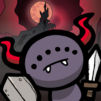
Monster Crest: Soul Hunt

Monster Crest: Soul Hunt

Role Playing

| Casual Bach Gia Game

Play on PC with BlueStacks or from our cloud

  • Overview
  • Game Features
  • How to Play

Page Modified On: November 12, 2026

Play Monster Crest: Soul Hunt on PC or Mac

Bring your A-game to Monster Crest: Soul Hunt, the Role Playing game sensation from Casual Bach Gia Game. Give your gameplay the much-needed boost with precise game controls, high FPS graphics, and top-tier features on your PC or Mac with BlueStacks.

About the Game

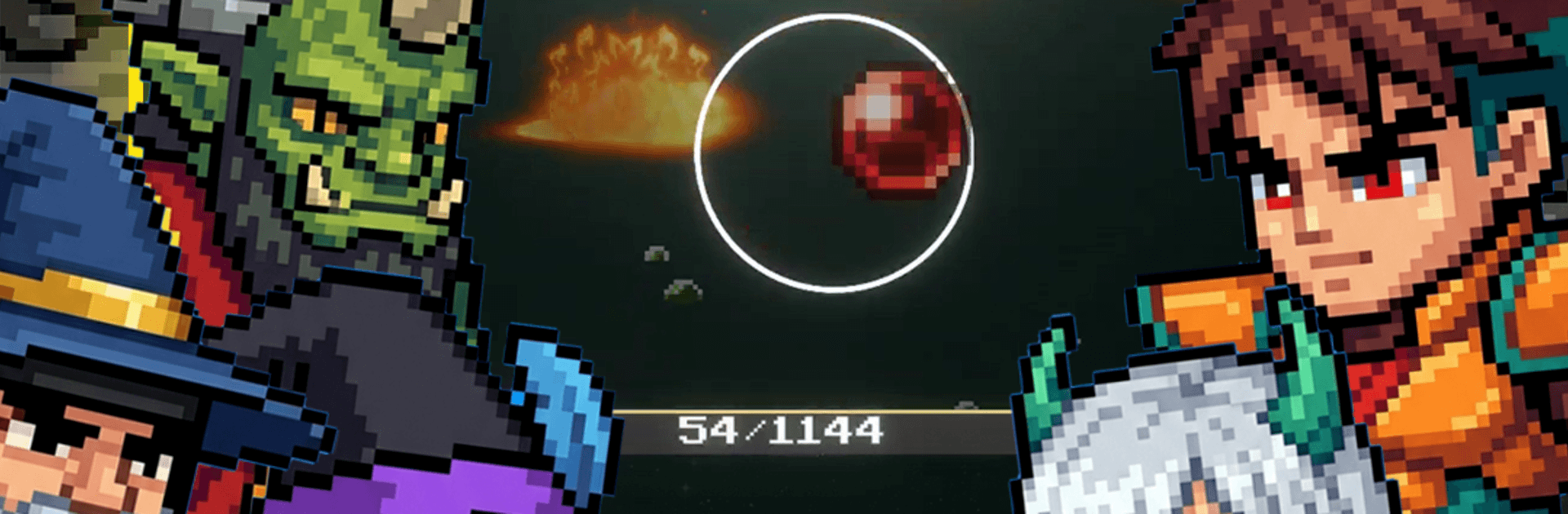
Monster Crest: Soul Hunt is that “just one more run” kind of Role Playing experience where smart planning actually matters. You’ll chase souls, track down rare artifacts, and take on punchy boss fights across growing zones—then keep progressing even when you’re offline. Prefer a bigger screen and steady controls? It plays smoothly on BlueStacks, too.

Game Features

  • Pattern-Savvy Bosses: Learn each elite enemy’s attack rhythms and elemental quirks, then tailor your build to crack them wide open.
  • Soul Power System: Collect souls to raise your Zone Force, giving you a noticeable damage bump against the nastier threats.
  • Artifact Finds: Hunt for rare Artifacts to strengthen the Artifact Zone, unlocking serious boss-busting potential when it counts.
  • Milestone Curve: Zip through early growth, then hit meaty endgame milestones that reward tuned builds and sharper decisions.
  • Power Buffs: Clear monster spots to trigger potent temporary boosts that make your next push feel extra spicy.
  • Checkpoints & New Zones: Push to checkpoints to unlock fresh areas with tougher monsters, better drops, and new pacing.
  • Seamless Combat Loop: Snappy respawns keep the action flowing so you’re fighting, not waiting around for targets.
  • Offline Momentum: Step away and still make headway—your progress continues without needing a constant connection.
  • Build-First Strategy: Mix artifacts, souls, and buffs to craft a game plan that fits your style, whether you’re min-maxing or experimenting.

BlueStacks gives you more room to focus on the game and less time adjusting around mobile limitations.

Game Features

Enhancements

  • Macros
  • Rerolling
  • Eco Mode
  • Multi Instance Sync
  • Enhancements
Macros

Macros

Focus more on the fun part of the game, skip the tedious aspects. Master Monster Crest: Soul Hunt with Macros. Record yourself completing the monotonous tasks you wish to automate and replay them later with just one keypress.
Rerolling

Rerolling

Speed up the rerolling process in Monster Crest: Soul Hunt. Perform multiple summons and keep looking for the best Heroes. Use Multi-Instance sync to replicate the rerolling mechanism in all instances.
Eco Mode

Eco Mode

Farm in-game resources with ease in Monster Crest: Soul Hunt. Enable the Eco Mode when running the game in multiple instances. And lower your PC's resource consumption.
Multi Instance Sync

Multi Instance Sync

With the Multi-instance Sync, you can do even more in Monster Crest: Soul Hunt. Sync the action of the main instance and repeat them in real time for all other instances. Sync and sit back, let the game progress unfold.
Read More

How to Download and Play Monster Crest: Soul Hunt on PC or Mac

  • Download and install BlueStacks on your PC or Mac

  • Complete Google sign-in to access the Play Store, or do it later

  • Look for Monster Crest: Soul Hunt in the search bar at the top right corner

  • Click to install Monster Crest: Soul Hunt from the search results

  • Complete Google sign-in (if you skipped step 2) to install Monster Crest: Soul Hunt

  • Click the Monster Crest: Soul Hunt icon on the home screen to start playing

video
Watch Video

Minimum System Requirements

With BlueStacks 5, you can get started on a PC that fulfills the following requirements.

  • Operating System

    Microsoft Windows 7 or above, macOS 11 (Big Sur) or above

  • Processor

    Intel, AMD or Apple Silicon Processor

  • RAM

    at least 4GB

  • HDD

    10GB Free Disk Space

Note:

* You must be an Administrator on your PC. Up to date graphics drivers from Microsoft or the chipset vendor.

Monster Crest: Soul Hunt - FAQs

  • How to play Monster Crest: Soul Hunt on Windows PC & Mac?

    Play Monster Crest: Soul Hunt on your PC or Mac by following these simple steps.

    • Click on 'Play Monster Crest: Soul Hunt on PC’ to download BlueStacks
    • Install it and log-in to Google Play Store
    • Launch and play the game.
  • Why is BlueStacks the fastest and safest platform to play games on PC?

    BlueStacks respects your privacy and is always safe and secure to use. It does not carry any malware, spyware, or any sort of additional software that could harm your PC.

    It is engineered to optimize speed and performance for a seamless gaming experience.

  • What are Monster Crest: Soul Hunt PC requirements?

    Minimum requirement to run Monster Crest: Soul Hunt on your PC

    • OS: Microsoft Windows 7 or above MacOS 11 (Big Sur) or above
    • Processor: Intel, AMD or Apple Silicon Processor
    • RAM: Your PC must have at least 4GB of RAM. (Note that having 4GB or more disk space is not a substitute for RAM)
    • HDD: 10GB Free Disk Space.
    • You must be an Administrator on your PC.