Ragnarok: The New World

Ragnarok: The New World

Role Playing

| Gravity Game Vision

Play on PC with BlueStacks or from our cloud

  • Overview
  • Game Features
  • How to Play

Page Modified On: July 10, 2026

Play Ragnarok: The New World on PC or Mac

Play Ragnarok: The New World by Gravity Game Vision on PC or Mac with BlueStacks. Use a bigger screen, mouse and keyboard controls, and smoother performance while you play.

About the Game

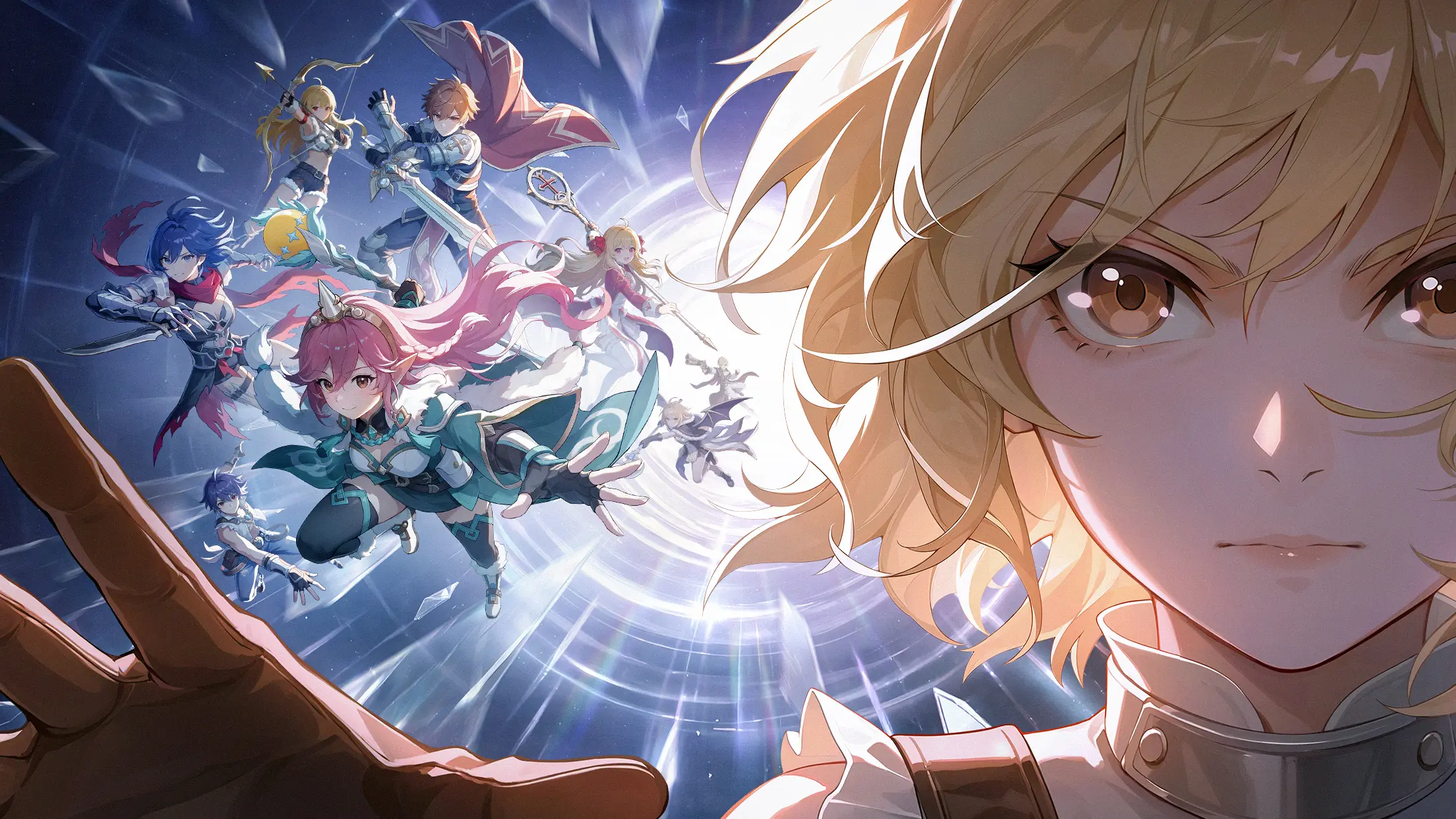
Ragnarok: The New World is a fresh, wide-open Role-playing adventure where you decide how to play. Build a single hero who can switch roles whenever you want, roam huge zones, tame monsters as pets, and take on towering bosses with friends—or solo if you’re feeling brave. Prefer a bigger screen now and then? It also runs smoothly on PC with BlueStacks.

Game Features

  • Swap Classes Anytime: One character, all jobs. Try a bursty Mage today, a sneaky Assassin tomorrow, or a clutch Priest when your squad needs saving—respec and experiment freely.
  • No-Limits Builds: Mix and match skills and gear across archetypes. Go from fire-slinging to ice-casting in a snap, chase absurd attack speed on a crit-focused Assassin, or craft a tanky bruiser that won’t budge.
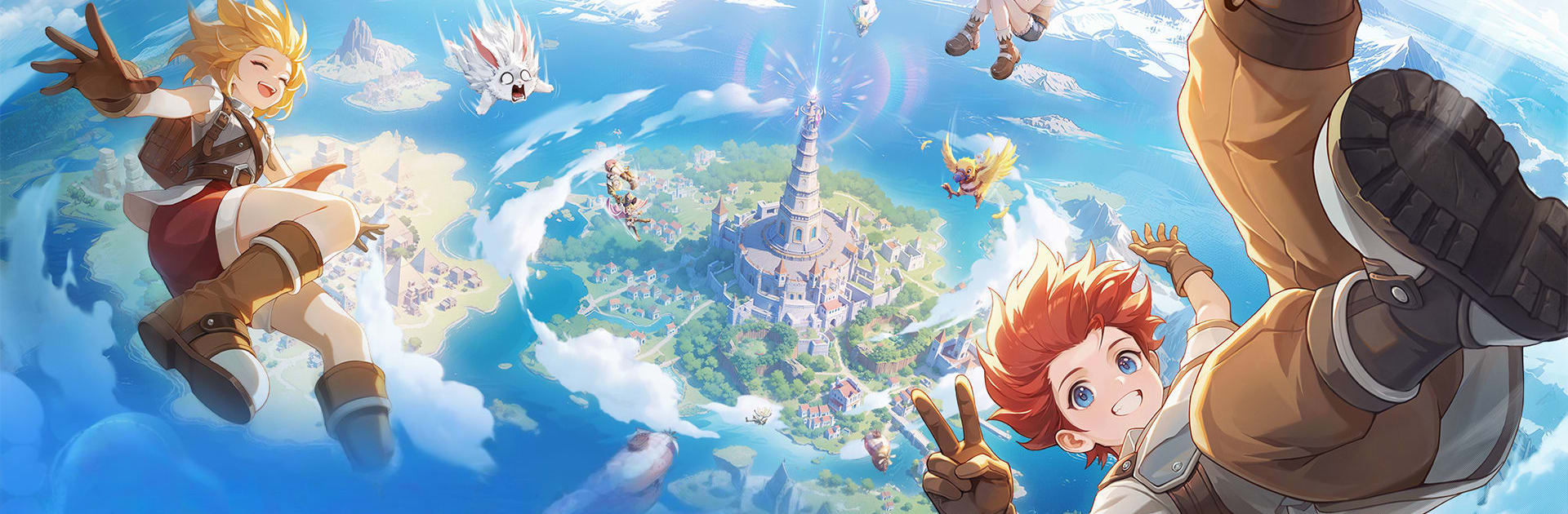
  • Big, Lively World: Explore sprawling landscapes packed with secrets, bustling cities, and wandering threats worth hunting. Every zone feels like a place to hang out, not just a waypoint.
  • Group Tactics That Matter: Bosses aren’t just damage sponges. Tanks absorb, DPS focus targets, and healers keep the team rolling while everyone handles mechanics together.
  • Pets and Boss Mounts: Tame creatures to fight alongside you—and if you defeat the right MVP, you can literally ride it as your personal mount.
  • Player-Driven Economy: Open a stall, set your prices, and read the market. Negotiate with other players, flip rare finds, and watch your savings grow.
  • Romance Your Way: Pair up with whoever you like, plan a ceremony your style, then unlock handy couple perks like shared teleports and a joint album to track your adventures.
  • Endless Wardrobe: Tailor outfits, play with dyes, and fine-tune the details. Go sharp, cute, or chaotic fashion icon—your look, your call.
  • Progress While Away: Busy day? Idle and offline gains keep your character moving forward, so logging back in actually feels rewarding.
  • Safer Upgrades: Enhance gear with systems designed to protect your investment—chase stronger stats without the usual heartbreak.

Start your journey now. Download the game on BlueStacks, invite your friends, and march on a new adventure.

Game Features

Enhancements

  • Macros
  • Rerolling
  • Eco Mode
  • Multi Instance Sync
  • Enhancements
Macros

Macros

Focus more on the fun part of the game, skip the tedious aspects. Master Ragnarok: The New World with Macros. Record yourself completing the monotonous tasks you wish to automate and replay them later with just one keypress.
Rerolling

Rerolling

Speed up the rerolling process in Ragnarok: The New World. Perform multiple summons and keep looking for the best Heroes. Use Multi-Instance sync to replicate the rerolling mechanism in all instances.
Eco Mode

Eco Mode

Farm in-game resources with ease in Ragnarok: The New World. Enable the Eco Mode when running the game in multiple instances. And lower your PC's resource consumption.
Multi Instance Sync

Multi Instance Sync

With the Multi-instance Sync, you can do even more in Ragnarok: The New World. Sync the action of the main instance and repeat them in real time for all other instances. Sync and sit back, let the game progress unfold.
Read More

How to Download and Play Ragnarok: The New World on PC or Mac

  • Download and install BlueStacks on your PC or Mac

  • Complete Google sign-in to access the Play Store, or do it later

  • Look for Ragnarok: The New World in the search bar at the top right corner

  • Click to install Ragnarok: The New World from the search results

  • Complete Google sign-in (if you skipped step 2) to install Ragnarok: The New World

  • Click the Ragnarok: The New World icon on the home screen to start playing

video
Watch Video

Minimum System Requirements

With BlueStacks 5, you can get started on a PC that fulfills the following requirements.

  • Operating System

    Microsoft Windows 7 or above, macOS 11 (Big Sur) or above

  • Processor

    Intel, AMD or Apple Silicon Processor

  • RAM

    at least 4GB

  • HDD

    10GB Free Disk Space

Note:

* You must be an Administrator on your PC. Up to date graphics drivers from Microsoft or the chipset vendor.

Ragnarok: The New World - FAQs

  • How to play Ragnarok: The New World on Windows PC & Mac?

    Play Ragnarok: The New World on your PC or Mac by following these simple steps.

    • Click on 'Play Ragnarok: The New World on PC’ to download BlueStacks
    • Install it and log-in to Google Play Store
    • Launch and play the game.
  • Why is BlueStacks the fastest and safest platform to play games on PC?

    BlueStacks respects your privacy and is always safe and secure to use. It does not carry any malware, spyware, or any sort of additional software that could harm your PC.

    It is engineered to optimize speed and performance for a seamless gaming experience.

  • What are Ragnarok: The New World PC requirements?

    Minimum requirement to run Ragnarok: The New World on your PC

    • OS: Microsoft Windows 7 or above MacOS 11 (Big Sur) or above
    • Processor: Intel, AMD or Apple Silicon Processor
    • RAM: Your PC must have at least 4GB of RAM. (Note that having 4GB or more disk space is not a substitute for RAM)
    • HDD: 10GB Free Disk Space.
    • You must be an Administrator on your PC.