Agartha
Agartha

Agartha

Role Playing

| Phit666

Play on PC with BlueStacks or from our cloud

  • Overview
  • Game Features
  • How to Play

Page Modified On: September 18, 2026

Play Agartha on PC or Mac

Play Agartha by Phit666 on PC or Mac with BlueStacks. Use a bigger screen, mouse and keyboard controls, and smoother performance while you play.

About the Game

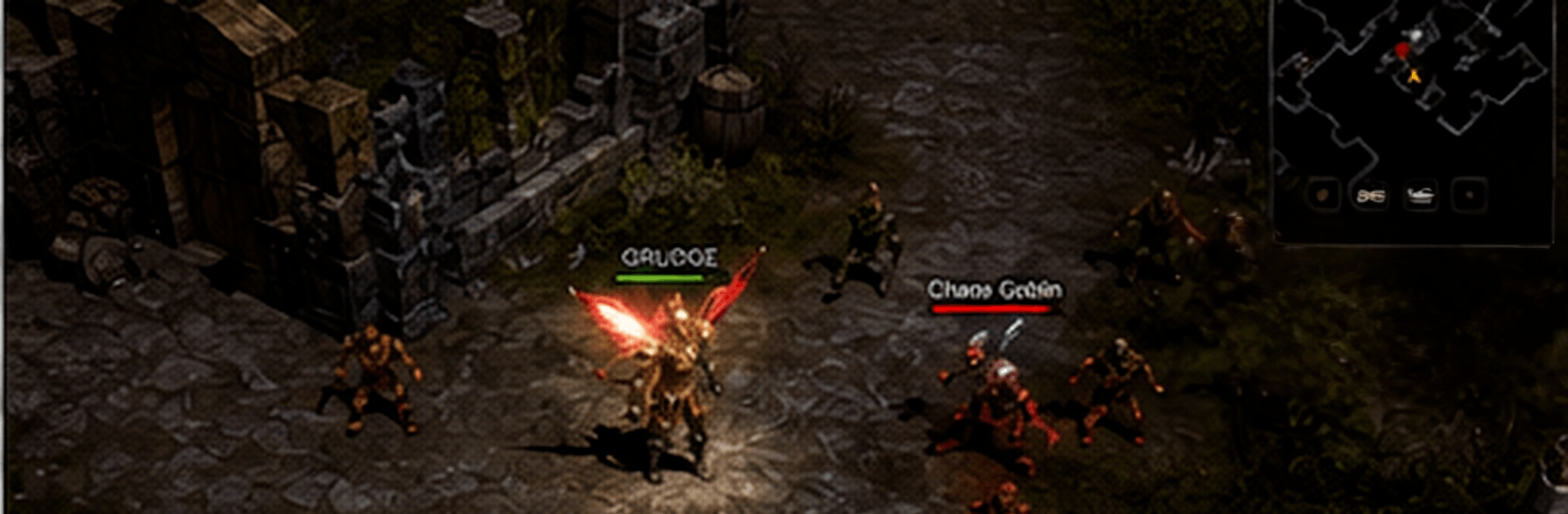
Agartha is a throwback to when victories were earned, not handed out. This Role Playing world blends dangerous PvE hunts, guild skirmishes, and a steady, satisfying climb where your gear, choices, and actual skill all matter. Pick a class, brave hostile zones, and make a name for yourself through dungeons, bosses, and tense player fights.

Game Features

  • Class-first character building: Choose a class and shape a playstyle that fits you, then fine-tune it with skills, stats, and smart gear choices.
  • A sprawling, hostile world: Trek across eerie forests, windswept plains, and monster-heavy hunting grounds packed with secrets, quests, and high-stakes encounters.
  • Real challenge, real rewards: Learn enemy patterns, tackle tough dungeons, and outplay towering bosses that guard rare loot worth the risk.
  • Party play that matters: Team up for tricky content where roles, timing, and communication turn wipes into clean clears.
  • Guild life and big wars: Join a guild, plan strategies, and take part in large-scale clashes and sieges where teamwork decides who holds the crown.
  • Competitive PvP on your terms: Test your build and reflexes in duels, open-world skirmishes, or organized battles built for rivalry and bragging rights.
  • Progression with purpose: Earn power the old-fashioned way—through smart upgrades, resource gathering, and consistent effort rather than shortcuts.
  • Gear hunts and enhancement: Chase rare drops, refine equipment, and push your setup toward that sweet spot where every upgrade feels noticeable.
  • Smooth controls and steady performance: Responsive inputs and clean feedback keep combat snappy and exploration comfortable.
  • A global player community: Meet allies, rivals, and trading partners from around the world, and swap tips to push deeper into endgame content.
  • Play comfortably on PC with BlueStacks: Prefer a bigger screen and keyboard controls? Agartha runs nicely on BlueStacks without extra fuss.

Get ready for a buttery smooth, high-performance gaming action only on BlueStacks.

Game Features

Enhancements

  • Macros
  • Rerolling
  • Eco Mode
  • Multi Instance Sync
  • Enhancements
Macros

Macros

Focus more on the fun part of the game, skip the tedious aspects. Master Agartha with Macros. Record yourself completing the monotonous tasks you wish to automate and replay them later with just one keypress.
Rerolling

Rerolling

Speed up the rerolling process in Agartha. Perform multiple summons and keep looking for the best Heroes. Use Multi-Instance sync to replicate the rerolling mechanism in all instances.
Eco Mode

Eco Mode

Farm in-game resources with ease in Agartha. Enable the Eco Mode when running the game in multiple instances. And lower your PC's resource consumption.
Multi Instance Sync

Multi Instance Sync

With the Multi-instance Sync, you can do even more in Agartha. Sync the action of the main instance and repeat them in real time for all other instances. Sync and sit back, let the game progress unfold.
Read More

How to Download and Play Agartha on PC or Mac

  • Download and install BlueStacks on your PC or Mac

  • Complete Google sign-in to access the Play Store, or do it later

  • Look for Agartha in the search bar at the top right corner

  • Click to install Agartha from the search results

  • Complete Google sign-in (if you skipped step 2) to install Agartha

  • Click the Agartha icon on the home screen to start playing

video
Watch Video

Minimum System Requirements

With BlueStacks 5, you can get started on a PC that fulfills the following requirements.

  • Operating System

    Microsoft Windows 7 or above, macOS 11 (Big Sur) or above

  • Processor

    Intel, AMD or Apple Silicon Processor

  • RAM

    at least 4GB

  • HDD

    10GB Free Disk Space

Note:

* You must be an Administrator on your PC. Up to date graphics drivers from Microsoft or the chipset vendor.

Agartha - FAQs

  • How to play Agartha on Windows PC & Mac?

    Play Agartha on your PC or Mac by following these simple steps.

    • Click on 'Play Agartha on PC’ to download BlueStacks
    • Install it and log-in to Google Play Store
    • Launch and play the game.
  • Why is BlueStacks the fastest and safest platform to play games on PC?

    BlueStacks respects your privacy and is always safe and secure to use. It does not carry any malware, spyware, or any sort of additional software that could harm your PC.

    It is engineered to optimize speed and performance for a seamless gaming experience.

  • What are Agartha PC requirements?

    Minimum requirement to run Agartha on your PC

    • OS: Microsoft Windows 7 or above MacOS 11 (Big Sur) or above
    • Processor: Intel, AMD or Apple Silicon Processor
    • RAM: Your PC must have at least 4GB of RAM. (Note that having 4GB or more disk space is not a substitute for RAM)
    • HDD: 10GB Free Disk Space.
    • You must be an Administrator on your PC.