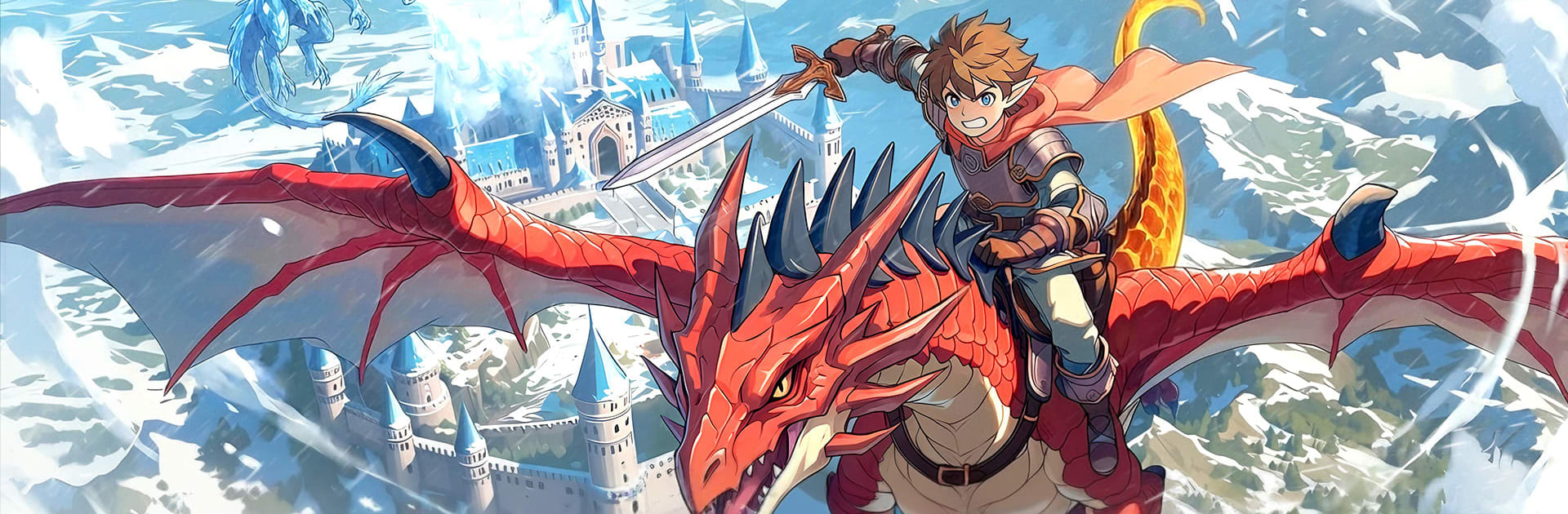


Step into the World of WyrmWild: Monster Trail, a thrilling Role Playing game from the house of Maw3id موعد. Play this Android game on BlueStacks App Player and experience immersive gaming on PC or Mac.
About the Game
WyrmWild: Monster Trail is a Role Playing adventure where you don’t just collect a monster—you raise a wyrm from a fragile egg into a fierce partner. You’re a Wyrmwilder, roaming wild plains, whispering woods, and sacred places that hum with old magic. Expect a mix of exploration, creature bonding, and tactical battles, all brought to life by Maw3id موعد. Prefer a bigger screen? It plays smoothly on BlueStacks, too.
Game Features
- Hatch your companion: Start with a single egg and nurture it into a loyal wyrm. Watch its look, abilities, and temperament evolve as you explore and battle together.
- A world full of trails: Wander open fields, mossy groves, and ancient sanctuaries. Paths split, loop, and reconnect, often leading to hidden lairs, rare materials, and secrets worth the detour.
- Team-based combat: Coordinate with your wyrm in real-time fights. Time your dodges, unleash elemental skills, and use the terrain to push through tough encounters and towering bosses.
- Hunt for the good stuff: Track powerful creatures and gather uncommon drops. Forge gear, socket curios, and fine-tune builds to match your wyrm’s strengths.
- Ride the winds: Saddle up and take to the skies or sprint across the land on your wyrm’s back. Movement feels fast and freeing, perfect for chasing storms or escaping trouble.
- Camp and connect: Set up a cozy hearth to rest, craft, and trade stories. Team up with friends for joint hunts, or huddle around the fire to plan your next route.
- Meaningful progression: Shape your wyrm’s growth through choices—skills you favor, gear you craft, and foes you challenge all leave a mark on how you play.
- Secrets off the beaten path: Curious side routes often pay off with puzzles, lore notes, and odd encounters that expand the world’s myth and your toolkit.
Start your journey now. Download the game on BlueStacks, invite your friends, and march on a new adventure.
What’s New?
The latest update introduces an exciting opportunity to Hatch, Hunt, and Harness the Wild, offering players new ways to engage with the app’s vibrant world. This new feature allows users to explore the environment with more depth, unleashing the potential for unique interactions and adventures.