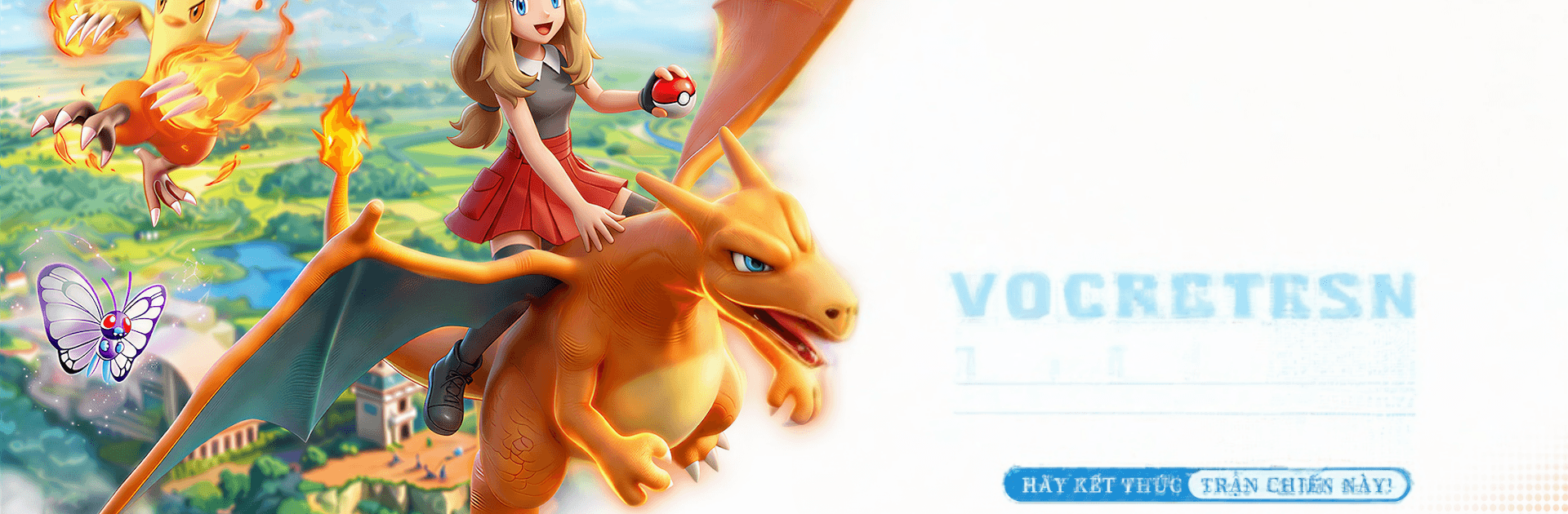
Siêu tiến hóa
Siêu tiến hóa

Siêu tiến hóa

Role Playing

| PianoFor Fans

Play on PC with BlueStacks or from our cloud

  • Overview
  • Game Features
  • How to Play

Page Modified On: August 03, 2026

Play Siêu tiến hóa on PC or Mac

Bring your A-game to Siêu tiến hóa, the Role Playing game sensation from PianoFor Fans. Give your gameplay the much-needed boost with precise game controls, high FPS graphics, and top-tier features on your PC or Mac with BlueStacks.

About the Game

Siêu tiến hóa is a Role Playing adventure where you raise a squad of battle-ready companions, explore lively wild zones, and outsmart foes with smart, tactical play. It blends hands-on combat with base-building, so you’re not just winning fights—you’re growing a home that powers every run. Gorgeous 3D models and reactive skill effects make every clash feel punchy and alive.

Game Features

  • Reactive 3D combat: Skills spark, splash, and burn with flashy effects, and the environment actually matters—think flames spreading through brush or shocks jumping across water.
  • Strategy first, stats second: Read elemental matchups, mix skills that complement each other, and arrange tight formations. Surprise ambush from tall grass? Totally a thing. Wins in PvE and the arena come from planning and teamwork.
  • Build-your-own base: Place facilities like a Recovery Center or an Energy Garden, then arrange them for both style and efficiency. Smart layouts speed healing and experience gain, so your team bounces back fast.
  • Smart progression systems: Reclaim unused materials, automate routine tasks, and keep rewards flowing with helpful management tools—great for steady growth without busywork.
  • Hunt and explore the wilds: Track targets across open areas, chase them down, and set up clever traps for that satisfying, unexpected victory.
  • Your squad, your story: Train companions your way and watch them develop unique strengths. Your base, lineup, and tactics shape a personal journey from rookie to seasoned trainer.
  • Play your way: Prefer a keyboard and a big screen? Siêu tiến hóa runs smoothly on PC with BlueStacks, giving you crisp control when you want it.

Start your journey now. Download the game on BlueStacks, invite your friends, and march on a new adventure.


Game Features

Enhancements

  • Macros
  • Rerolling
  • Eco Mode
  • Multi Instance Sync
  • Enhancements
Macros

Macros

Focus more on the fun part of the game, skip the tedious aspects. Master Siêu tiến hóa with Macros. Record yourself completing the monotonous tasks you wish to automate and replay them later with just one keypress.
Rerolling

Rerolling

Speed up the rerolling process in Siêu tiến hóa. Perform multiple summons and keep looking for the best Heroes. Use Multi-Instance sync to replicate the rerolling mechanism in all instances.
Eco Mode

Eco Mode

Farm in-game resources with ease in Siêu tiến hóa. Enable the Eco Mode when running the game in multiple instances. And lower your PC's resource consumption.
Multi Instance Sync

Multi Instance Sync

With the Multi-instance Sync, you can do even more in Siêu tiến hóa. Sync the action of the main instance and repeat them in real time for all other instances. Sync and sit back, let the game progress unfold.
Read More

How to Download and Play Siêu tiến hóa on PC or Mac

  • Download and install BlueStacks on your PC or Mac

  • Complete Google sign-in to access the Play Store, or do it later

  • Look for Siêu tiến hóa in the search bar at the top right corner

  • Click to install Siêu tiến hóa from the search results

  • Complete Google sign-in (if you skipped step 2) to install Siêu tiến hóa

  • Click the Siêu tiến hóa icon on the home screen to start playing

video
Watch Video

Minimum System Requirements

With BlueStacks 5, you can get started on a PC that fulfills the following requirements.

  • Operating System

    Microsoft Windows 7 or above, macOS 11 (Big Sur) or above

  • Processor

    Intel, AMD or Apple Silicon Processor

  • RAM

    at least 4GB

  • HDD

    10GB Free Disk Space

Note:

* You must be an Administrator on your PC. Up to date graphics drivers from Microsoft or the chipset vendor.

Siêu tiến hóa - FAQs

  • How to play Siêu tiến hóa on Windows PC & Mac?

    Play Siêu tiến hóa on your PC or Mac by following these simple steps.

    • Click on 'Play Siêu tiến hóa on PC’ to download BlueStacks
    • Install it and log-in to Google Play Store
    • Launch and play the game.
  • Why is BlueStacks the fastest and safest platform to play games on PC?

    BlueStacks respects your privacy and is always safe and secure to use. It does not carry any malware, spyware, or any sort of additional software that could harm your PC.

    It is engineered to optimize speed and performance for a seamless gaming experience.

  • What are Siêu tiến hóa PC requirements?

    Minimum requirement to run Siêu tiến hóa on your PC

    • OS: Microsoft Windows 7 or above MacOS 11 (Big Sur) or above
    • Processor: Intel, AMD or Apple Silicon Processor
    • RAM: Your PC must have at least 4GB of RAM. (Note that having 4GB or more disk space is not a substitute for RAM)
    • HDD: 10GB Free Disk Space.
    • You must be an Administrator on your PC.