小妖問道
小妖問道

小妖問道

Role Playing

| BLANCOZONE NETWORK CO., LIMITED

Play on PC with BlueStacks or from our cloud

  • Overview
  • Game Features
  • How to Play

Page Modified On: November 28, 2025

Play 小妖問道 on PC or Mac

From the innovators and creators at BLANCOZONE NETWORK CO., LIMITED, 小妖問道 is another fun addition to the World of Role Playing games. Go beyond your mobile screen and play it bigger and better on your PC or Mac. An immersive experience awaits you.

About the Game

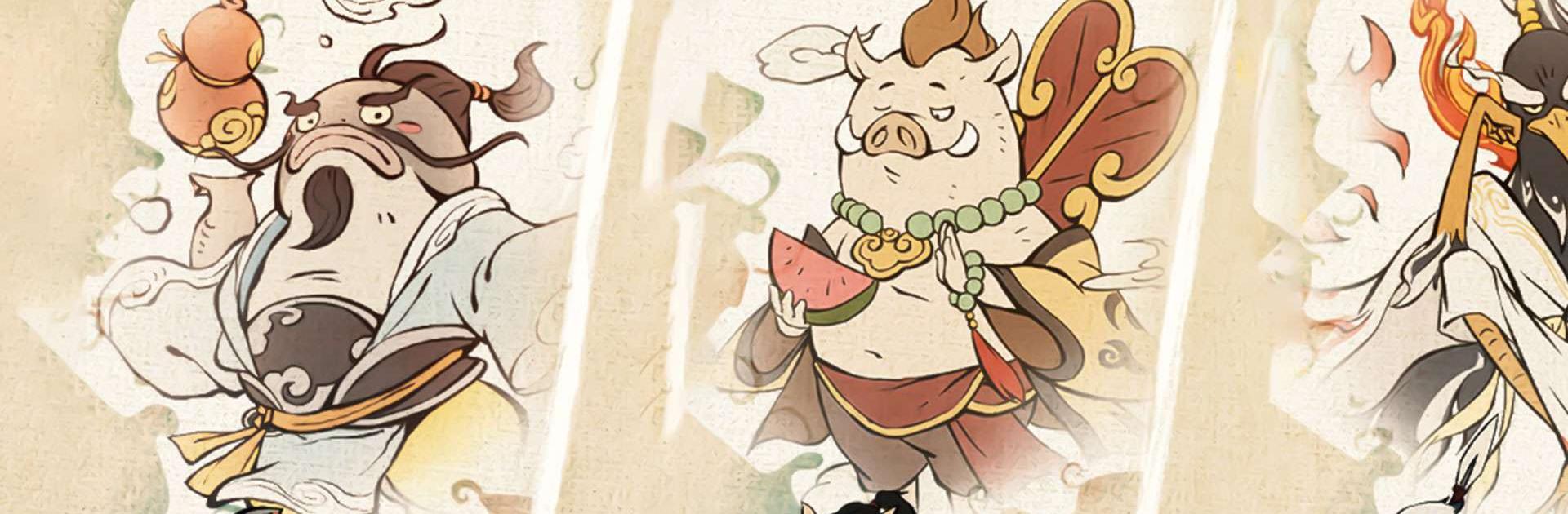
小妖問道 is a quirky, comfort-first Role Playing adventure about a tiny troublemaker chasing immortality. It blends hands-off progression with smart, satisfying tinkering—perfect if you like watching numbers soar while still having real choices to make. Created by BLANCOZONE NETWORK CO., LIMITED, this New Year version adds festive events, lucky rewards, and a limited-time mascot hero that’s here for the holiday season.

Prefer playing on a bigger screen? It runs great on BlueStacks if you want keyboard controls and a roomy view.

Game Features

  • Stress-Free Cultivation
  • Set your training, walk away, and come back stronger. The game auto-refines junk gear into useful materials, so your bag stays clean and your power keeps climbing without constant micromanagement.

  • Overnight Treasure Runs

  • A cheeky helper heads out while you sleep and returns with a backpack full of goodies. Log in, crack open chests, and enjoy that morning burst of loot.

  • Collect Everything

  • Mounts, spirit beasts, and a parade of oddball monsters are all up for grabs. Mix and match your roster to stack buffs, trigger set effects, and shape a style that feels uniquely yours.

  • Play Your Build, Your Way

  • Chase crits, lean into lifesteal, go nimble with dodge, or mash them together for surprise synergies. Swapping setups is quick, so experimentation is part of the fun.

  • Strategy-Focused Tower Trials

  • Climbing the tower isn’t just a stat check. Reorder your lineup, adjust positions, and outthink tricky stages where placement and timing matter as much as raw power.

  • Festive New Year Events

  • Collect blessings, open red envelopes, and snag free jade during the celebration. A limited-time mascot-themed character joins the roster, plus seasonal challenges with plenty of rewards to chase.

Slay your opponents with your epic moves. Play it your way on BlueStacks and dominate the battlefield.


Game Features

Enhancements

  • Macros
  • Rerolling
  • Eco Mode
  • Multi Instance Sync
  • Enhancements
Macros

Macros

Focus more on the fun part of the game, skip the tedious aspects. Master 小妖問道 with Macros. Record yourself completing the monotonous tasks you wish to automate and replay them later with just one keypress.
Rerolling

Rerolling

Speed up the rerolling process in 小妖問道. Perform multiple summons and keep looking for the best Heroes. Use Multi-Instance sync to replicate the rerolling mechanism in all instances.
Eco Mode

Eco Mode

Farm in-game resources with ease in 小妖問道. Enable the Eco Mode when running the game in multiple instances. And lower your PC's resource consumption.
Multi Instance Sync

Multi Instance Sync

With the Multi-instance Sync, you can do even more in 小妖問道. Sync the action of the main instance and repeat them in real time for all other instances. Sync and sit back, let the game progress unfold.
Read More

How to Download and Play 小妖問道 on PC or Mac

  • Download and install BlueStacks on your PC or Mac

  • Complete Google sign-in to access the Play Store, or do it later

  • Look for 小妖問道 in the search bar at the top right corner

  • Click to install 小妖問道 from the search results

  • Complete Google sign-in (if you skipped step 2) to install 小妖問道

  • Click the 小妖問道 icon on the home screen to start playing

video
Watch Video

Minimum System Requirements

With BlueStacks 5, you can get started on a PC that fulfills the following requirements.

  • Operating System

    Microsoft Windows 7 or above, macOS 11 (Big Sur) or above

  • Processor

    Intel, AMD or Apple Silicon Processor

  • RAM

    at least 4GB

  • HDD

    10GB Free Disk Space

Note:

* You must be an Administrator on your PC. Up to date graphics drivers from Microsoft or the chipset vendor.

小妖問道 - FAQs

  • How to play 小妖問道 on Windows PC & Mac?

    Play 小妖問道 on your PC or Mac by following these simple steps.

    • Click on 'Play 小妖問道 on PC’ to download BlueStacks
    • Install it and log-in to Google Play Store
    • Launch and play the game.
  • Why is BlueStacks the fastest and safest platform to play games on PC?

    BlueStacks respects your privacy and is always safe and secure to use. It does not carry any malware, spyware, or any sort of additional software that could harm your PC.

    It is engineered to optimize speed and performance for a seamless gaming experience.

  • What are 小妖問道 PC requirements?

    Minimum requirement to run 小妖問道 on your PC

    • OS: Microsoft Windows 7 or above MacOS 11 (Big Sur) or above
    • Processor: Intel, AMD or Apple Silicon Processor
    • RAM: Your PC must have at least 4GB of RAM. (Note that having 4GB or more disk space is not a substitute for RAM)
    • HDD: 10GB Free Disk Space.
    • You must be an Administrator on your PC.