Titan Awakening
Titan Awakening

Titan Awakening

Role Playing

| DLW PAPAER

Play on PC with BlueStacks or from our cloud

  • Overview
  • Game Features
  • How to Play

Page Modified On: January 08, 2026

Play Titan Awakening on PC or Mac

Bring your A-game to Titan Awakening, the Role Playing game sensation from DLW PAPAER. Give your gameplay the much-needed boost with precise game controls, high FPS graphics, and top-tier features on your PC or Mac with BlueStacks.

About the Game

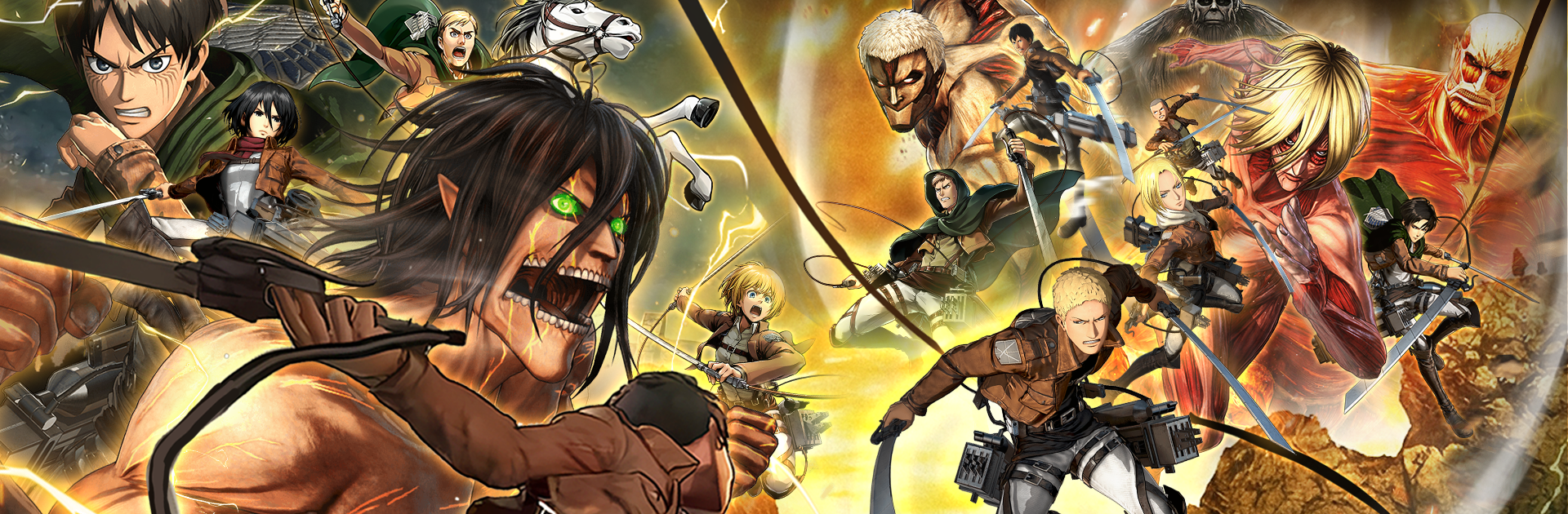
Titan Awakening throws you into a world where towering giants break through once-safe walls and everything familiar turns into a battlefield. It’s a fast, gritty Role Playing experience from DLW PAPAER that mixes tactical squad planning with heart-in-your-throat, high-speed movement. Prefer a bigger view? You can also play it on PC with BlueStacks.

Game Features

  • Tactical squads: Put together a strike team that balances tough front liners with ranged support. The formation you choose and when you swap positions can make or break a fight.

  • Vertical traversal: Use grappling hooks and propulsion gear to zip across shattered walls, crumbling rooftops, and ancient streets. Momentum matters, so timing your swing and boost feels as important as your next hit.

  • Airborne combat: Battles happen above the ground as often as on it. Line up angles, manage speed, and go for openings while you’re midair to bring down giants that tower over the city.

  • Dynamic battlefields: Every mission pushes you through broken districts and ruined landmarks, each with routes to master and hazards that punish sloppy movement.

  • High-stakes defense: You’re not just clearing enemies—you’re protecting what’s left. A single call on positioning, target priority, or when to commit can decide who survives the encounter.

  • Ongoing survival story: The walls still stand, but peace is gone. Your path through the ruins shapes a continuing tale of reclaiming streets, rescuing what you can, and facing the next oncoming threat.

Slay your opponents with your epic moves. Play it your way on BlueStacks and dominate the battlefield.


Game Features

Enhancements

  • Macros
  • Rerolling
  • Eco Mode
  • Multi Instance Sync
  • Enhancements
Macros

Macros

Focus more on the fun part of the game, skip the tedious aspects. Master Titan Awakening with Macros. Record yourself completing the monotonous tasks you wish to automate and replay them later with just one keypress.
Rerolling

Rerolling

Speed up the rerolling process in Titan Awakening. Perform multiple summons and keep looking for the best Heroes. Use Multi-Instance sync to replicate the rerolling mechanism in all instances.
Eco Mode

Eco Mode

Farm in-game resources with ease in Titan Awakening. Enable the Eco Mode when running the game in multiple instances. And lower your PC's resource consumption.
Multi Instance Sync

Multi Instance Sync

With the Multi-instance Sync, you can do even more in Titan Awakening. Sync the action of the main instance and repeat them in real time for all other instances. Sync and sit back, let the game progress unfold.
Read More

How to Download and Play Titan Awakening on PC or Mac

  • Download and install BlueStacks on your PC or Mac

  • Complete Google sign-in to access the Play Store, or do it later

  • Look for Titan Awakening in the search bar at the top right corner

  • Click to install Titan Awakening from the search results

  • Complete Google sign-in (if you skipped step 2) to install Titan Awakening

  • Click the Titan Awakening icon on the home screen to start playing

video
Watch Video

Minimum System Requirements

With BlueStacks 5, you can get started on a PC that fulfills the following requirements.

  • Operating System

    Microsoft Windows 7 or above, macOS 11 (Big Sur) or above

  • Processor

    Intel, AMD or Apple Silicon Processor

  • RAM

    at least 4GB

  • HDD

    10GB Free Disk Space

Note:

* You must be an Administrator on your PC. Up to date graphics drivers from Microsoft or the chipset vendor.

Titan Awakening - FAQs

  • How to play Titan Awakening on Windows PC & Mac?

    Play Titan Awakening on your PC or Mac by following these simple steps.

    • Click on 'Play Titan Awakening on PC’ to download BlueStacks
    • Install it and log-in to Google Play Store
    • Launch and play the game.
  • Why is BlueStacks the fastest and safest platform to play games on PC?

    BlueStacks respects your privacy and is always safe and secure to use. It does not carry any malware, spyware, or any sort of additional software that could harm your PC.

    It is engineered to optimize speed and performance for a seamless gaming experience.

  • What are Titan Awakening PC requirements?

    Minimum requirement to run Titan Awakening on your PC

    • OS: Microsoft Windows 7 or above MacOS 11 (Big Sur) or above
    • Processor: Intel, AMD or Apple Silicon Processor
    • RAM: Your PC must have at least 4GB of RAM. (Note that having 4GB or more disk space is not a substitute for RAM)
    • HDD: 10GB Free Disk Space.
    • You must be an Administrator on your PC.