Exclusive Gaming Content. And More.
Get the latest updates on the BlueStacks Blog.
See MorePlay on PC with BlueStacks or from our cloud
Page Modified On: January 02, 2026
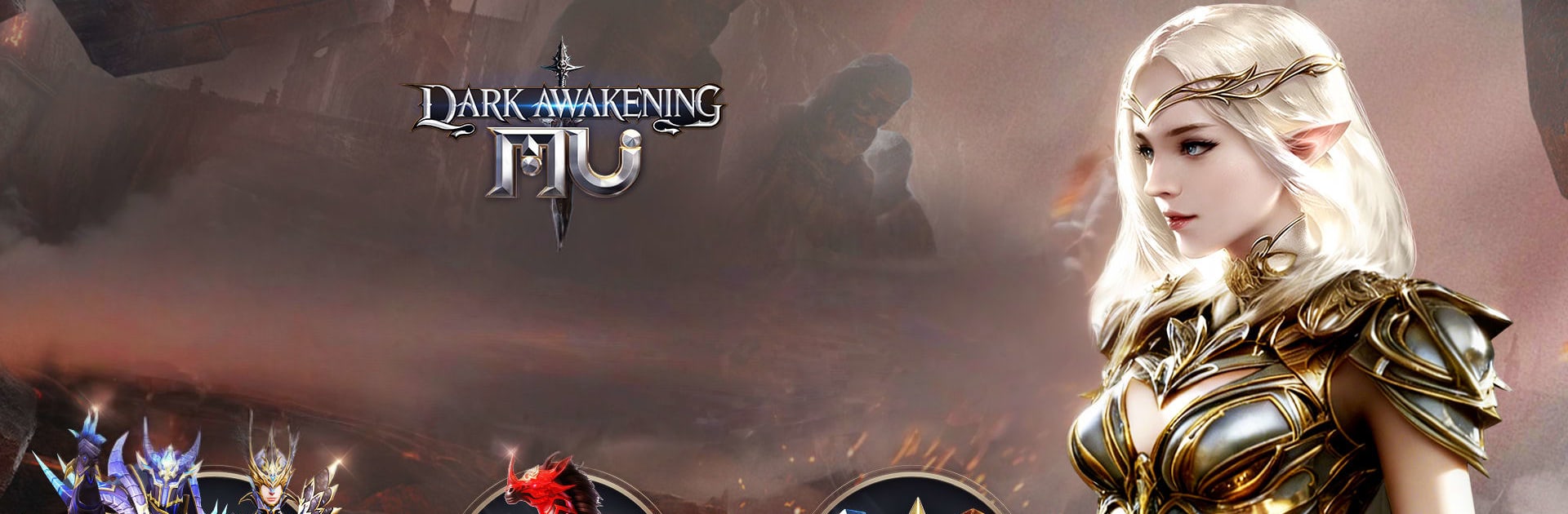
From the innovators and creators at FingerFun Limited., MU: Dark Awakening is another fun addition to the World of Role Playing games. Go beyond your mobile screen and play it bigger and better on your PC or Mac. An immersive experience awaits you.
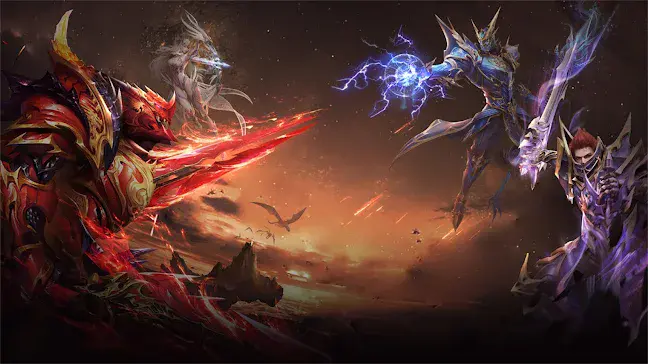
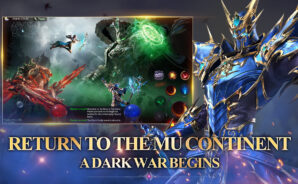
MU: Dark Awakening is a dark fantasy MMO that throws a lot of bodies on the field and lets the brawls speak for themselves. It is full of giant 100 player PvP scraps where spells flash, arrows rain, and the screen looks like a storm. On PC with BlueStacks the whole thing feels smoother and easier to track, clicks land clean, and the bigger view helps keep an eye on the cluster of effects and nameplates.
The hook is scale and speed. Cross server guild battles pack in huge groups trying to push objectives and chase rankings, so there is a constant sense of territory tug-of-war. Class freedom stands out, since swapping between Swordsman, Mage, and Archer is open, no rerolls or dead ends, just different skill sets and a chance to try new combos when bored of one style. Progress moves fast and loot drops flow more often than expected, with offline gains quietly stacking gear and materials while the game is not in focus. The game leans into power growth, big numbers, and shiny upgrades, and it is not shy about flashy stuff either, with mounts, themed outfits, avatars, and titles piling on the look. It reads like a love letter to large scale PvP and easy progression, less about slow duels and more about rolling with a squad and watching the battlefield explode.
Ready to top the leaderboard? We bet you do. Let precise controls and sharp visuals optimized on BlueStacks lead you to victory.
Focus more on the fun part of the game, skip the tedious aspects. Master MU: Dark Awakening with Macros. Record yourself completing the monotonous tasks you wish to automate and replay them later with just one keypress.
Speed up the rerolling process in MU: Dark Awakening. Perform multiple summons and keep looking for the best Heroes. Use Multi-Instance sync to replicate the rerolling mechanism in all instances.
Farm in-game resources with ease in MU: Dark Awakening. Enable the Eco Mode when running the game in multiple instances. And lower your PC's resource consumption.
With the Multi-instance Sync, you can do even more in MU: Dark Awakening. Sync the action of the main instance and repeat them in real time for all other instances. Sync and sit back, let the game progress unfold.
Download and install BlueStacks on your PC or Mac
Complete Google sign-in to access the Play Store, or do it later
Look for MU: Dark Awakening in the search bar at the top right corner
Click to install MU: Dark Awakening from the search results
Complete Google sign-in (if you skipped step 2) to install MU: Dark Awakening
Click the MU: Dark Awakening icon on the home screen to start playing
With BlueStacks 5, you can get started on a PC that fulfills the following requirements.
Microsoft Windows 7 or above, macOS 11 (Big Sur) or above
Intel, AMD or Apple Silicon Processor
at least 4GB
10GB Free Disk Space
* You must be an Administrator on your PC. Up to date graphics drivers from Microsoft or the chipset vendor.
Leave your email and we will notify
you when the game launches
Play MU: Dark Awakening on your PC or Mac by following these simple steps.
BlueStacks respects your privacy and is always safe and secure to use. It does not carry any malware, spyware, or any sort of additional software that could harm your PC.
It is engineered to optimize speed and performance for a seamless gaming experience.
Minimum requirement to run MU: Dark Awakening on your PC
Since you are on your phone, we are going to send you to the Google Play page.
In some cases BlueStacks uses affiliate links when linking to Google Play
BlueStacks 4 is not available on Windows XP. You must have Windows 7 or higher. Windows 10 is recommended.