US Village Tractor Farming Sim

US Village Tractor Farming Sim

Role Playing

| Pragma Studios

Play on PC with BlueStacks or from our cloud

  • Overview
  • Game Features
  • How to Play

Page Modified On: April 24, 2026

Play US Village Tractor Farming Sim on PC or Mac

Explore a whole new adventure with US Village Tractor Farming Sim, a Role Playing game created by Pragma Studios. Experience great gameplay with BlueStacks, the most popular gaming platform to play Android games on your PC or Mac.

About the Game

US Village Tractor Farming Sim puts you in the driver’s seat of real farm work—tilling soil, hauling heavy loads, and threading a tractor through tight village lanes. It blends relaxed countryside roaming with missions that test your timing and precision, so you can chill, hustle, or a bit of both. This Role Playing take on farm life from Pragma Studios lets you feel like an actual grower running a day’s work from sunup to sundown. Prefer playing on a bigger screen? It pairs nicely with BlueStacks.

Game Features

  • Modern tractors and tools: Hitch up different attachments, feel the weight of the load, and get a sense for how a proper workhorse handles on dirt, gravel, and grass.
  • Open-world countryside: Wander broad fields and backroads at your own pace, scouting routes before you commit to a haul or harvest.
  • Harvest and field work: Prep soil, run the harvester, and manage crop runs that reward careful driving and steady pacing.
  • Cargo and towing challenges: Move heavy goods across bumpy tracks, handle trailer sway, and prove you can keep everything upright and on time.
  • Tractor pulling events: Put torque to the test in strength-focused pulls that push your rig to the edge.
  • Trolley parking tests: Nudge long trailers into tight farmyards and sheds—slow, steady, and lined up just right.
  • Smooth, flexible controls: Steering, throttle, and hitching feel responsive, making it easy to swap between casual cruising and precise maneuvers.
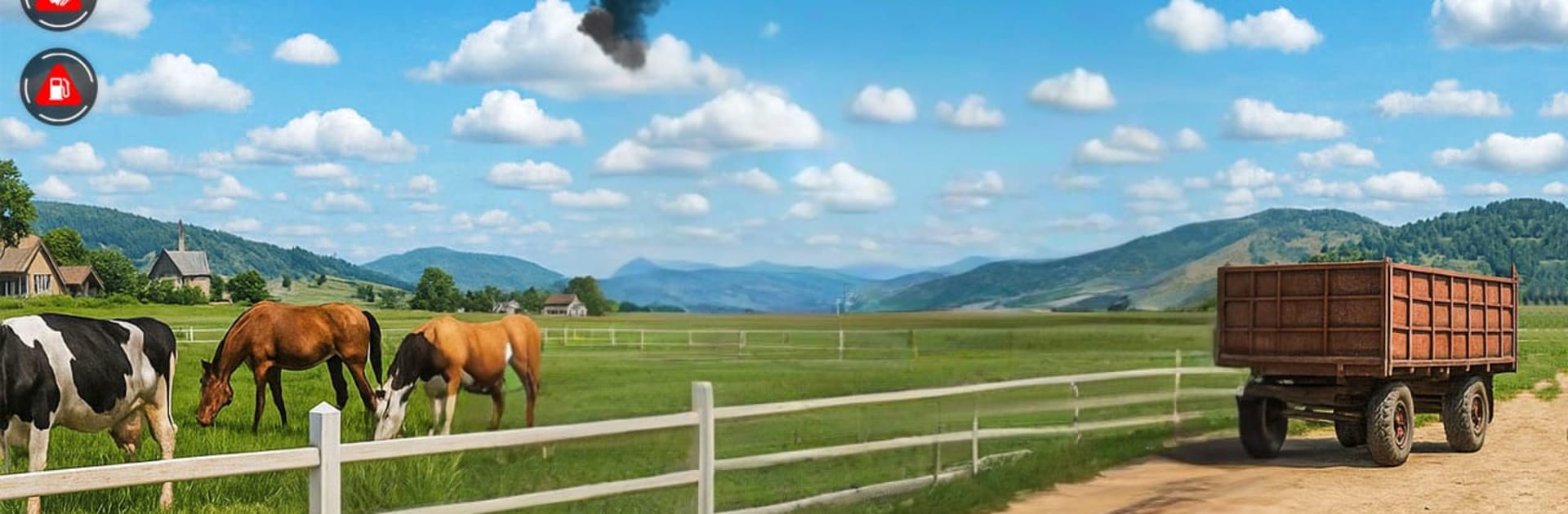
  • Realistic environments: Lush fields, village paths, and rugged off-road sections create a believable farming backdrop.
  • Mission variety, online or off: Tackle quick tasks or longer runs whenever you want, with offline play supported.
  • Progress that feels earned: Start with straightforward jobs, then take on tougher routes and bigger loads as your skills grow.

Ready to top the leaderboard? We bet you do. Let precise controls and sharp visuals optimized on BlueStacks lead you to victory.


Game Features

Enhancements

  • Macros
  • Rerolling
  • Eco Mode
  • Multi Instance Sync
  • Enhancements
Macros

Macros

Focus more on the fun part of the game, skip the tedious aspects. Master US Village Tractor Farming Sim with Macros. Record yourself completing the monotonous tasks you wish to automate and replay them later with just one keypress.
Rerolling

Rerolling

Speed up the rerolling process in US Village Tractor Farming Sim. Perform multiple summons and keep looking for the best Heroes. Use Multi-Instance sync to replicate the rerolling mechanism in all instances.
Eco Mode

Eco Mode

Farm in-game resources with ease in US Village Tractor Farming Sim. Enable the Eco Mode when running the game in multiple instances. And lower your PC's resource consumption.
Multi Instance Sync

Multi Instance Sync

With the Multi-instance Sync, you can do even more in US Village Tractor Farming Sim. Sync the action of the main instance and repeat them in real time for all other instances. Sync and sit back, let the game progress unfold.
Read More

How to Download and Play US Village Tractor Farming Sim on PC or Mac

  • Download and install BlueStacks on your PC or Mac

  • Complete Google sign-in to access the Play Store, or do it later

  • Look for US Village Tractor Farming Sim in the search bar at the top right corner

  • Click to install US Village Tractor Farming Sim from the search results

  • Complete Google sign-in (if you skipped step 2) to install US Village Tractor Farming Sim

  • Click the US Village Tractor Farming Sim icon on the home screen to start playing

video
Watch Video

Minimum System Requirements

With BlueStacks 5, you can get started on a PC that fulfills the following requirements.

  • Operating System

    Microsoft Windows 7 or above, macOS 11 (Big Sur) or above

  • Processor

    Intel, AMD or Apple Silicon Processor

  • RAM

    at least 4GB

  • HDD

    10GB Free Disk Space

Note:

* You must be an Administrator on your PC. Up to date graphics drivers from Microsoft or the chipset vendor.

US Village Tractor Farming Sim - FAQs

  • How to play US Village Tractor Farming Sim on Windows PC & Mac?

    Play US Village Tractor Farming Sim on your PC or Mac by following these simple steps.

    • Click on 'Play US Village Tractor Farming Sim on PC’ to download BlueStacks
    • Install it and log-in to Google Play Store
    • Launch and play the game.
  • Why is BlueStacks the fastest and safest platform to play games on PC?

    BlueStacks respects your privacy and is always safe and secure to use. It does not carry any malware, spyware, or any sort of additional software that could harm your PC.

    It is engineered to optimize speed and performance for a seamless gaming experience.

  • What are US Village Tractor Farming Sim PC requirements?

    Minimum requirement to run US Village Tractor Farming Sim on your PC

    • OS: Microsoft Windows 7 or above MacOS 11 (Big Sur) or above
    • Processor: Intel, AMD or Apple Silicon Processor
    • RAM: Your PC must have at least 4GB of RAM. (Note that having 4GB or more disk space is not a substitute for RAM)
    • HDD: 10GB Free Disk Space.
    • You must be an Administrator on your PC.