Open world Car Driving Sim 3D

Open world Car Driving Sim 3D

Simulation

| Identive

Play on PC with BlueStacks or from our cloud

  • Overview
  • Game Features
  • How to Play

Page Modified On: December 26, 2025

Play Open world Car Driving Sim 3D on PC or Mac

Open world Car Driving Sim 3D brings the Simulation genre to life, and throws up exciting challenges for gamers. Developed by Identive, this Android game is best experienced on BlueStacks, the World’s #1 app player for PC and Mac users.

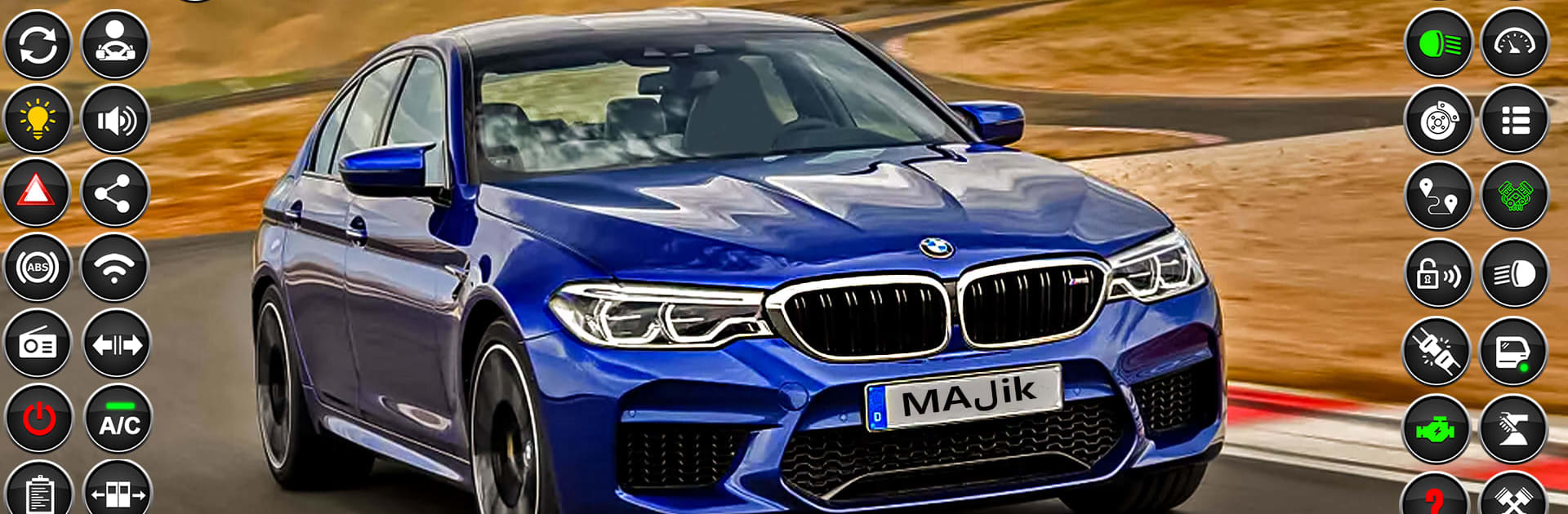
Open world Car Driving Sim 3D feels like a relaxed driving school mixed with a big free-roam city. It gives players a mix of missions that teach clean turns, parallel parking, and careful lane changes, then lets them ignore all that and just cruise. There is a proper sense of car weight and the controls are smooth, so threading a sedan into a tight spot or sliding an SUV through a wide turn feels good. Traffic and pedestrians keep things from feeling empty, and there is a simple choice to either follow the rules at lights and signs or blast down the highway to see the speed meter climb. Cars have a manual style vibe if someone wants that, cameras can be switched for better angles, and the city stretches into highways and mountain roads, which keeps drives from getting samey.

It looks clean with shiny reflections and clear lighting, plus engines sound punchy without being loud. The whole thing runs offline, so it is easy to hop in for a few missions or a long chill drive. Control options cover on-screen wheel, tilt, or buttons, and on PC with BlueStacks the keyboard gives neat precision for parking lines and tight cones. Menus are straightforward, the AI can be a bit too careful at times, and fender bumps are a little forgiving, but the steady challenge of multilevel parking and driving tests makes it feel like a real practice ground, not just another racer.

Get ready for a buttery smooth, high-performance gaming action only on BlueStacks.

Game Features

Enhancements

  • Macros
  • Multi Instance
  • Multi Instance Sync
  • Script
  • Enhancements
Macros

Macros

Automate the predictable in Open world Car Driving Sim 3D and transform your gameplay with Macros. Get access to inventive Macros in the BlueStacks Macro Community
Multi Instance

Multi Instance

Play Open world Car Driving Sim 3D on one window. And chat with your friend on the other. Press CTRL + Shift + 8 to open the Multi-Instance Manager. And start creating fresh instances or clone an existing one.
Multi Instance Sync

Multi Instance Sync

Play Open world Car Driving Sim 3D with the power of Multi-Instance Sync. Replicate what you are doing on the main instance on all other instances. Level up faster, play more.
Script

Script

Script your way to gaming glory in Open world Car Driving Sim 3D with BlueStacks Script. Write and run a set of commands to automate repeated tasks. Trigger the command by assigning it to any key.
Read More

How to Download and Play Open world Car Driving Sim 3D on PC or Mac

  • Download and install BlueStacks on your PC or Mac

  • Complete Google sign-in to access the Play Store, or do it later

  • Look for Open world Car Driving Sim 3D in the search bar at the top right corner

  • Click to install Open world Car Driving Sim 3D from the search results

  • Complete Google sign-in (if you skipped step 2) to install Open world Car Driving Sim 3D

  • Click the Open world Car Driving Sim 3D icon on the home screen to start playing

video
Watch Video

Minimum System Requirements

With BlueStacks 5, you can get started on a PC that fulfills the following requirements.

  • Operating System

    Microsoft Windows 7 or above, macOS 11 (Big Sur) or above

  • Processor

    Intel, AMD or Apple Silicon Processor

  • RAM

    at least 4GB

  • HDD

    10GB Free Disk Space

Note:

* You must be an Administrator on your PC. Up to date graphics drivers from Microsoft or the chipset vendor.

Open world Car Driving Sim 3D - FAQs

  • How to play Open world Car Driving Sim 3D on Windows PC & Mac?

    Play Open world Car Driving Sim 3D on your PC or Mac by following these simple steps.

    • Click on 'Play Open world Car Driving Sim 3D on PC’ to download BlueStacks
    • Install it and log-in to Google Play Store
    • Launch and play the game.
  • Why is BlueStacks the fastest and safest platform to play games on PC?

    BlueStacks respects your privacy and is always safe and secure to use. It does not carry any malware, spyware, or any sort of additional software that could harm your PC.

    It is engineered to optimize speed and performance for a seamless gaming experience.

  • What are Open world Car Driving Sim 3D PC requirements?

    Minimum requirement to run Open world Car Driving Sim 3D on your PC

    • OS: Microsoft Windows 7 or above MacOS 11 (Big Sur) or above
    • Processor: Intel, AMD or Apple Silicon Processor
    • RAM: Your PC must have at least 4GB of RAM. (Note that having 4GB or more disk space is not a substitute for RAM)
    • HDD: 10GB Free Disk Space.
    • You must be an Administrator on your PC.