Animal Makeover ASMR MiniGames

Animal Makeover ASMR MiniGames

Simulation

| Koko Zone

Play on PC with BlueStacks or from our cloud

  • Overview
  • Game Features
  • How to Play

Page Modified On: October 23, 2026

Play Animal Makeover ASMR MiniGames on PC or Mac

Animal Makeover ASMR MiniGames brings the Simulation genre to life, and throws up exciting challenges for gamers. Developed by Koko Zone, this Android game is best experienced on BlueStacks, the World’s #1 app player for PC and Mac users.

About the Game

Animal Makeover ASMR MiniGames is a chill, hands-on Simulation where you give quirky animals the glow-up they deserve. Each level is a short, tactile routine packed with satisfying taps, scrubs, trims, and swipes, topped off with a stylish reveal. Prefer a bigger view and simple clicks? It also plays smoothly on PC with BlueStacks.

Game Features

  • Satisfying ASMR play: Feel-good mini tasks—wash, pluck, polish, trim, and swipe—paired with gentle sounds that make each step super soothing.
  • Dental glow-ups: Start with a toothy gator and handle the full routine, from brace removal and thorough flossing to polishing and whitening for that shiny smile.
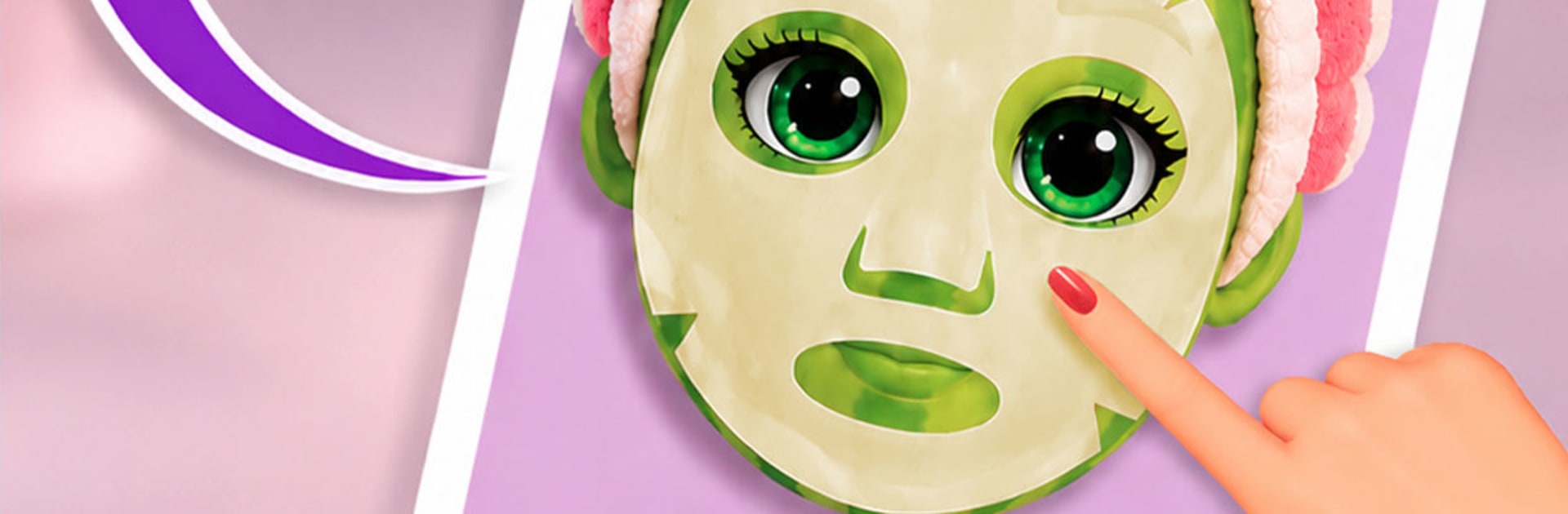
  • Spa-level skincare: Clean away grime, calm breakouts, remove odd piercings, moisturize, and apply refreshing face masks before moving on to the finishing touches.
  • Full-on salon moments: Give the cat a proper fur day—shampoo, scrub, towel dry, add color streaks, and style; try cuts for the husky and feather tidying with beak polish and bright accents for the parrot.
  • Makeup, color, and flair: Add color contacts, lipstick, gentle makeup, and playful face paint; tweak brows, spritz body spray, and cap it off with jewelry, eyewear, and earrings.
  • Mini-games with variety: Every animal gets its own routine—snip pesky vines, wipe and moisturize, test out colors, and swap in accessories for a fresh personality.
  • Dress-up your way: Mix headbands, hairstyles, outfits, and accessories to give each character a look that actually feels theirs.
  • Photo finish every time: Lock in your makeover with three posed shots at the end of each level so you can admire the results from different angles.

Start your journey now. Download the game on BlueStacks, invite your friends, and march on a new adventure.


Game Features

Enhancements

  • Macros
  • Multi Instance
  • Multi Instance Sync
  • Script
  • Enhancements
Macros

Macros

Automate the predictable in Animal Makeover ASMR MiniGames and transform your gameplay with Macros. Get access to inventive Macros in the BlueStacks Macro Community
Multi Instance

Multi Instance

Play Animal Makeover ASMR MiniGames on one window. And chat with your friend on the other. Press CTRL + Shift + 8 to open the Multi-Instance Manager. And start creating fresh instances or clone an existing one.
Multi Instance Sync

Multi Instance Sync

Play Animal Makeover ASMR MiniGames with the power of Multi-Instance Sync. Replicate what you are doing on the main instance on all other instances. Level up faster, play more.
Script

Script

Script your way to gaming glory in Animal Makeover ASMR MiniGames with BlueStacks Script. Write and run a set of commands to automate repeated tasks. Trigger the command by assigning it to any key.
Read More

How to Download and Play Animal Makeover ASMR MiniGames on PC or Mac

  • Download and install BlueStacks on your PC or Mac

  • Complete Google sign-in to access the Play Store, or do it later

  • Look for Animal Makeover ASMR MiniGames in the search bar at the top right corner

  • Click to install Animal Makeover ASMR MiniGames from the search results

  • Complete Google sign-in (if you skipped step 2) to install Animal Makeover ASMR MiniGames

  • Click the Animal Makeover ASMR MiniGames icon on the home screen to start playing

video
Watch Video

Minimum System Requirements

With BlueStacks 5, you can get started on a PC that fulfills the following requirements.

  • Operating System

    Microsoft Windows 7 or above, macOS 11 (Big Sur) or above

  • Processor

    Intel, AMD or Apple Silicon Processor

  • RAM

    at least 4GB

  • HDD

    10GB Free Disk Space

Note:

* You must be an Administrator on your PC. Up to date graphics drivers from Microsoft or the chipset vendor.

Animal Makeover ASMR MiniGames - FAQs

  • How to play Animal Makeover ASMR MiniGames on Windows PC & Mac?

    Play Animal Makeover ASMR MiniGames on your PC or Mac by following these simple steps.

    • Click on 'Play Animal Makeover ASMR MiniGames on PC’ to download BlueStacks
    • Install it and log-in to Google Play Store
    • Launch and play the game.
  • Why is BlueStacks the fastest and safest platform to play games on PC?

    BlueStacks respects your privacy and is always safe and secure to use. It does not carry any malware, spyware, or any sort of additional software that could harm your PC.

    It is engineered to optimize speed and performance for a seamless gaming experience.

  • What are Animal Makeover ASMR MiniGames PC requirements?

    Minimum requirement to run Animal Makeover ASMR MiniGames on your PC

    • OS: Microsoft Windows 7 or above MacOS 11 (Big Sur) or above
    • Processor: Intel, AMD or Apple Silicon Processor
    • RAM: Your PC must have at least 4GB of RAM. (Note that having 4GB or more disk space is not a substitute for RAM)
    • HDD: 10GB Free Disk Space.
    • You must be an Administrator on your PC.