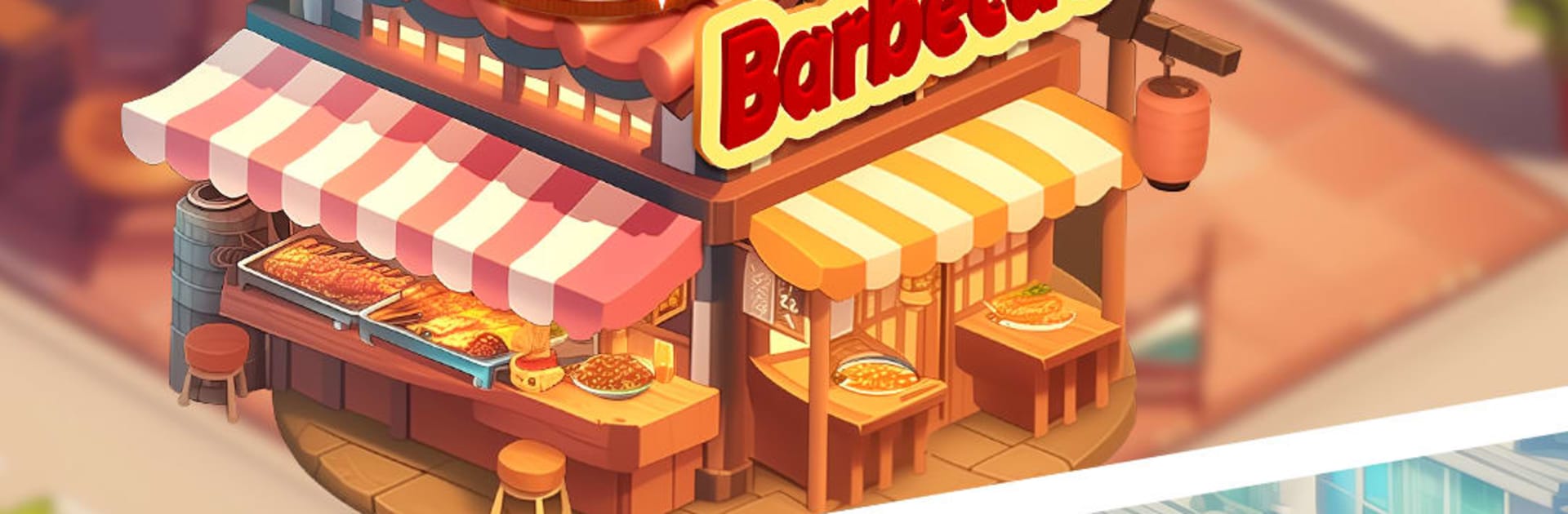
Be A Master Chef: Cooking Game

Be A Master Chef: Cooking Game

Simulation

| GAMEGZZ LIMITED

Play on PC with BlueStacks or from our cloud

  • Overview
  • Game Features
  • How to Play

Page Modified On: April 21, 2026

Play Be A Master Chef: Cooking Game on PC or Mac

Join millions to experience Be A Master Chef: Cooking Game, an exciting Simulation game from GAMEGZZ LIMITED. With BlueStacks App Player, you are always a step ahead of your opponent, ready to outplay them with faster gameplay and better control with the mouse and keyboard on your PC or Mac.

About the Game

Be A Master Chef: Cooking Game is a fast, finger-tapping Simulation from GAMEGZZ LIMITED where you run the kitchen like a pro. You’ll start small, juggle orders under pressure, and turn a modest setup into a showy hotspot one upgrade at a time. It’s quick, satisfying, and surprisingly strategic—perfect for anyone who craves that “order up!” rush. Prefer a bigger screen? BlueStacks on PC makes those rapid taps feel extra smooth.

Game Features

  • Climb the ranks
    Begin with a tiny food stall and grow into a polished restaurant by earning coins and gems, then pouring them back into better gear and tastier ingredients.

  • World flavors on the line
    Serve crowd-pleasers like burgers, pizza, sushi, and steaks while opening new kitchens inspired by Japan, France, the U.S., and Mexico.

  • Speed with a plan
    Keep pans moving, time your dishes, and juggle multiple tickets during peak hours. String perfect serves together to rake in bigger tips and higher scores.

  • Upgrades you can feel (and see)
    Swap out sluggish tools for sleek, high-performance equipment and premium produce. Your kitchen actually looks more luxurious as you progress.

  • Helpful power-ups
    Stuck on a tricky stage? Use boosts that shave cooking time, protect dishes from burning, or give you a short breather when the line gets wild.

  • Tons of challenges
    Tackle well over a thousand levels packed with goals, tricky customer patterns, and new mechanics that keep the rush fresh.

  • Satisfying sights and sounds
    Crisp visuals and ASMR-style sizzles make every flip, sear, and serve extra pleasing.

  • Play anytime
    No Wi‑Fi? No problem. Jump into the kitchen offline and keep the coins coming wherever you are.

Slay your opponents with your epic moves. Play it your way on BlueStacks and dominate the battlefield.


Game Features

Enhancements

  • Macros
  • Multi Instance
  • Multi Instance Sync
  • Script
  • Enhancements
Macros

Macros

Automate the predictable in Be A Master Chef: Cooking Game and transform your gameplay with Macros. Get access to inventive Macros in the BlueStacks Macro Community
Multi Instance

Multi Instance

Play Be A Master Chef: Cooking Game on one window. And chat with your friend on the other. Press CTRL + Shift + 8 to open the Multi-Instance Manager. And start creating fresh instances or clone an existing one.
Multi Instance Sync

Multi Instance Sync

Play Be A Master Chef: Cooking Game with the power of Multi-Instance Sync. Replicate what you are doing on the main instance on all other instances. Level up faster, play more.
Script

Script

Script your way to gaming glory in Be A Master Chef: Cooking Game with BlueStacks Script. Write and run a set of commands to automate repeated tasks. Trigger the command by assigning it to any key.
Read More

How to Download and Play Be A Master Chef: Cooking Game on PC or Mac

  • Download and install BlueStacks on your PC or Mac

  • Complete Google sign-in to access the Play Store, or do it later

  • Look for Be A Master Chef: Cooking Game in the search bar at the top right corner

  • Click to install Be A Master Chef: Cooking Game from the search results

  • Complete Google sign-in (if you skipped step 2) to install Be A Master Chef: Cooking Game

  • Click the Be A Master Chef: Cooking Game icon on the home screen to start playing

video
Watch Video

Minimum System Requirements

With BlueStacks 5, you can get started on a PC that fulfills the following requirements.

  • Operating System

    Microsoft Windows 7 or above, macOS 11 (Big Sur) or above

  • Processor

    Intel, AMD or Apple Silicon Processor

  • RAM

    at least 4GB

  • HDD

    10GB Free Disk Space

Note:

* You must be an Administrator on your PC. Up to date graphics drivers from Microsoft or the chipset vendor.

Be A Master Chef: Cooking Game - FAQs

  • How to play Be A Master Chef: Cooking Game on Windows PC & Mac?

    Play Be A Master Chef: Cooking Game on your PC or Mac by following these simple steps.

    • Click on 'Play Be A Master Chef: Cooking Game on PC’ to download BlueStacks
    • Install it and log-in to Google Play Store
    • Launch and play the game.
  • Why is BlueStacks the fastest and safest platform to play games on PC?

    BlueStacks respects your privacy and is always safe and secure to use. It does not carry any malware, spyware, or any sort of additional software that could harm your PC.

    It is engineered to optimize speed and performance for a seamless gaming experience.

  • What are Be A Master Chef: Cooking Game PC requirements?

    Minimum requirement to run Be A Master Chef: Cooking Game on your PC

    • OS: Microsoft Windows 7 or above MacOS 11 (Big Sur) or above
    • Processor: Intel, AMD or Apple Silicon Processor
    • RAM: Your PC must have at least 4GB of RAM. (Note that having 4GB or more disk space is not a substitute for RAM)
    • HDD: 10GB Free Disk Space.
    • You must be an Administrator on your PC.