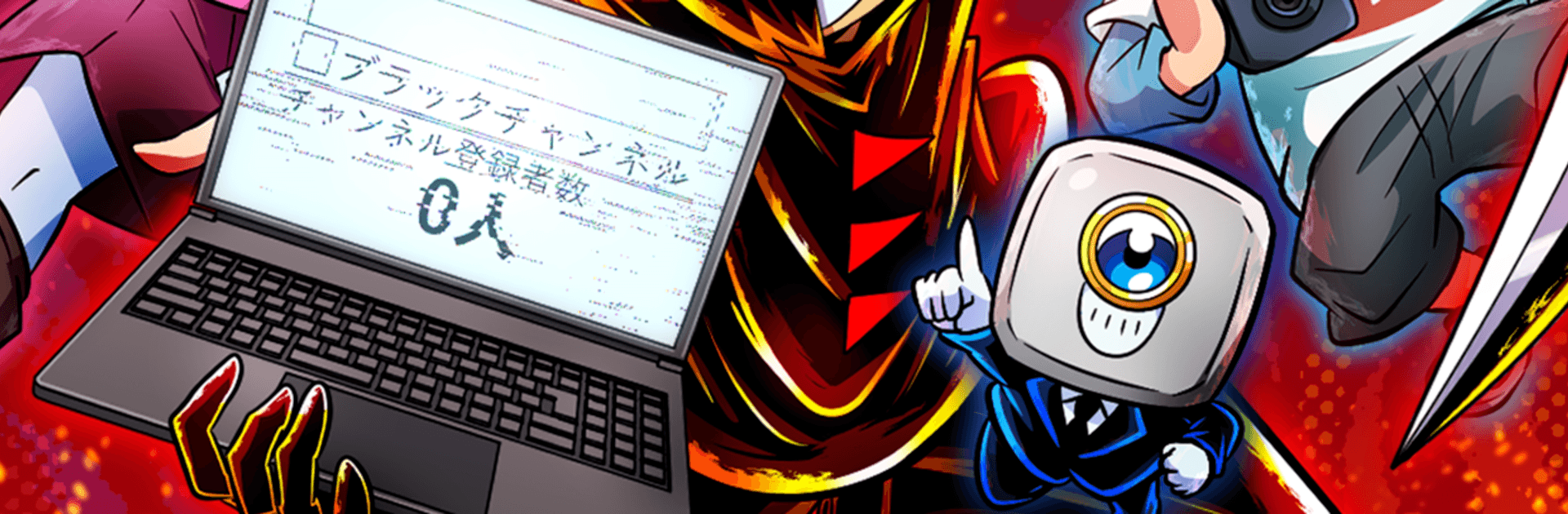
ブラックチャンネル ブレイズロード
ブラックチャンネル ブレイズロード

ブラックチャンネル ブレイズロード

Simulation

| Plott Inc.

Play on PC with BlueStacks or from our cloud

  • Overview
  • Game Features
  • How to Play

Page Modified On: October 23, 2026

Play ブラックチャンネル ブレイズロード on PC or Mac

ブラックチャンネル ブレイズロード brings the Simulation genre to life, and throws up exciting challenges for gamers. Developed by Plott Inc., this Android game is best experienced on BlueStacks, the World’s #1 app player for PC and Mac users.

About the Game

ブラックチャンネル ブレイズロード drops you into a wild world where streaming is everything and losing followers can make people dangerous. After their channel’s subs vanish overnight, Black and Satoshi hit the road to figure out what went wrong and tussle with rival creators who’ve gone off the deep end. This Simulation blends quick, story-first battles with hands-off growth, and it plays smoothly on BlueStacks if you prefer jumping in from your PC.

Game Features

  • Road-trip mystery: Track down why the audience disappeared as Black and Satoshi travel from fight to fight, piecing together the truth behind the sudden subscriber wipeout.
  • Hands-off progress: Your crew keeps battling and earning resources even when you’re away, so you return to a stronger team and new upgrades ready to go.
  • Tough foe? Try again smarter: Hit a wall? Boost weapon power and team level, tweak your setup, and take another swing without losing momentum.
  • Contractors you can count on: Use Contract Summoning to recruit “Contractors,” including familiar faces from Black’s channel, and stack your roster with the right specialties.
  • Fast, punchy encounters: Battles are quick to start and satisfying to clear, perfect for short sessions or long stretches when you want to push the story forward.
  • Build and tune your squad: Mix weapon upgrades with team growth to sharpen your damage, survivability, and synergy against aggressive streamer bosses.
  • Content with an edge: Every victory fuels Black’s quest to make show-stopping videos while closing in on the mastermind who wrecked the world’s streaming scene.

Start playing ブラックチャンネル ブレイズロード on BlueStacks and get a smoother, more comfortable PC or Mac setup.


Game Features

Enhancements

  • Macros
  • Multi Instance
  • Multi Instance Sync
  • Script
  • Enhancements
Macros

Macros

Automate the predictable in ブラックチャンネル ブレイズロード and transform your gameplay with Macros. Get access to inventive Macros in the BlueStacks Macro Community
Multi Instance

Multi Instance

Play ブラックチャンネル ブレイズロード on one window. And chat with your friend on the other. Press CTRL + Shift + 8 to open the Multi-Instance Manager. And start creating fresh instances or clone an existing one.
Multi Instance Sync

Multi Instance Sync

Play ブラックチャンネル ブレイズロード with the power of Multi-Instance Sync. Replicate what you are doing on the main instance on all other instances. Level up faster, play more.
Script

Script

Script your way to gaming glory in ブラックチャンネル ブレイズロード with BlueStacks Script. Write and run a set of commands to automate repeated tasks. Trigger the command by assigning it to any key.
Read More

How to Download and Play ブラックチャンネル ブレイズロード on PC or Mac

  • Download and install BlueStacks on your PC or Mac

  • Complete Google sign-in to access the Play Store, or do it later

  • Look for ブラックチャンネル ブレイズロード in the search bar at the top right corner

  • Click to install ブラックチャンネル ブレイズロード from the search results

  • Complete Google sign-in (if you skipped step 2) to install ブラックチャンネル ブレイズロード

  • Click the ブラックチャンネル ブレイズロード icon on the home screen to start playing

video
Watch Video

Minimum System Requirements

With BlueStacks 5, you can get started on a PC that fulfills the following requirements.

  • Operating System

    Microsoft Windows 7 or above, macOS 11 (Big Sur) or above

  • Processor

    Intel, AMD or Apple Silicon Processor

  • RAM

    at least 4GB

  • HDD

    10GB Free Disk Space

Note:

* You must be an Administrator on your PC. Up to date graphics drivers from Microsoft or the chipset vendor.

ブラックチャンネル ブレイズロード - FAQs

  • How to play ブラックチャンネル ブレイズロード on Windows PC & Mac?

    Play ブラックチャンネル ブレイズロード on your PC or Mac by following these simple steps.

    • Click on 'Play ブラックチャンネル ブレイズロード on PC’ to download BlueStacks
    • Install it and log-in to Google Play Store
    • Launch and play the game.
  • Why is BlueStacks the fastest and safest platform to play games on PC?

    BlueStacks respects your privacy and is always safe and secure to use. It does not carry any malware, spyware, or any sort of additional software that could harm your PC.

    It is engineered to optimize speed and performance for a seamless gaming experience.

  • What are ブラックチャンネル ブレイズロード PC requirements?

    Minimum requirement to run ブラックチャンネル ブレイズロード on your PC

    • OS: Microsoft Windows 7 or above MacOS 11 (Big Sur) or above
    • Processor: Intel, AMD or Apple Silicon Processor
    • RAM: Your PC must have at least 4GB of RAM. (Note that having 4GB or more disk space is not a substitute for RAM)
    • HDD: 10GB Free Disk Space.
    • You must be an Administrator on your PC.