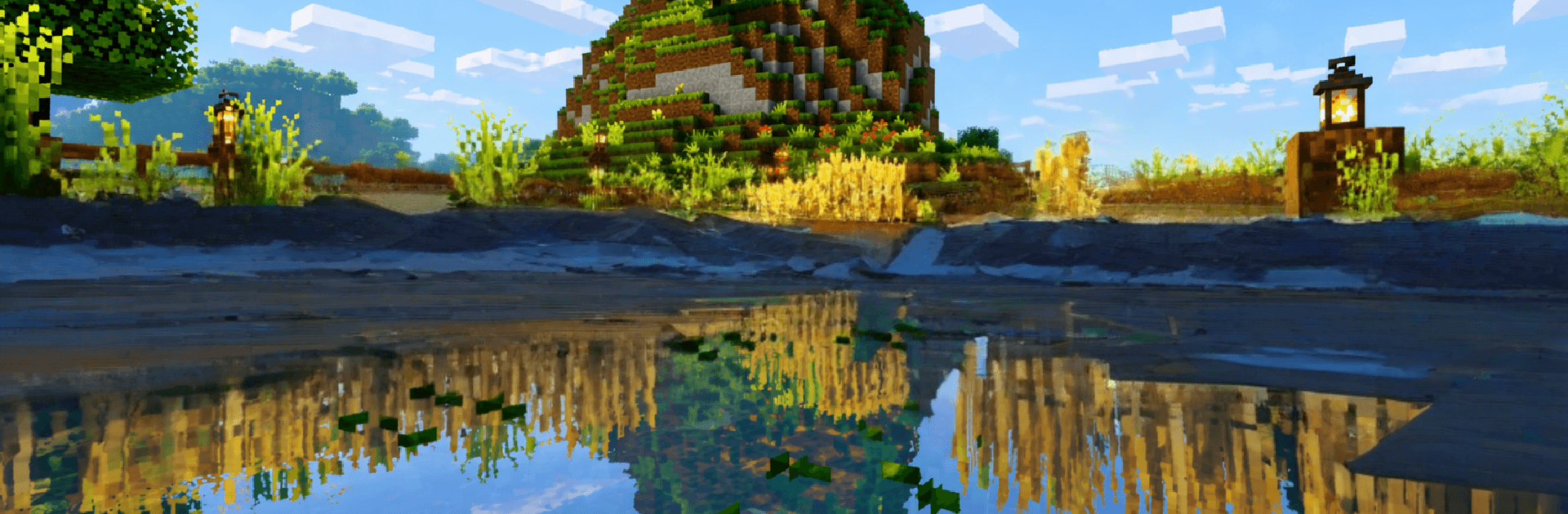
Block Crazy Robo World Craft3D

Block Crazy Robo World Craft3D

Simulation

| Ghaddan Studios

Play on PC with BlueStacks or from our cloud

  • Overview
  • Game Features
  • How to Play

Page Modified On: June 25, 2026

Play Block Crazy Robo World Craft3D on PC or Mac

Block Crazy Robo World Craft3D by Ghaddan Studios has plenty to keep you busy. BlueStacks lets you play it on PC or Mac with more screen space, better control, and fewer mobile limits.

About the Game

Block Crazy Robo World Craft3D is a futuristic block-builder where you shape a high-tech world from the ground up. It’s a chill, creative Simulation experience with plenty of room to get weird and inventive—think neon skylines, robot hangars, and secret labs tucked beneath the surface. Prefer a bigger screen? It feels right at home on BlueStacks too.

Game Features

  • Futuristic Building Playground: Stack, shape, and design sprawling robot cities, industrial bases, and sleek cyber towers with an easygoing toolset.
  • Crafting With High-Tech Flair: Gather metal, circuits, stone, and rare ores to forge tools, structures, and mechanical parts that power your creations.
  • Two Ways to Play: Go limitless in Creative Mode or test your grit in Survival Mode by collecting resources and crafting what you need to keep going.
  • Explore High-Tech Biomes: Roam through robotic zones, neon-lit districts, and tucked-away AI facilities packed with materials and cool views.
  • Customize Every Corner: Sculpt the terrain, wire in glowing lights, and decorate with sci‑fi props until the whole place feels uniquely yours.
  • Smooth, Accessible Controls: Straightforward controls make building feel relaxing and approachable, whether you’re sketching a tiny workshop or a mega city.
  • Build Together: Team up in multiplayer to plan, divide tasks, and pull off ambitious robot-themed projects faster than you could solo.
  • Great on PC With BlueStacks: Like playing on a desktop? The game runs comfortably on BlueStacks, giving you extra room to plan big builds.

Ready to top the leaderboard? We bet you do. Let precise controls and sharp visuals optimized on BlueStacks lead you to victory.


Game Features

Enhancements

  • Macros
  • Multi Instance
  • Multi Instance Sync
  • Script
  • Enhancements
Macros

Macros

Automate the predictable in Block Crazy Robo World Craft3D and transform your gameplay with Macros. Get access to inventive Macros in the BlueStacks Macro Community
Multi Instance

Multi Instance

Play Block Crazy Robo World Craft3D on one window. And chat with your friend on the other. Press CTRL + Shift + 8 to open the Multi-Instance Manager. And start creating fresh instances or clone an existing one.
Multi Instance Sync

Multi Instance Sync

Play Block Crazy Robo World Craft3D with the power of Multi-Instance Sync. Replicate what you are doing on the main instance on all other instances. Level up faster, play more.
Script

Script

Script your way to gaming glory in Block Crazy Robo World Craft3D with BlueStacks Script. Write and run a set of commands to automate repeated tasks. Trigger the command by assigning it to any key.
Read More

How to Download and Play Block Crazy Robo World Craft3D on PC or Mac

  • Download and install BlueStacks on your PC or Mac

  • Complete Google sign-in to access the Play Store, or do it later

  • Look for Block Crazy Robo World Craft3D in the search bar at the top right corner

  • Click to install Block Crazy Robo World Craft3D from the search results

  • Complete Google sign-in (if you skipped step 2) to install Block Crazy Robo World Craft3D

  • Click the Block Crazy Robo World Craft3D icon on the home screen to start playing

video
Watch Video

Minimum System Requirements

With BlueStacks 5, you can get started on a PC that fulfills the following requirements.

  • Operating System

    Microsoft Windows 7 or above, macOS 11 (Big Sur) or above

  • Processor

    Intel, AMD or Apple Silicon Processor

  • RAM

    at least 4GB

  • HDD

    10GB Free Disk Space

Note:

* You must be an Administrator on your PC. Up to date graphics drivers from Microsoft or the chipset vendor.

Block Crazy Robo World Craft3D - FAQs

  • How to play Block Crazy Robo World Craft3D on Windows PC & Mac?

    Play Block Crazy Robo World Craft3D on your PC or Mac by following these simple steps.

    • Click on 'Play Block Crazy Robo World Craft3D on PC’ to download BlueStacks
    • Install it and log-in to Google Play Store
    • Launch and play the game.
  • Why is BlueStacks the fastest and safest platform to play games on PC?

    BlueStacks respects your privacy and is always safe and secure to use. It does not carry any malware, spyware, or any sort of additional software that could harm your PC.

    It is engineered to optimize speed and performance for a seamless gaming experience.

  • What are Block Crazy Robo World Craft3D PC requirements?

    Minimum requirement to run Block Crazy Robo World Craft3D on your PC

    • OS: Microsoft Windows 7 or above MacOS 11 (Big Sur) or above
    • Processor: Intel, AMD or Apple Silicon Processor
    • RAM: Your PC must have at least 4GB of RAM. (Note that having 4GB or more disk space is not a substitute for RAM)
    • HDD: 10GB Free Disk Space.
    • You must be an Administrator on your PC.