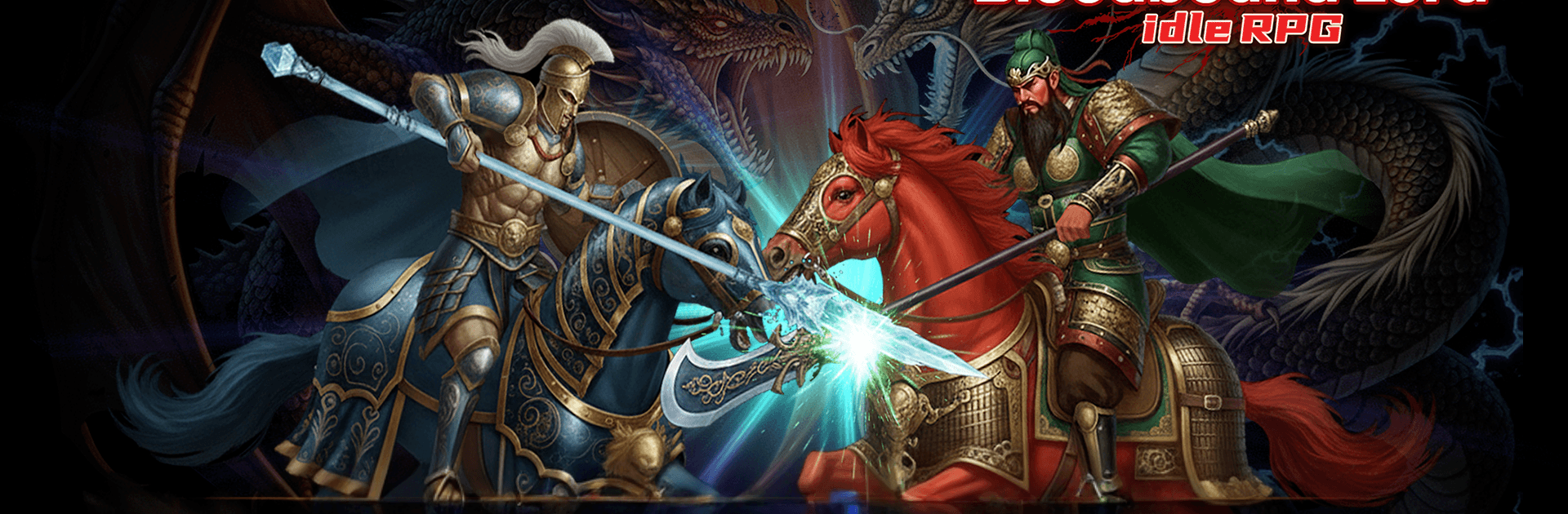
Bloodbound Lord : Idle RPG

Bloodbound Lord : Idle RPG

Simulation

| Superlink

Play on PC with BlueStacks or from our cloud

  • Overview
  • Game Features
  • How to Play

Page Modified On: August 20, 2026

Play Bloodbound Lord : Idle RPG on PC or Mac

Play Bloodbound Lord : Idle RPG by Superlink on PC or Mac with BlueStacks. Use a bigger screen, mouse and keyboard controls, and smoother performance while you play.

About the Game

Bloodbound Lord : Idle RPG drops you into a gritty medieval world where steel clashes and empires are built one battle at a time. Start small, grow your domain, and mold a squad of knights that keeps getting stronger whether you’re online or not. Prefer playing on a bigger screen? It runs smoothly on PC with BlueStacks. Genre: Simulation.

Game Features

  • Command Your Order: Begin with a modest fief and a few brave knights, then expand your influence as you outmaneuver rival lords and push your banner across new lands.
  • Hands-Off Progress: Your forces train, gather loot, and toughen up even while you’re away, so every return feels like opening a well-earned war chest.
  • Smart Tactics: Study enemy stats, pick the right formation, and time skills for maximum impact—simple to grasp, but there’s room to outthink tougher foes.
  • Competitive Leagues: Enter ranked battles and climb through tiers to prove your mettle, earn prestige, and test builds against challengers who won’t go easy.
  • Bloodbound Alliance: Build a powerful Bloodbound with allies, coordinate strategies, and take part in guild battles to claim glory together.
  • Endless Growth Paths: Chase bigger numbers with gear sets, skill synergies, awakenings, and targeted upgrades that let you shape unique, hard-hitting lineups.
  • Easy to Pick Up: Clean menus, quick battles, and a clear flow mean you can jump in, make progress fast, and still feel that satisfying depth as your army evolves.

BlueStacks gives you more room to focus on the game and less time adjusting around mobile limitations.


Game Features

Enhancements

  • Macros
  • Multi Instance
  • Multi Instance Sync
  • Script
  • Enhancements
Macros

Macros

Automate the predictable in Bloodbound Lord : Idle RPG and transform your gameplay with Macros. Get access to inventive Macros in the BlueStacks Macro Community
Multi Instance

Multi Instance

Play Bloodbound Lord : Idle RPG on one window. And chat with your friend on the other. Press CTRL + Shift + 8 to open the Multi-Instance Manager. And start creating fresh instances or clone an existing one.
Multi Instance Sync

Multi Instance Sync

Play Bloodbound Lord : Idle RPG with the power of Multi-Instance Sync. Replicate what you are doing on the main instance on all other instances. Level up faster, play more.
Script

Script

Script your way to gaming glory in Bloodbound Lord : Idle RPG with BlueStacks Script. Write and run a set of commands to automate repeated tasks. Trigger the command by assigning it to any key.
Read More

How to Download and Play Bloodbound Lord : Idle RPG on PC or Mac

  • Download and install BlueStacks on your PC or Mac

  • Complete Google sign-in to access the Play Store, or do it later

  • Look for Bloodbound Lord : Idle RPG in the search bar at the top right corner

  • Click to install Bloodbound Lord : Idle RPG from the search results

  • Complete Google sign-in (if you skipped step 2) to install Bloodbound Lord : Idle RPG

  • Click the Bloodbound Lord : Idle RPG icon on the home screen to start playing

video
Watch Video

Minimum System Requirements

With BlueStacks 5, you can get started on a PC that fulfills the following requirements.

  • Operating System

    Microsoft Windows 7 or above, macOS 11 (Big Sur) or above

  • Processor

    Intel, AMD or Apple Silicon Processor

  • RAM

    at least 4GB

  • HDD

    10GB Free Disk Space

Note:

* You must be an Administrator on your PC. Up to date graphics drivers from Microsoft or the chipset vendor.

Bloodbound Lord : Idle RPG - FAQs

  • How to play Bloodbound Lord : Idle RPG on Windows PC & Mac?

    Play Bloodbound Lord : Idle RPG on your PC or Mac by following these simple steps.

    • Click on 'Play Bloodbound Lord : Idle RPG on PC’ to download BlueStacks
    • Install it and log-in to Google Play Store
    • Launch and play the game.
  • Why is BlueStacks the fastest and safest platform to play games on PC?

    BlueStacks respects your privacy and is always safe and secure to use. It does not carry any malware, spyware, or any sort of additional software that could harm your PC.

    It is engineered to optimize speed and performance for a seamless gaming experience.

  • What are Bloodbound Lord : Idle RPG PC requirements?

    Minimum requirement to run Bloodbound Lord : Idle RPG on your PC

    • OS: Microsoft Windows 7 or above MacOS 11 (Big Sur) or above
    • Processor: Intel, AMD or Apple Silicon Processor
    • RAM: Your PC must have at least 4GB of RAM. (Note that having 4GB or more disk space is not a substitute for RAM)
    • HDD: 10GB Free Disk Space.
    • You must be an Administrator on your PC.