Brawl Stars
Brawl Stars

Brawl Stars

Simulation

| ASIAN VETERINARY SERVICES LIMITED

Play on PC with BlueStacks or from our cloud

  • Overview
  • Game Features
  • How to Play

Page Modified On: June 25, 2026

Play Brawl Stars on PC or Mac

Play Brawl Stars by ASIAN VETERINARY SERVICES LIMITED on PC or Mac with BlueStacks. Use a bigger screen, mouse and keyboard controls, and smoother performance while you play.

About the Game

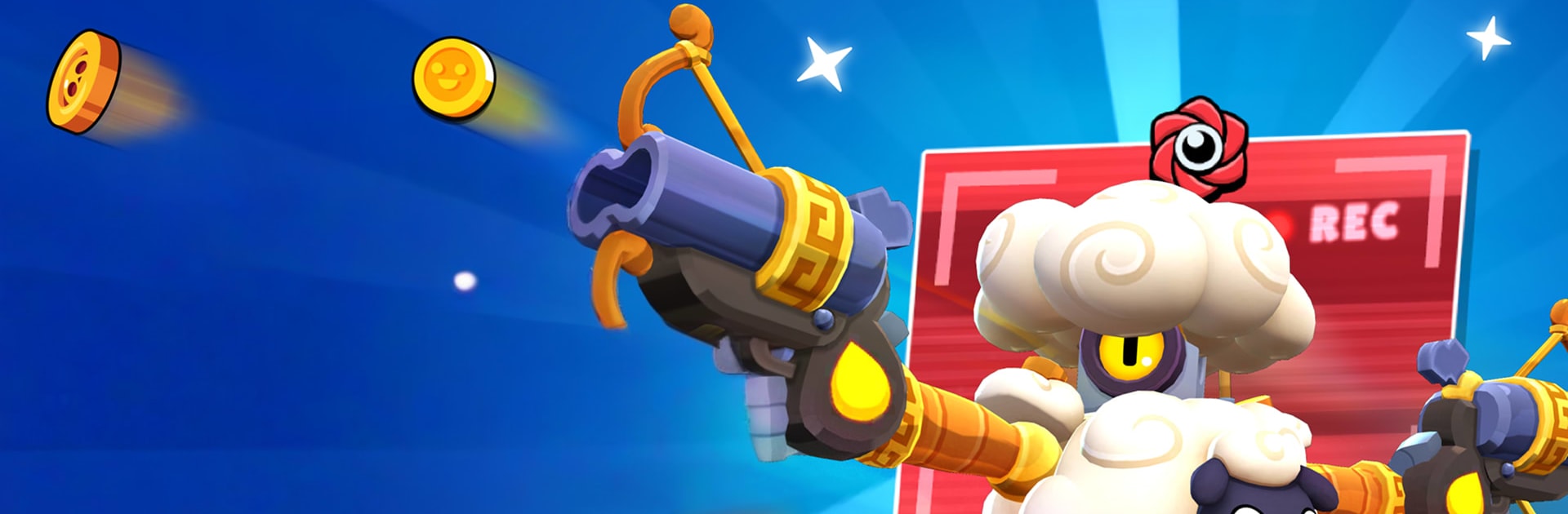
Brawl Stars is a fast, punchy arena brawler where every match is short, messy, and wildly fun. Jump in solo or roll with friends for 3v3 or 5v5 scraps, then swap to a last-player-standing mode when you want pure chaos. Unlock a roster of offbeat characters, learn their Supers, and show some style with skins as you climb the ranks.

Game Features

  • Quick matches: Most bouts wrap up in a few minutes, so you’re never stuck waiting—just hop in, make a play, and queue again.
  • Modes for every mood: Control the gem zone, play a soccer-style showdown, rack up stars by tagging foes, crack open an enemy safe, or push your luck in solo/duo survival.
  • Signature Brawlers: Each fighter brings a unique attack and a powerful Super; mix in Gadgets and Star Powers to flip matchups and surprise opponents.
  • Progress your lineup: Power up your favorites and collect skins to give your squad some personality.
  • Team up and chat: Create or join a club, share strategies, and coordinate pushes for tighter plays and cleaner wins.
  • Ranked climb: Track your skill in local and global leaderboards and see how far you can go.
  • Competitive path: Try in-game qualifiers for a taste of tournament pressure without leaving the client.
  • Fresh battlegrounds: New maps and special rule sets rotate in, including creator-made arenas that keep you learning.
  • Seasonal track: Work through the Brawl Pass with quests and collectibles, including an exclusive seasonal skin.
  • Play your way: Go solo, duo, 3v3, or 5v5; test different roles—from bruisers and zoners to healers and long-range threats.
  • PC-friendly option: Prefer a keyboard and a bigger screen? It plays smoothly on BlueStacks for crisp visuals and steady controls.

Get ready for a buttery smooth, high-performance gaming action only on BlueStacks.

Game Features

Enhancements

  • Macros
  • Multi Instance
  • Multi Instance Sync
  • Script
  • Enhancements
Macros

Macros

Automate the predictable in Brawl Stars and transform your gameplay with Macros. Get access to inventive Macros in the BlueStacks Macro Community
Multi Instance

Multi Instance

Play Brawl Stars on one window. And chat with your friend on the other. Press CTRL + Shift + 8 to open the Multi-Instance Manager. And start creating fresh instances or clone an existing one.
Multi Instance Sync

Multi Instance Sync

Play Brawl Stars with the power of Multi-Instance Sync. Replicate what you are doing on the main instance on all other instances. Level up faster, play more.
Script

Script

Script your way to gaming glory in Brawl Stars with BlueStacks Script. Write and run a set of commands to automate repeated tasks. Trigger the command by assigning it to any key.
Read More

How to Download and Play Brawl Stars on PC or Mac

  • Download and install BlueStacks on your PC or Mac

  • Complete Google sign-in to access the Play Store, or do it later

  • Look for Brawl Stars in the search bar at the top right corner

  • Click to install Brawl Stars from the search results

  • Complete Google sign-in (if you skipped step 2) to install Brawl Stars

  • Click the Brawl Stars icon on the home screen to start playing

video
Watch Video

Minimum System Requirements

With BlueStacks 5, you can get started on a PC that fulfills the following requirements.

  • Operating System

    Microsoft Windows 7 or above, macOS 11 (Big Sur) or above

  • Processor

    Intel, AMD or Apple Silicon Processor

  • RAM

    at least 4GB

  • HDD

    10GB Free Disk Space

Note:

* You must be an Administrator on your PC. Up to date graphics drivers from Microsoft or the chipset vendor.

Brawl Stars - FAQs

  • How to play Brawl Stars on Windows PC & Mac?

    Play Brawl Stars on your PC or Mac by following these simple steps.

    • Click on 'Play Brawl Stars on PC’ to download BlueStacks
    • Install it and log-in to Google Play Store
    • Launch and play the game.
  • Why is BlueStacks the fastest and safest platform to play games on PC?

    BlueStacks respects your privacy and is always safe and secure to use. It does not carry any malware, spyware, or any sort of additional software that could harm your PC.

    It is engineered to optimize speed and performance for a seamless gaming experience.

  • What are Brawl Stars PC requirements?

    Minimum requirement to run Brawl Stars on your PC

    • OS: Microsoft Windows 7 or above MacOS 11 (Big Sur) or above
    • Processor: Intel, AMD or Apple Silicon Processor
    • RAM: Your PC must have at least 4GB of RAM. (Note that having 4GB or more disk space is not a substitute for RAM)
    • HDD: 10GB Free Disk Space.
    • You must be an Administrator on your PC.