Crazy Cooking Pizza Maker Game

Crazy Cooking Pizza Maker Game

Simulation

| HoneyBee Gamez

Play on PC with BlueStacks or from our cloud

  • Overview
  • Game Features
  • How to Play

Page Modified On: September 18, 2026

Play Crazy Cooking Pizza Maker Game on PC or Mac

Play Crazy Cooking Pizza Maker Game by HoneyBee Gamez on PC or Mac with BlueStacks. Use a bigger screen, mouse and keyboard controls, and smoother performance while you play.

About the Game

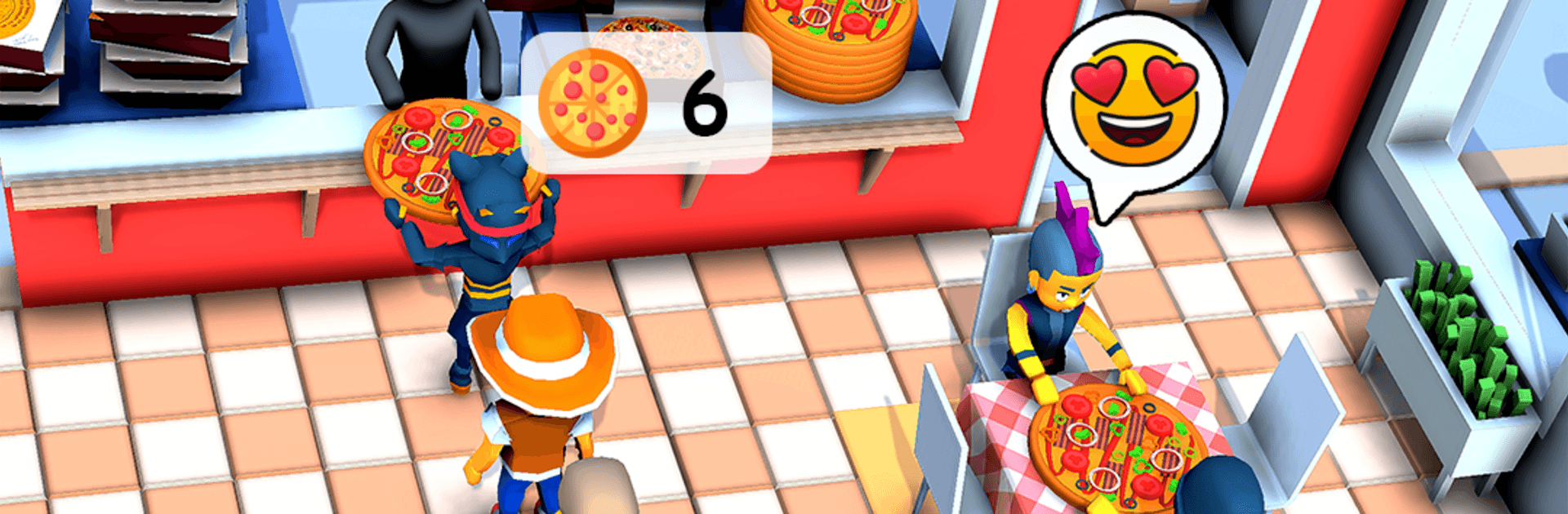
Crazy Cooking Pizza Maker Game is a laid-back Simulation where you get to be the chef, the baker, and the taste tester. Build your dream pizza from scratch, toss it in the oven, then slice and serve like a pro. It’s playful, hands-on, and easy to pick up—great for kids and anyone who just wants to make something cheesy and delicious. Prefer a bigger workspace? It plays nicely on PC with BlueStacks too.

Game Features

  • Dough crafting: Mix, knead, and shape your base into classic rounds, neat squares, or fun holiday cutouts for extra flair.
  • Ingredient freedom: Stock your pie with sauces, gooey cheeses, meats, seafood, colorful veggies, and even sweet toppings like candy—why not.
  • Bake and watch: Slide your creation into the oven and see the cheese bubble, the crust turn golden, and everything cook to perfection.
  • Creative themes: Go timeless with a pepperoni favorite or whip up festive pizzas inspired by Christmas and Halloween.
  • Slice and serve: Cut perfect slices, plate them just right, and enjoy that oh-yes moment when everything looks (and sounds) crunchy and fresh.
  • Simple, kid-friendly play: Tap, drag, and build with intuitive steps that stay relaxing while still giving you a little challenge.
  • Playtime extras: Tinker with playful tools and toy-like gadgets—roll, decorate, sprinkle, and make it yours.
  • Offline anytime: No connection needed, so your kitchen is open whenever inspiration strikes.
  • Smooth on any setup: Clear visuals and snappy controls feel great—and they’re especially comfy if you’re playing on PC with BlueStacks.

BlueStacks gives you more room to focus on the game and less time adjusting around mobile limitations.


Game Features

Enhancements

  • Macros
  • Multi Instance
  • Multi Instance Sync
  • Script
  • Enhancements
Macros

Macros

Automate the predictable in Crazy Cooking Pizza Maker Game and transform your gameplay with Macros. Get access to inventive Macros in the BlueStacks Macro Community
Multi Instance

Multi Instance

Play Crazy Cooking Pizza Maker Game on one window. And chat with your friend on the other. Press CTRL + Shift + 8 to open the Multi-Instance Manager. And start creating fresh instances or clone an existing one.
Multi Instance Sync

Multi Instance Sync

Play Crazy Cooking Pizza Maker Game with the power of Multi-Instance Sync. Replicate what you are doing on the main instance on all other instances. Level up faster, play more.
Script

Script

Script your way to gaming glory in Crazy Cooking Pizza Maker Game with BlueStacks Script. Write and run a set of commands to automate repeated tasks. Trigger the command by assigning it to any key.
Read More

How to Download and Play Crazy Cooking Pizza Maker Game on PC or Mac

  • Download and install BlueStacks on your PC or Mac

  • Complete Google sign-in to access the Play Store, or do it later

  • Look for Crazy Cooking Pizza Maker Game in the search bar at the top right corner

  • Click to install Crazy Cooking Pizza Maker Game from the search results

  • Complete Google sign-in (if you skipped step 2) to install Crazy Cooking Pizza Maker Game

  • Click the Crazy Cooking Pizza Maker Game icon on the home screen to start playing

video
Watch Video

Minimum System Requirements

With BlueStacks 5, you can get started on a PC that fulfills the following requirements.

  • Operating System

    Microsoft Windows 7 or above, macOS 11 (Big Sur) or above

  • Processor

    Intel, AMD or Apple Silicon Processor

  • RAM

    at least 4GB

  • HDD

    10GB Free Disk Space

Note:

* You must be an Administrator on your PC. Up to date graphics drivers from Microsoft or the chipset vendor.

Crazy Cooking Pizza Maker Game - FAQs

  • How to play Crazy Cooking Pizza Maker Game on Windows PC & Mac?

    Play Crazy Cooking Pizza Maker Game on your PC or Mac by following these simple steps.

    • Click on 'Play Crazy Cooking Pizza Maker Game on PC’ to download BlueStacks
    • Install it and log-in to Google Play Store
    • Launch and play the game.
  • Why is BlueStacks the fastest and safest platform to play games on PC?

    BlueStacks respects your privacy and is always safe and secure to use. It does not carry any malware, spyware, or any sort of additional software that could harm your PC.

    It is engineered to optimize speed and performance for a seamless gaming experience.

  • What are Crazy Cooking Pizza Maker Game PC requirements?

    Minimum requirement to run Crazy Cooking Pizza Maker Game on your PC

    • OS: Microsoft Windows 7 or above MacOS 11 (Big Sur) or above
    • Processor: Intel, AMD or Apple Silicon Processor
    • RAM: Your PC must have at least 4GB of RAM. (Note that having 4GB or more disk space is not a substitute for RAM)
    • HDD: 10GB Free Disk Space.
    • You must be an Administrator on your PC.