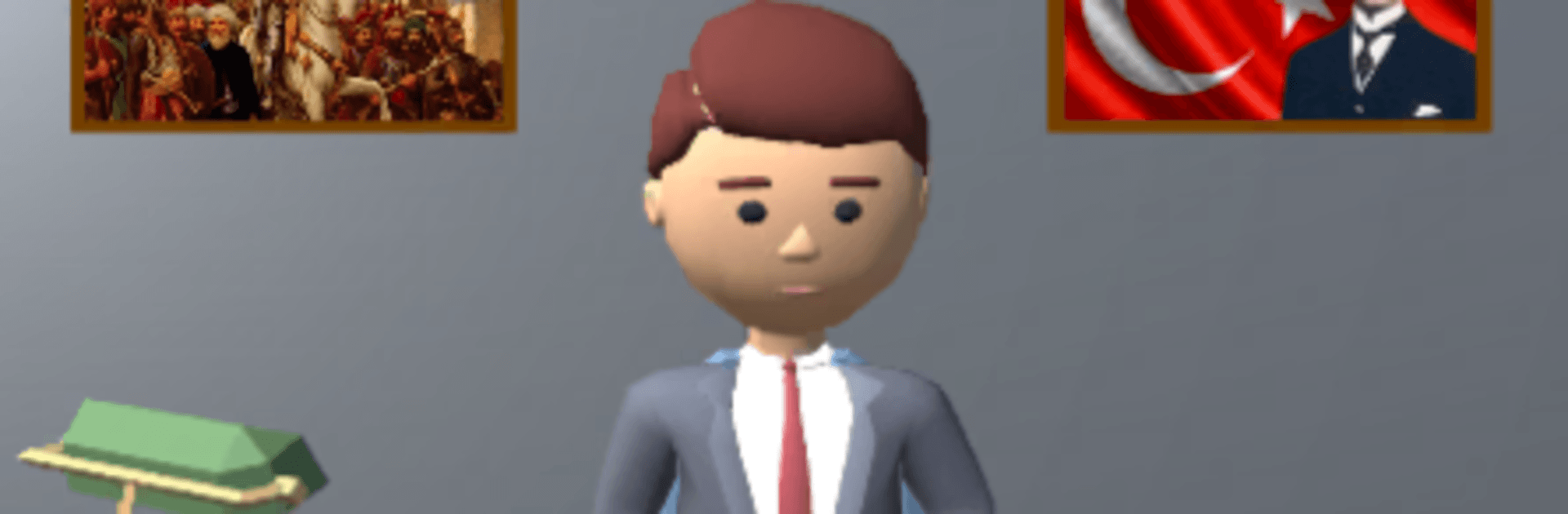
Seçim 2023 - Başkan Oyunu

Seçim 2023 - Başkan Oyunu

Simulation

| EY Games

Play on PC with BlueStacks or from our cloud

  • Overview
  • Game Features
  • How to Play

Page Modified On: August 15, 2026

Play Seçim 2023 - Başkan Oyunu on PC or Mac

Step into the World of Seçim 2023 – Başkan Oyunu, a thrilling Simulation game from the house of EY Games. Play this Android game on BlueStacks App Player and experience immersive gaming on PC or Mac.

About the Game

Seçim 2023 – Başkan Oyunu drops you into the heat of a modern Turkish election and hands you the microphone. You build a leader from scratch, found a party, and try to turn momentum into votes through strategy, persuasion, and a little showmanship. It’s a political Simulation with rallies, TV appearances, lawmaking, and high-stakes choices that can swing the nation. Prefer playing on a bigger screen? You can also run it on PC with BlueStacks.

Game Features

  • Create Your Leader and Party: Shape your candidate’s look, pick a name and emblem, and set your party’s ideology before hitting the campaign trail.
  • Nationwide Campaign Trail: Host rallies from Istanbul to Izmir, Ankara to Antalya, and introduce your platform city by city to win over undecided voters.
  • Media & Debates: Step into TV studios, face rivals in live broadcasts, and handle tough questions to shift public opinion.
  • Parliament & Policy: Build relationships with other parties, draft and propose laws, and manage ministries while navigating diplomacy.
  • City Building & Income: Construct universities, stadiums, art centers, and mosques to grow your influence and generate steady resources for your movement.
  • Customize Your Space: Decorate your office and city with items like Ataturk flags, Ottoman flags, and football team flags to show your colors.
  • Long-Form Career: Play through a multi-season journey where decisions echo across elections—smart planning pays off.
  • Compete With Real Players: Test your strategy against others and see how your leadership stacks up on the big stage.
  • 3D Presentation: Campaign moments, meetings, and rallies come to life with detailed scenes that keep the pressure—and excitement—on.

Start your journey now. Download the game on BlueStacks, invite your friends, and march on a new adventure.


Game Features

Enhancements

  • Macros
  • Multi Instance
  • Multi Instance Sync
  • Script
  • Enhancements
Macros

Macros

Automate the predictable in Seçim 2023 - Başkan Oyunu and transform your gameplay with Macros. Get access to inventive Macros in the BlueStacks Macro Community
Multi Instance

Multi Instance

Play Seçim 2023 - Başkan Oyunu on one window. And chat with your friend on the other. Press CTRL + Shift + 8 to open the Multi-Instance Manager. And start creating fresh instances or clone an existing one.
Multi Instance Sync

Multi Instance Sync

Play Seçim 2023 - Başkan Oyunu with the power of Multi-Instance Sync. Replicate what you are doing on the main instance on all other instances. Level up faster, play more.
Script

Script

Script your way to gaming glory in Seçim 2023 - Başkan Oyunu with BlueStacks Script. Write and run a set of commands to automate repeated tasks. Trigger the command by assigning it to any key.
Read More

How to Download and Play Seçim 2023 - Başkan Oyunu on PC or Mac

  • Download and install BlueStacks on your PC or Mac

  • Complete Google sign-in to access the Play Store, or do it later

  • Look for Seçim 2023 - Başkan Oyunu in the search bar at the top right corner

  • Click to install Seçim 2023 - Başkan Oyunu from the search results

  • Complete Google sign-in (if you skipped step 2) to install Seçim 2023 - Başkan Oyunu

  • Click the Seçim 2023 - Başkan Oyunu icon on the home screen to start playing

video
Watch Video

Minimum System Requirements

With BlueStacks 5, you can get started on a PC that fulfills the following requirements.

  • Operating System

    Microsoft Windows 7 or above, macOS 11 (Big Sur) or above

  • Processor

    Intel, AMD or Apple Silicon Processor

  • RAM

    at least 4GB

  • HDD

    10GB Free Disk Space

Note:

* You must be an Administrator on your PC. Up to date graphics drivers from Microsoft or the chipset vendor.

Seçim 2023 - Başkan Oyunu - FAQs

  • How to play Seçim 2023 - Başkan Oyunu on Windows PC & Mac?

    Play Seçim 2023 - Başkan Oyunu on your PC or Mac by following these simple steps.

    • Click on 'Play Seçim 2023 - Başkan Oyunu on PC’ to download BlueStacks
    • Install it and log-in to Google Play Store
    • Launch and play the game.
  • Why is BlueStacks the fastest and safest platform to play games on PC?

    BlueStacks respects your privacy and is always safe and secure to use. It does not carry any malware, spyware, or any sort of additional software that could harm your PC.

    It is engineered to optimize speed and performance for a seamless gaming experience.

  • What are Seçim 2023 - Başkan Oyunu PC requirements?

    Minimum requirement to run Seçim 2023 - Başkan Oyunu on your PC

    • OS: Microsoft Windows 7 or above MacOS 11 (Big Sur) or above
    • Processor: Intel, AMD or Apple Silicon Processor
    • RAM: Your PC must have at least 4GB of RAM. (Note that having 4GB or more disk space is not a substitute for RAM)
    • HDD: 10GB Free Disk Space.
    • You must be an Administrator on your PC.