
Epic Roller Coasters

Epic Roller Coasters

Simulation

| B4T Games

Play on PC with BlueStacks or from our cloud

  • Overview
  • Game Features
  • How to Play

Page Modified On: September 11, 2026

Play Epic Roller Coasters on PC or Mac

Explore a whole new adventure with Epic Roller Coasters, a Simulation game created by B4T Games. Experience great gameplay with BlueStacks, the most popular gaming platform to play Android games on your PC or Mac.

About the Game

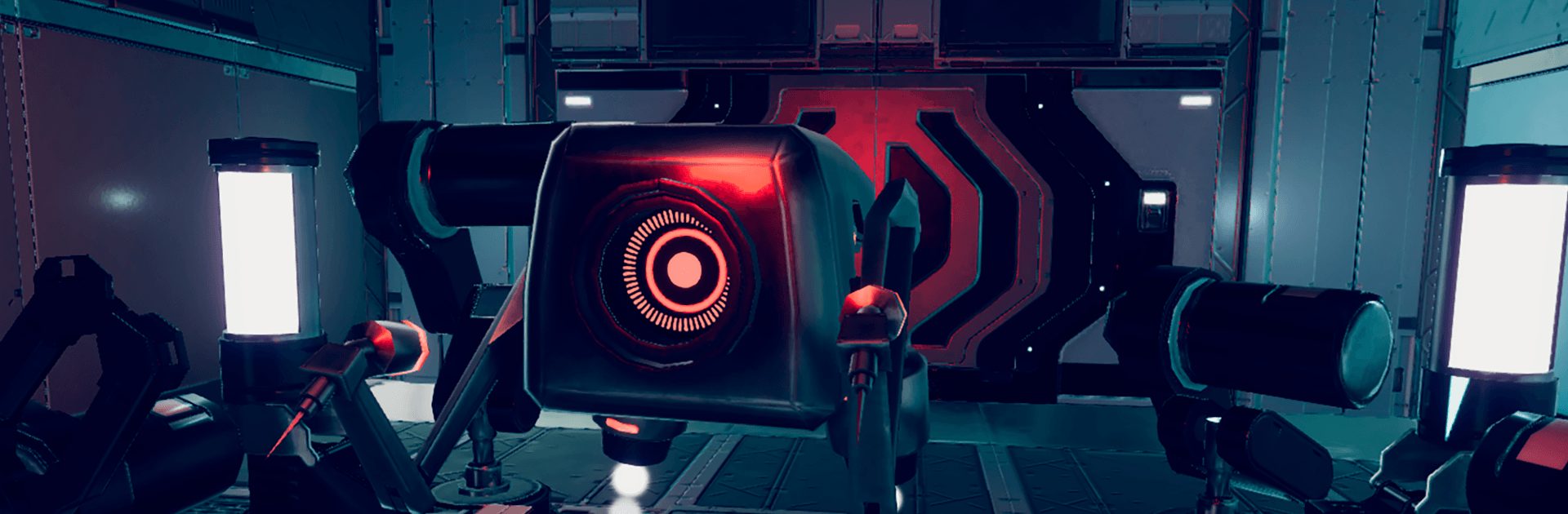
Epic Roller Coasters puts that stomach‑fluttering, hands-in-the-air thrill right in your living room. This Simulation is built for VR, throwing you onto tracks that rocket through dinosaur valleys, haunted mansions, neon-soaked futures, and a bunch of other wild spots you probably won’t visit in real life. Want to chill or chase scores? You pick the vibe—and if you like playing on PC, you can launch it with BlueStacks too.

Game Features

  • VR-first thrills: Designed around a headset, every drop, twist, and tunnel nails that real coaster sensation without leaving home.
  • Wild destinations: Ride through magical realms, a prehistoric valley, time-warped routes, eerie locales, dystopian skylines, architectural wonders, fairy-tale scenes, tropical escapes, and more.
  • Modes for every mood: Kick back for scenic rides, switch to target-shooting for arcade-style action, or push for faster times with racing challenges.
  • Companions on board: Don’t ride solo—pick a virtual buddy to sit beside you for that authentic theme park feel.
  • Carts that match your style: Choose different carts to tweak the look and intensity of your run, from comfy cruisers to speed-hungry rockets.
  • Arcade-ready weapons: In shooting segments, grab a blaster, tag targets, and chain combos for bigger scores while the track barrels ahead.
  • Motion simulator support: Got a motion or haptics rig? Hook it up to amplify the bumps, banks, and airtime for an even more immersive ride.

Start your journey now. Download the game on BlueStacks, invite your friends, and march on a new adventure.


Game Features

Enhancements

  • Macros
  • Multi Instance
  • Multi Instance Sync
  • Script
  • Enhancements
Macros

Macros

Automate the predictable in Epic Roller Coasters and transform your gameplay with Macros. Get access to inventive Macros in the BlueStacks Macro Community
Multi Instance

Multi Instance

Play Epic Roller Coasters on one window. And chat with your friend on the other. Press CTRL + Shift + 8 to open the Multi-Instance Manager. And start creating fresh instances or clone an existing one.
Multi Instance Sync

Multi Instance Sync

Play Epic Roller Coasters with the power of Multi-Instance Sync. Replicate what you are doing on the main instance on all other instances. Level up faster, play more.
Script

Script

Script your way to gaming glory in Epic Roller Coasters with BlueStacks Script. Write and run a set of commands to automate repeated tasks. Trigger the command by assigning it to any key.
Read More

How to Download and Play Epic Roller Coasters on PC or Mac

  • Download and install BlueStacks on your PC or Mac

  • Complete Google sign-in to access the Play Store, or do it later

  • Look for Epic Roller Coasters in the search bar at the top right corner

  • Click to install Epic Roller Coasters from the search results

  • Complete Google sign-in (if you skipped step 2) to install Epic Roller Coasters

  • Click the Epic Roller Coasters icon on the home screen to start playing

video
Watch Video

Minimum System Requirements

With BlueStacks 5, you can get started on a PC that fulfills the following requirements.

  • Operating System

    Microsoft Windows 7 or above, macOS 11 (Big Sur) or above

  • Processor

    Intel, AMD or Apple Silicon Processor

  • RAM

    at least 4GB

  • HDD

    10GB Free Disk Space

Note:

* You must be an Administrator on your PC. Up to date graphics drivers from Microsoft or the chipset vendor.

Epic Roller Coasters - FAQs

  • How to play Epic Roller Coasters on Windows PC & Mac?

    Play Epic Roller Coasters on your PC or Mac by following these simple steps.

    • Click on 'Play Epic Roller Coasters on PC’ to download BlueStacks
    • Install it and log-in to Google Play Store
    • Launch and play the game.
  • Why is BlueStacks the fastest and safest platform to play games on PC?

    BlueStacks respects your privacy and is always safe and secure to use. It does not carry any malware, spyware, or any sort of additional software that could harm your PC.

    It is engineered to optimize speed and performance for a seamless gaming experience.

  • What are Epic Roller Coasters PC requirements?

    Minimum requirement to run Epic Roller Coasters on your PC

    • OS: Microsoft Windows 7 or above MacOS 11 (Big Sur) or above
    • Processor: Intel, AMD or Apple Silicon Processor
    • RAM: Your PC must have at least 4GB of RAM. (Note that having 4GB or more disk space is not a substitute for RAM)
    • HDD: 10GB Free Disk Space.
    • You must be an Administrator on your PC.







