Fishing Tour
Fishing Tour

Fishing Tour

Simulation

| Sozap

Play on PC with BlueStacks or from our cloud

  • Overview
  • Game Features
  • How to Play

Page Modified On: December 26, 2025

Play Fishing Tour on PC or Mac

Join millions to experience Fishing Tour, an exciting Simulation game from Sozap. With BlueStacks App Player, you are always a step ahead of your opponent, ready to outplay them with faster gameplay and better control with the mouse and keyboard on your PC or Mac.

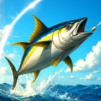
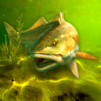
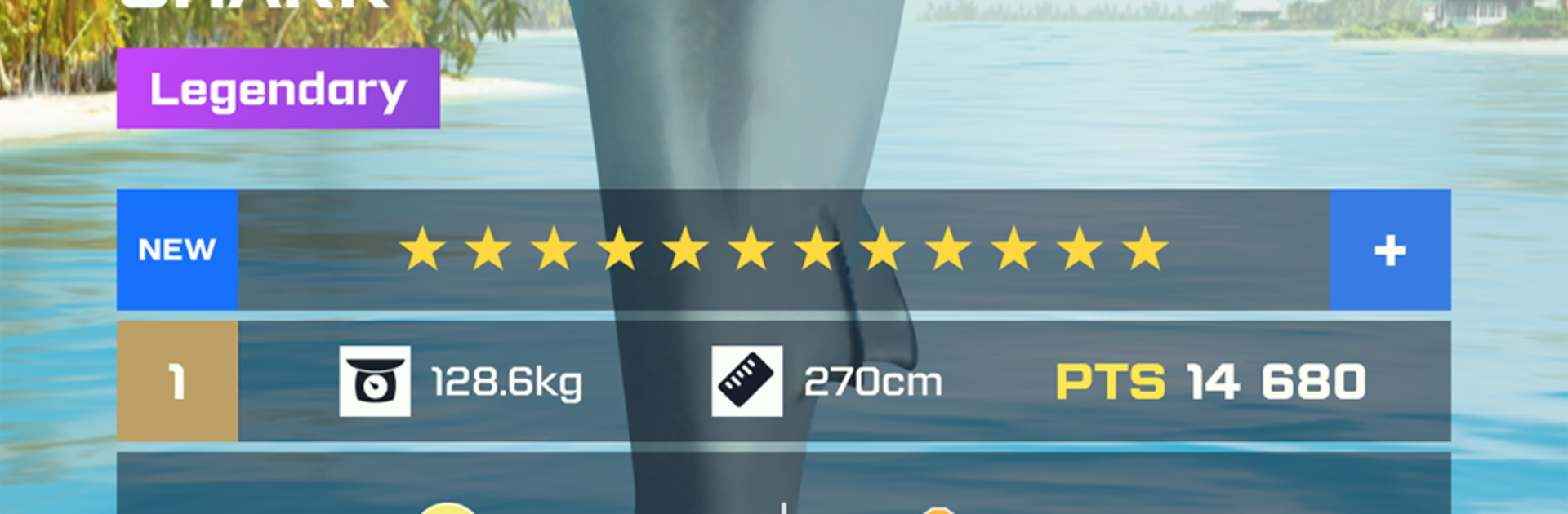
Fishing Tour plays like a chill fishing sim that keeps slipping into little head to head moments. It is mostly about timing the cast, picking the right bait, and then working the line while a tension meter bounces around. The water looks good, fish have some fight to them, and there is that nice tug when a rare one bites that makes the hands tense up a bit. Progress means unlocking new spots across the world, from warm blue coasts to colder lakes and rivers, each with different fish that care about specific lures. There are legendary catches in the mix and even the odd treasure find, so it is not just the same trout over and over. Gear matters a lot. Rods, reels, and tackle can be upgraded, and choosing setups that suit big, stubborn fish genuinely changes how a battle plays out.

There is a competitive side too. Quick tournaments run in real time, so smart choices and quick reactions can bump someone up the board, and it feels fair rather than pay to win. On PC with BlueStacks, the whole thing is smoother, and mapping reeling and boosts to keys makes longer fights less fussy. The bigger screen also helps spot splash cues and read fish behavior better. It lands in that sweet spot between relaxing and tense, the kind of game that is easy to play for ten minutes, then suddenly it is an hour later because the next location just opened and the loadout almost works but not quite, so one more try.

Ready to top the leaderboard? We bet you do. Let precise controls and sharp visuals optimized on BlueStacks lead you to victory.


Game Features

Enhancements

  • Macros
  • Multi Instance
  • Multi Instance Sync
  • Script
  • Enhancements
Macros

Macros

Automate the predictable in Fishing Tour and transform your gameplay with Macros. Get access to inventive Macros in the BlueStacks Macro Community
Multi Instance

Multi Instance

Play Fishing Tour on one window. And chat with your friend on the other. Press CTRL + Shift + 8 to open the Multi-Instance Manager. And start creating fresh instances or clone an existing one.
Multi Instance Sync

Multi Instance Sync

Play Fishing Tour with the power of Multi-Instance Sync. Replicate what you are doing on the main instance on all other instances. Level up faster, play more.
Script

Script

Script your way to gaming glory in Fishing Tour with BlueStacks Script. Write and run a set of commands to automate repeated tasks. Trigger the command by assigning it to any key.
Read More

How to Download and Play Fishing Tour on PC or Mac

  • Download and install BlueStacks on your PC or Mac

  • Complete Google sign-in to access the Play Store, or do it later

  • Look for Fishing Tour in the search bar at the top right corner

  • Click to install Fishing Tour from the search results

  • Complete Google sign-in (if you skipped step 2) to install Fishing Tour

  • Click the Fishing Tour icon on the home screen to start playing

video
Watch Video

Minimum System Requirements

With BlueStacks 5, you can get started on a PC that fulfills the following requirements.

  • Operating System

    Microsoft Windows 7 or above, macOS 11 (Big Sur) or above

  • Processor

    Intel, AMD or Apple Silicon Processor

  • RAM

    at least 4GB

  • HDD

    10GB Free Disk Space

Note:

* You must be an Administrator on your PC. Up to date graphics drivers from Microsoft or the chipset vendor.

Fishing Tour - FAQs

  • How to play Fishing Tour on Windows PC & Mac?

    Play Fishing Tour on your PC or Mac by following these simple steps.

    • Click on 'Play Fishing Tour on PC’ to download BlueStacks
    • Install it and log-in to Google Play Store
    • Launch and play the game.
  • Why is BlueStacks the fastest and safest platform to play games on PC?

    BlueStacks respects your privacy and is always safe and secure to use. It does not carry any malware, spyware, or any sort of additional software that could harm your PC.

    It is engineered to optimize speed and performance for a seamless gaming experience.

  • What are Fishing Tour PC requirements?

    Minimum requirement to run Fishing Tour on your PC

    • OS: Microsoft Windows 7 or above MacOS 11 (Big Sur) or above
    • Processor: Intel, AMD or Apple Silicon Processor
    • RAM: Your PC must have at least 4GB of RAM. (Note that having 4GB or more disk space is not a substitute for RAM)
    • HDD: 10GB Free Disk Space.
    • You must be an Administrator on your PC.