Fishing Trip: World Adventure

Fishing Trip: World Adventure

Simulation

| Play Cool Zombie Sport Games

Play on PC with BlueStacks or from our cloud

  • Overview
  • Game Features
  • How to Play

Page Modified On: August 31, 2026

Play Fishing Trip: World Adventure on PC or Mac

Bring your A-game to Fishing Trip: World Adventure, the Simulation game sensation from Play Cool Zombie Sport Games. Give your gameplay the much-needed boost with precise game controls, high FPS graphics, and top-tier features on your PC or Mac with BlueStacks.

About the Game

Fishing Trip: World Adventure is a chilled-out Simulation where the pull of the line and the splash on the surface are the main events. Travel from quiet lakes to open seas, collect all kinds of species, and unwind at your own pace—whether you’ve got five minutes or a whole evening. It’s comfortable on PC with BlueStacks too, if you prefer to kick back with a bigger view.

Game Features

  • Global waters to explore: Journey from misty mountain lakes to coral reefs and fast-moving rivers, each rendered in detailed 3D with its own vibe and fish behavior.
  • Catch them all (without the rush): Build a personal collection as you discover new species—from trout and carp to sharks—with rarities that show up for patient anglers.
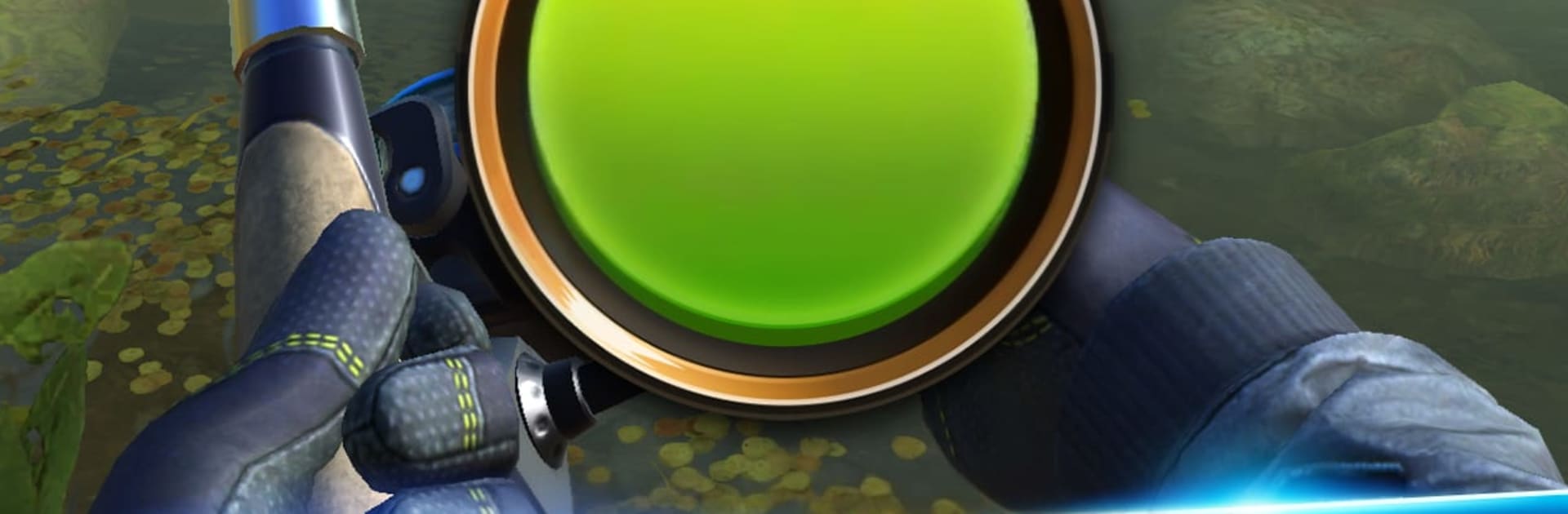
  • Satisfying strike and reel: Feel the bite, manage line tension, and time your pulls with responsive physics that make every catch tell a little story.
  • One-hand friendly controls: Clean, vertical controls keep things smooth and simple, great for quick casts between tasks or longer, laid-back sessions.
  • Gear that actually matters: Upgrade rods, reels, line, and lures to match conditions and target species, and notice the difference when a heavyweight makes a run.
  • Progress at your pace: Unlock fresh hotspots and deeper waters as your skills improve, opening new challenges without turning up the pressure.
  • Calm vibes, rich detail: Crisp water effects, lifelike fish models, and ambient soundscapes bring each location to life without noise or clutter.
  • Short sessions or long trips: Built for stress-free play, it’s equally fun for a quick break or a mellow marathon.

BlueStacks gives you more room to focus on the game and less time adjusting around mobile limitations.


Game Features

Enhancements

  • Macros
  • Multi Instance
  • Multi Instance Sync
  • Script
  • Enhancements
Macros

Macros

Automate the predictable in Fishing Trip: World Adventure and transform your gameplay with Macros. Get access to inventive Macros in the BlueStacks Macro Community
Multi Instance

Multi Instance

Play Fishing Trip: World Adventure on one window. And chat with your friend on the other. Press CTRL + Shift + 8 to open the Multi-Instance Manager. And start creating fresh instances or clone an existing one.
Multi Instance Sync

Multi Instance Sync

Play Fishing Trip: World Adventure with the power of Multi-Instance Sync. Replicate what you are doing on the main instance on all other instances. Level up faster, play more.
Script

Script

Script your way to gaming glory in Fishing Trip: World Adventure with BlueStacks Script. Write and run a set of commands to automate repeated tasks. Trigger the command by assigning it to any key.
Read More

How to Download and Play Fishing Trip: World Adventure on PC or Mac

  • Download and install BlueStacks on your PC or Mac

  • Complete Google sign-in to access the Play Store, or do it later

  • Look for Fishing Trip: World Adventure in the search bar at the top right corner

  • Click to install Fishing Trip: World Adventure from the search results

  • Complete Google sign-in (if you skipped step 2) to install Fishing Trip: World Adventure

  • Click the Fishing Trip: World Adventure icon on the home screen to start playing

video
Watch Video

Minimum System Requirements

With BlueStacks 5, you can get started on a PC that fulfills the following requirements.

  • Operating System

    Microsoft Windows 7 or above, macOS 11 (Big Sur) or above

  • Processor

    Intel, AMD or Apple Silicon Processor

  • RAM

    at least 4GB

  • HDD

    10GB Free Disk Space

Note:

* You must be an Administrator on your PC. Up to date graphics drivers from Microsoft or the chipset vendor.

Fishing Trip: World Adventure - FAQs

  • How to play Fishing Trip: World Adventure on Windows PC & Mac?

    Play Fishing Trip: World Adventure on your PC or Mac by following these simple steps.

    • Click on 'Play Fishing Trip: World Adventure on PC’ to download BlueStacks
    • Install it and log-in to Google Play Store
    • Launch and play the game.
  • Why is BlueStacks the fastest and safest platform to play games on PC?

    BlueStacks respects your privacy and is always safe and secure to use. It does not carry any malware, spyware, or any sort of additional software that could harm your PC.

    It is engineered to optimize speed and performance for a seamless gaming experience.

  • What are Fishing Trip: World Adventure PC requirements?

    Minimum requirement to run Fishing Trip: World Adventure on your PC

    • OS: Microsoft Windows 7 or above MacOS 11 (Big Sur) or above
    • Processor: Intel, AMD or Apple Silicon Processor
    • RAM: Your PC must have at least 4GB of RAM. (Note that having 4GB or more disk space is not a substitute for RAM)
    • HDD: 10GB Free Disk Space.
    • You must be an Administrator on your PC.