Funny Uncle Punch: Hit & Smash

Funny Uncle Punch: Hit & Smash

Simulation

| Eskimo Technologies Group

Play on PC with BlueStacks or from our cloud

  • Overview
  • Game Features
  • How to Play

Page Modified On: September 25, 2026

Play Funny Uncle Punch: Hit & Smash on PC or Mac

Funny Uncle Punch: Hit & Smash by Eskimo Technologies Group has plenty to keep you busy. BlueStacks lets you play it on PC or Mac with more screen space, better control, and fewer mobile limits.

About the Game

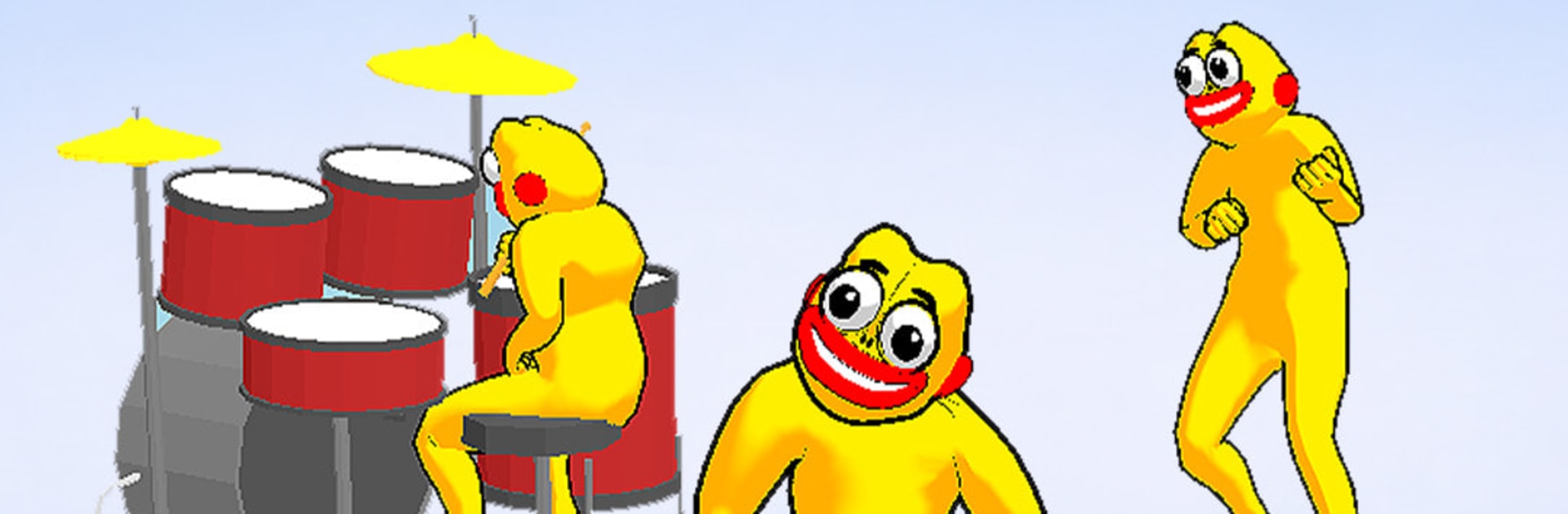
Funny Uncle Punch: Hit & Smash is a cheeky chaos generator where every swing turns into slapstick. This Simulation focuses on quick-fire bouts of ragdoll boxing—line up the hit, let it fly, and watch enemies pinball around like they forgot how gravity works. It also runs smoothly on BlueStacks, so you can enjoy the mayhem with steady performance.

Game Features

  • Ridiculous Ragdoll Reactions: Land a punch and see opponents wobble, bounce off walls, and tumble in wildly unpredictable ways.
  • Tap-To-Smash Controls: Simple, responsive input makes it easy to start swinging; the fun is in timing that perfect hit.
  • Timing-Based Knockouts: Wait for the right moment, then fire—clean connections send enemies farther and trigger bigger, funnier chaos.
  • Gloves, Gadgets, and Gags: Try different boxing gloves and quirky tools, each adding its own flavor to how foes fly and flop.
  • Arenas That Fight Back: Corners, rails, and obstacles keep the action lively, turning every surface into part of the brawl.
  • Bite-Size Stages, Growing Challenge: Short levels ramp up with trickier layouts and tougher goons that won’t go down without a show.
  • Bold Visuals, Big Sound: Bright colors, crunchy thwacks, and goofy squeaks make every smash feel extra satisfying.
  • Stress-Busting Loop: Quick rounds, instant feedback, and nonstop slapstick make it an easy pick for a laugh-filled break.

Ready to top the leaderboard? We bet you do. Let precise controls and sharp visuals optimized on BlueStacks lead you to victory.


Game Features

Enhancements

  • Macros
  • Multi Instance
  • Multi Instance Sync
  • Script
  • Enhancements
Macros

Macros

Automate the predictable in Funny Uncle Punch: Hit & Smash and transform your gameplay with Macros. Get access to inventive Macros in the BlueStacks Macro Community
Multi Instance

Multi Instance

Play Funny Uncle Punch: Hit & Smash on one window. And chat with your friend on the other. Press CTRL + Shift + 8 to open the Multi-Instance Manager. And start creating fresh instances or clone an existing one.
Multi Instance Sync

Multi Instance Sync

Play Funny Uncle Punch: Hit & Smash with the power of Multi-Instance Sync. Replicate what you are doing on the main instance on all other instances. Level up faster, play more.
Script

Script

Script your way to gaming glory in Funny Uncle Punch: Hit & Smash with BlueStacks Script. Write and run a set of commands to automate repeated tasks. Trigger the command by assigning it to any key.
Read More

How to Download and Play Funny Uncle Punch: Hit & Smash on PC or Mac

  • Download and install BlueStacks on your PC or Mac

  • Complete Google sign-in to access the Play Store, or do it later

  • Look for Funny Uncle Punch: Hit & Smash in the search bar at the top right corner

  • Click to install Funny Uncle Punch: Hit & Smash from the search results

  • Complete Google sign-in (if you skipped step 2) to install Funny Uncle Punch: Hit & Smash

  • Click the Funny Uncle Punch: Hit & Smash icon on the home screen to start playing

video
Watch Video

Minimum System Requirements

With BlueStacks 5, you can get started on a PC that fulfills the following requirements.

  • Operating System

    Microsoft Windows 7 or above, macOS 11 (Big Sur) or above

  • Processor

    Intel, AMD or Apple Silicon Processor

  • RAM

    at least 4GB

  • HDD

    10GB Free Disk Space

Note:

* You must be an Administrator on your PC. Up to date graphics drivers from Microsoft or the chipset vendor.

Funny Uncle Punch: Hit & Smash - FAQs

  • How to play Funny Uncle Punch: Hit & Smash on Windows PC & Mac?

    Play Funny Uncle Punch: Hit & Smash on your PC or Mac by following these simple steps.

    • Click on 'Play Funny Uncle Punch: Hit & Smash on PC’ to download BlueStacks
    • Install it and log-in to Google Play Store
    • Launch and play the game.
  • Why is BlueStacks the fastest and safest platform to play games on PC?

    BlueStacks respects your privacy and is always safe and secure to use. It does not carry any malware, spyware, or any sort of additional software that could harm your PC.

    It is engineered to optimize speed and performance for a seamless gaming experience.

  • What are Funny Uncle Punch: Hit & Smash PC requirements?

    Minimum requirement to run Funny Uncle Punch: Hit & Smash on your PC

    • OS: Microsoft Windows 7 or above MacOS 11 (Big Sur) or above
    • Processor: Intel, AMD or Apple Silicon Processor
    • RAM: Your PC must have at least 4GB of RAM. (Note that having 4GB or more disk space is not a substitute for RAM)
    • HDD: 10GB Free Disk Space.
    • You must be an Administrator on your PC.