Gangster City Games 3d Mafia

Gangster City Games 3d Mafia

Simulation

| HyperOn Studios

Play on PC with BlueStacks or from our cloud

  • Overview
  • Game Features
  • How to Play

Page Modified On: January 09, 2026

Play Gangster City Games 3d Mafia on PC or Mac

Step into the World of Gangster City Games 3d Mafia, a thrilling Simulation game from the house of HyperOn Studios. Play this Android game on BlueStacks App Player and experience immersive gaming on PC or Mac.

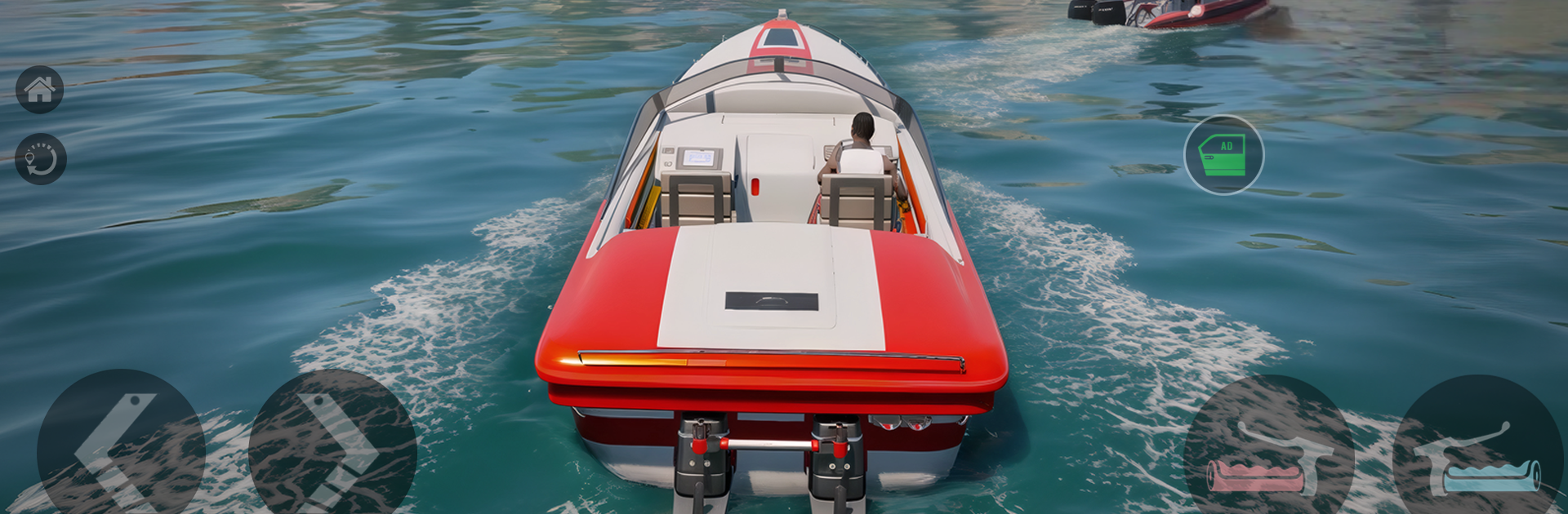
This plays like a loose open-city crime game where a nobody tries to claw upward. It throws street fights, quick gun battles, and short jobs across a city that feels busy enough, with alleys, docks, and neon blocks full of shady meetups. One mission has the player roughing up a rival crew, the next is a messy getaway with sirens on the tail, then a quiet pickup that goes loud anyway. Bosses plot in the background, rival gangs push into new turf, and an undercover officer might flip a simple errand into a trap. On PC through BlueStacks the controls feel alot better than touch, mouse aim cleans up gunfights and the keyboard makes driving less wobbly. Visuals are not fancy but clear, with chunky hit sounds and plenty of tire squeal when things go sideways.

Progress is about cash and reputation. That turns into better pistols and rifles, sturdier armor, and cars tuned for faster sprints or tighter turns so chases stop feeling like pinball. Heists show up often, sometimes with a light stealth option, sometimes just loud chaos. Police heat scales fast if the player causes trouble, which makes planning matter. Story missions drip in betrayals and power plays, enough to keep moving into new districts and stronger enemies. Weapons and cars can be customized, and the upgrade loop is simple but snappy. Expect repeatable mission types like escorts, ambushes, and smash-and-grab robberies, each with higher stakes and bigger payouts, and plenty of quick detours when the city throws a surprise at the wrong corner.

Make your gaming sessions memorable with precise controls that give you an edge in close combats and visuals that pop up, bringing every character to life.


Game Features

Enhancements

  • Macros
  • Multi Instance
  • Multi Instance Sync
  • Script
  • Enhancements
Macros

Macros

Automate the predictable in Gangster City Games 3d Mafia and transform your gameplay with Macros. Get access to inventive Macros in the BlueStacks Macro Community
Multi Instance

Multi Instance

Play Gangster City Games 3d Mafia on one window. And chat with your friend on the other. Press CTRL + Shift + 8 to open the Multi-Instance Manager. And start creating fresh instances or clone an existing one.
Multi Instance Sync

Multi Instance Sync

Play Gangster City Games 3d Mafia with the power of Multi-Instance Sync. Replicate what you are doing on the main instance on all other instances. Level up faster, play more.
Script

Script

Script your way to gaming glory in Gangster City Games 3d Mafia with BlueStacks Script. Write and run a set of commands to automate repeated tasks. Trigger the command by assigning it to any key.
Read More

How to Download and Play Gangster City Games 3d Mafia on PC or Mac

  • Download and install BlueStacks on your PC or Mac

  • Complete Google sign-in to access the Play Store, or do it later

  • Look for Gangster City Games 3d Mafia in the search bar at the top right corner

  • Click to install Gangster City Games 3d Mafia from the search results

  • Complete Google sign-in (if you skipped step 2) to install Gangster City Games 3d Mafia

  • Click the Gangster City Games 3d Mafia icon on the home screen to start playing

video
Watch Video

Minimum System Requirements

With BlueStacks 5, you can get started on a PC that fulfills the following requirements.

  • Operating System

    Microsoft Windows 7 or above, macOS 11 (Big Sur) or above

  • Processor

    Intel, AMD or Apple Silicon Processor

  • RAM

    at least 4GB

  • HDD

    10GB Free Disk Space

Note:

* You must be an Administrator on your PC. Up to date graphics drivers from Microsoft or the chipset vendor.

Gangster City Games 3d Mafia - FAQs

  • How to play Gangster City Games 3d Mafia on Windows PC & Mac?

    Play Gangster City Games 3d Mafia on your PC or Mac by following these simple steps.

    • Click on 'Play Gangster City Games 3d Mafia on PC’ to download BlueStacks
    • Install it and log-in to Google Play Store
    • Launch and play the game.
  • Why is BlueStacks the fastest and safest platform to play games on PC?

    BlueStacks respects your privacy and is always safe and secure to use. It does not carry any malware, spyware, or any sort of additional software that could harm your PC.

    It is engineered to optimize speed and performance for a seamless gaming experience.

  • What are Gangster City Games 3d Mafia PC requirements?

    Minimum requirement to run Gangster City Games 3d Mafia on your PC

    • OS: Microsoft Windows 7 or above MacOS 11 (Big Sur) or above
    • Processor: Intel, AMD or Apple Silicon Processor
    • RAM: Your PC must have at least 4GB of RAM. (Note that having 4GB or more disk space is not a substitute for RAM)
    • HDD: 10GB Free Disk Space.
    • You must be an Administrator on your PC.