Hero Park 2
Hero Park 2

Hero Park 2

Simulation

| Fun Flavor Games

Play on PC with BlueStacks or from our cloud

  • Overview
  • Game Features
  • How to Play

Page Modified On: June 17, 2026

Play Hero Park 2 on PC or Mac

Hero Park 2 by Fun Flavor Games has plenty to keep you busy. BlueStacks lets you play it on PC or Mac with more screen space, better control, and fewer mobile limits.

About the Game

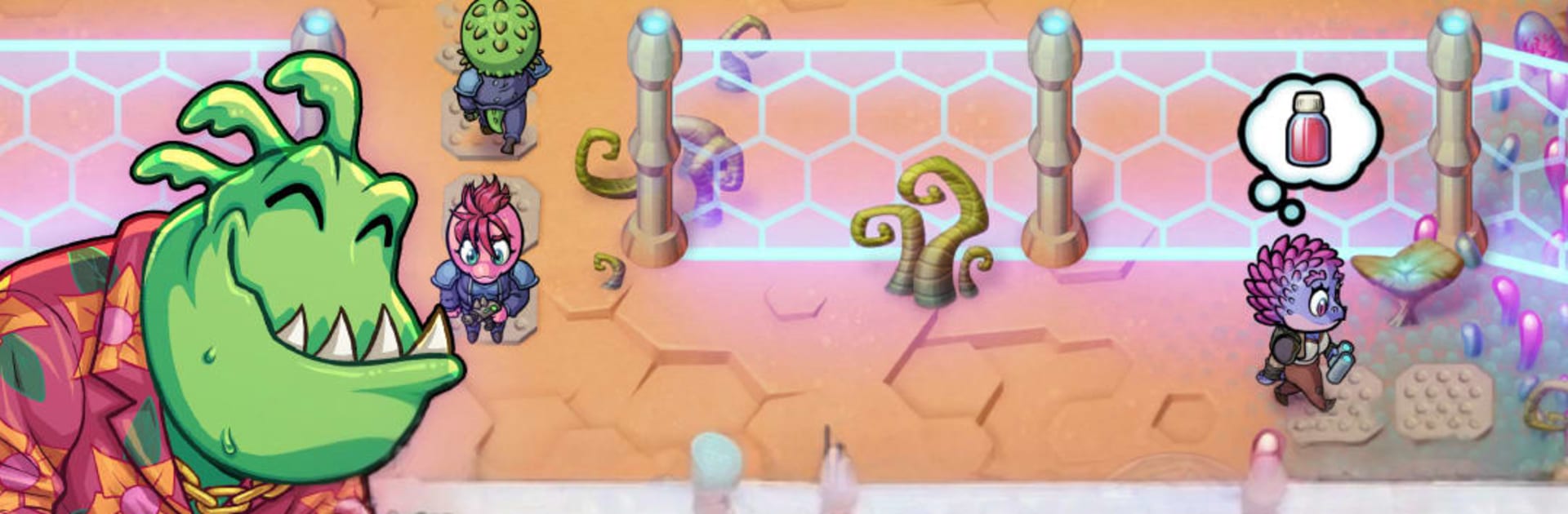
Hero Park 2 is a sci‑fi Simulation where you manage the kind of place heroes love to raid—and then shop in afterward. Build a scrappy outpost on a strange planet, set up shops and hand‑crafted dungeons, and watch visitors chase danger, loot, and research before spending their credits back in town. If you like playing on a bigger screen, it feels right at home on PC with BlueStacks.

Game Features

  • Build a Planet Outpost: Lay out your base with shops, workshops, and attractions, then expand as your reputation (and bank account) grows.
  • Craft Custom Dungeons: Design rooms packed with monsters, hazards, and treasure to create runs that feel risky, rewarding, and replayable.
  • Tailor the Adventure: Set up scenarios for brawny heroes, curious scientists, and everyone in between so each visit feels made for them.
  • Raise Monsters & Grow Alien Flora: Breed creatures, cultivate exotic plants, and use them to shape dungeon encounters and rare materials.
  • Hire Memorable Shopkeepers: Find quirky personalities to run your stalls, then upgrade them to unlock better goods and smoother operations.
  • Boost Production & Craft Goods: Turn raw finds into valuable items, chain improvements together, and keep shelves stocked for the post‑dungeon rush.
  • A Living Economy: Adventurers earn rewards in your dungeons, return to town, and spend credits—fueling a satisfying loop of risk and profit.
  • Research and Discovery: Let scientists probe strange lifeforms and rare specimens to unlock new tech, recipes, and dungeon tricks.
  • Optimize and Expand: Tweak layouts, balance supply and demand, and keep upgrading until your remote base turns into a must‑visit destination.
  • Play Online or Offline: Hop in for quick adjustments or settle in for a longer session, whether you’ve got a connection or not.

Get ready for a buttery smooth, high-performance gaming action only on BlueStacks.

Game Features

Enhancements

  • Macros
  • Multi Instance
  • Multi Instance Sync
  • Script
  • Enhancements
Macros

Macros

Automate the predictable in Hero Park 2 and transform your gameplay with Macros. Get access to inventive Macros in the BlueStacks Macro Community
Multi Instance

Multi Instance

Play Hero Park 2 on one window. And chat with your friend on the other. Press CTRL + Shift + 8 to open the Multi-Instance Manager. And start creating fresh instances or clone an existing one.
Multi Instance Sync

Multi Instance Sync

Play Hero Park 2 with the power of Multi-Instance Sync. Replicate what you are doing on the main instance on all other instances. Level up faster, play more.
Script

Script

Script your way to gaming glory in Hero Park 2 with BlueStacks Script. Write and run a set of commands to automate repeated tasks. Trigger the command by assigning it to any key.
Read More

How to Download and Play Hero Park 2 on PC or Mac

  • Download and install BlueStacks on your PC or Mac

  • Complete Google sign-in to access the Play Store, or do it later

  • Look for Hero Park 2 in the search bar at the top right corner

  • Click to install Hero Park 2 from the search results

  • Complete Google sign-in (if you skipped step 2) to install Hero Park 2

  • Click the Hero Park 2 icon on the home screen to start playing

video
Watch Video

Minimum System Requirements

With BlueStacks 5, you can get started on a PC that fulfills the following requirements.

  • Operating System

    Microsoft Windows 7 or above, macOS 11 (Big Sur) or above

  • Processor

    Intel, AMD or Apple Silicon Processor

  • RAM

    at least 4GB

  • HDD

    10GB Free Disk Space

Note:

* You must be an Administrator on your PC. Up to date graphics drivers from Microsoft or the chipset vendor.

Hero Park 2 - FAQs

  • How to play Hero Park 2 on Windows PC & Mac?

    Play Hero Park 2 on your PC or Mac by following these simple steps.

    • Click on 'Play Hero Park 2 on PC’ to download BlueStacks
    • Install it and log-in to Google Play Store
    • Launch and play the game.
  • Why is BlueStacks the fastest and safest platform to play games on PC?

    BlueStacks respects your privacy and is always safe and secure to use. It does not carry any malware, spyware, or any sort of additional software that could harm your PC.

    It is engineered to optimize speed and performance for a seamless gaming experience.

  • What are Hero Park 2 PC requirements?

    Minimum requirement to run Hero Park 2 on your PC

    • OS: Microsoft Windows 7 or above MacOS 11 (Big Sur) or above
    • Processor: Intel, AMD or Apple Silicon Processor
    • RAM: Your PC must have at least 4GB of RAM. (Note that having 4GB or more disk space is not a substitute for RAM)
    • HDD: 10GB Free Disk Space.
    • You must be an Administrator on your PC.