Hunting Rivals: Sniper Games

Hunting Rivals: Sniper Games

Simulation

| KEYSTORM HOLDINGS LTD

Play on PC with BlueStacks or from our cloud

  • Overview
  • Game Features
  • How to Play

Page Modified On: June 02, 2026

Play Hunting Rivals: Sniper Games on PC or Mac

Step into the World of Hunting Rivals: Sniper Games, a thrilling Simulation game from the house of KEYSTORM HOLDINGS LTD. Play this Android game on BlueStacks App Player and experience immersive gaming on PC or Mac.

About the Game

Hunting Rivals: Sniper Games drops you straight into a gritty, skill-first hunting Simulation where patience and precision pay off. You’ll track real animals across varied habitats, line up the perfect shot, and put your aim to the test against other players in tense showdowns. Prefer a bigger screen and steadier control? It runs smoothly on BlueStacks without getting in the way.

Game Features

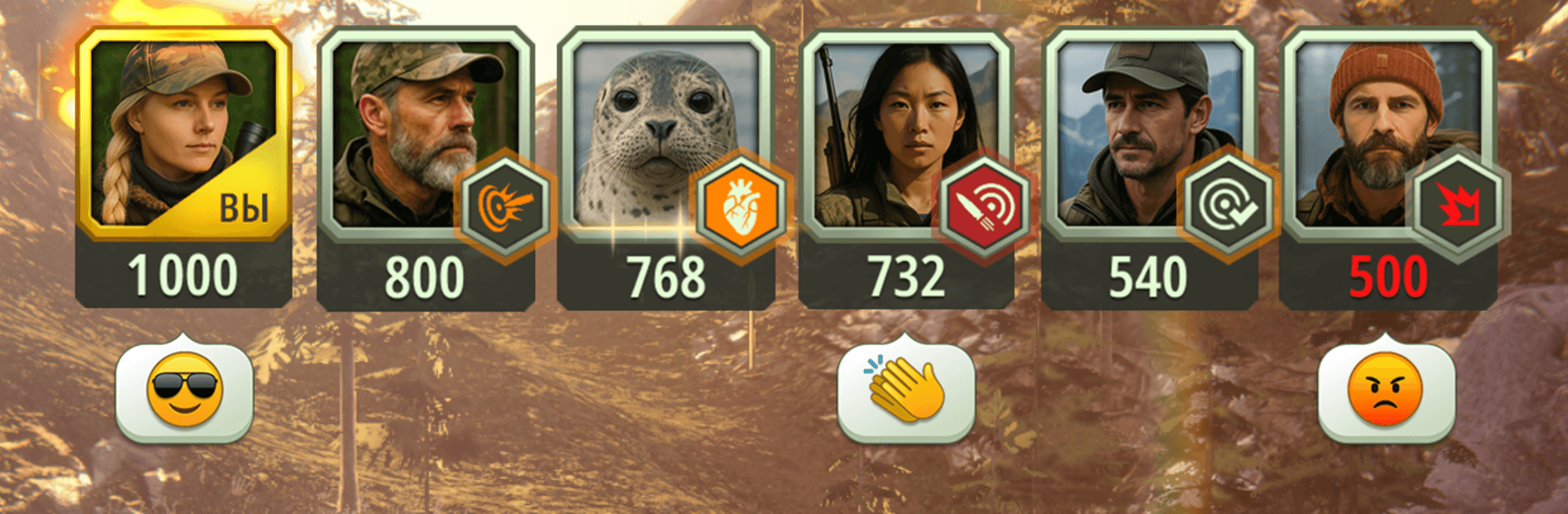
  • Competitive multiplayer: Go head‑to‑head with real opponents in fast, score-based matches where accuracy and reaction time decide the winner.
  • Evolving hunts: Slip through pitch‑black nights, shadow herds on the move, or pick your moment from long range—objectives, conditions, and pacing keep changing.
  • Team up with friends: Squad up for coordinated hunts and share the thrill of landing tough shots together.
  • Global wildlife: Stalk iconic species across the world—from lions, African buffalo, and warthogs on open savannas to moose, bears, silver foxes, and wolves in dense forests.
  • Precision arsenal: Choose from modern sniper rifles that actually feel different thanks to realistic range and stability, swap ammo to fit distance and target, or challenge yourself with a bow and arrows.
  • Skill-based shooting: Read movement, control your breathing, judge distance, and time your trigger pull—every decision matters more than spraying bullets.
  • Pick your playstyle: Prefer long, patient stalks or quick strikes? Build a loadout that fits how you like to hunt and switch it up when the mission calls for it.

Start your journey now. Download the game on BlueStacks, invite your friends, and march on a new adventure.


Game Features

Enhancements

  • Macros
  • Multi Instance
  • Multi Instance Sync
  • Script
  • Enhancements
Macros

Macros

Automate the predictable in Hunting Rivals: Sniper Games and transform your gameplay with Macros. Get access to inventive Macros in the BlueStacks Macro Community
Multi Instance

Multi Instance

Play Hunting Rivals: Sniper Games on one window. And chat with your friend on the other. Press CTRL + Shift + 8 to open the Multi-Instance Manager. And start creating fresh instances or clone an existing one.
Multi Instance Sync

Multi Instance Sync

Play Hunting Rivals: Sniper Games with the power of Multi-Instance Sync. Replicate what you are doing on the main instance on all other instances. Level up faster, play more.
Script

Script

Script your way to gaming glory in Hunting Rivals: Sniper Games with BlueStacks Script. Write and run a set of commands to automate repeated tasks. Trigger the command by assigning it to any key.
Read More

How to Download and Play Hunting Rivals: Sniper Games on PC or Mac

  • Download and install BlueStacks on your PC or Mac

  • Complete Google sign-in to access the Play Store, or do it later

  • Look for Hunting Rivals: Sniper Games in the search bar at the top right corner

  • Click to install Hunting Rivals: Sniper Games from the search results

  • Complete Google sign-in (if you skipped step 2) to install Hunting Rivals: Sniper Games

  • Click the Hunting Rivals: Sniper Games icon on the home screen to start playing

video
Watch Video

Minimum System Requirements

With BlueStacks 5, you can get started on a PC that fulfills the following requirements.

  • Operating System

    Microsoft Windows 7 or above, macOS 11 (Big Sur) or above

  • Processor

    Intel, AMD or Apple Silicon Processor

  • RAM

    at least 4GB

  • HDD

    10GB Free Disk Space

Note:

* You must be an Administrator on your PC. Up to date graphics drivers from Microsoft or the chipset vendor.

Hunting Rivals: Sniper Games - FAQs

  • How to play Hunting Rivals: Sniper Games on Windows PC & Mac?

    Play Hunting Rivals: Sniper Games on your PC or Mac by following these simple steps.

    • Click on 'Play Hunting Rivals: Sniper Games on PC’ to download BlueStacks
    • Install it and log-in to Google Play Store
    • Launch and play the game.
  • Why is BlueStacks the fastest and safest platform to play games on PC?

    BlueStacks respects your privacy and is always safe and secure to use. It does not carry any malware, spyware, or any sort of additional software that could harm your PC.

    It is engineered to optimize speed and performance for a seamless gaming experience.

  • What are Hunting Rivals: Sniper Games PC requirements?

    Minimum requirement to run Hunting Rivals: Sniper Games on your PC

    • OS: Microsoft Windows 7 or above MacOS 11 (Big Sur) or above
    • Processor: Intel, AMD or Apple Silicon Processor
    • RAM: Your PC must have at least 4GB of RAM. (Note that having 4GB or more disk space is not a substitute for RAM)
    • HDD: 10GB Free Disk Space.
    • You must be an Administrator on your PC.