Idle Bitcoin Empire
Idle Bitcoin Empire

Idle Bitcoin Empire

Simulation

| MOBILE ESPORTS Sp. z o.o.

Play on PC with BlueStacks or from our cloud

  • Overview
  • Game Features
  • How to Play

Page Modified On: December 05, 2025

Play Idle Bitcoin Empire on PC or Mac

Explore a whole new adventure with Idle Bitcoin Empire, a Simulation game created by MOBILE ESPORTS Sp. z o.o.. Experience great gameplay with BlueStacks, the most popular gaming platform to play Android games on your PC or Mac.

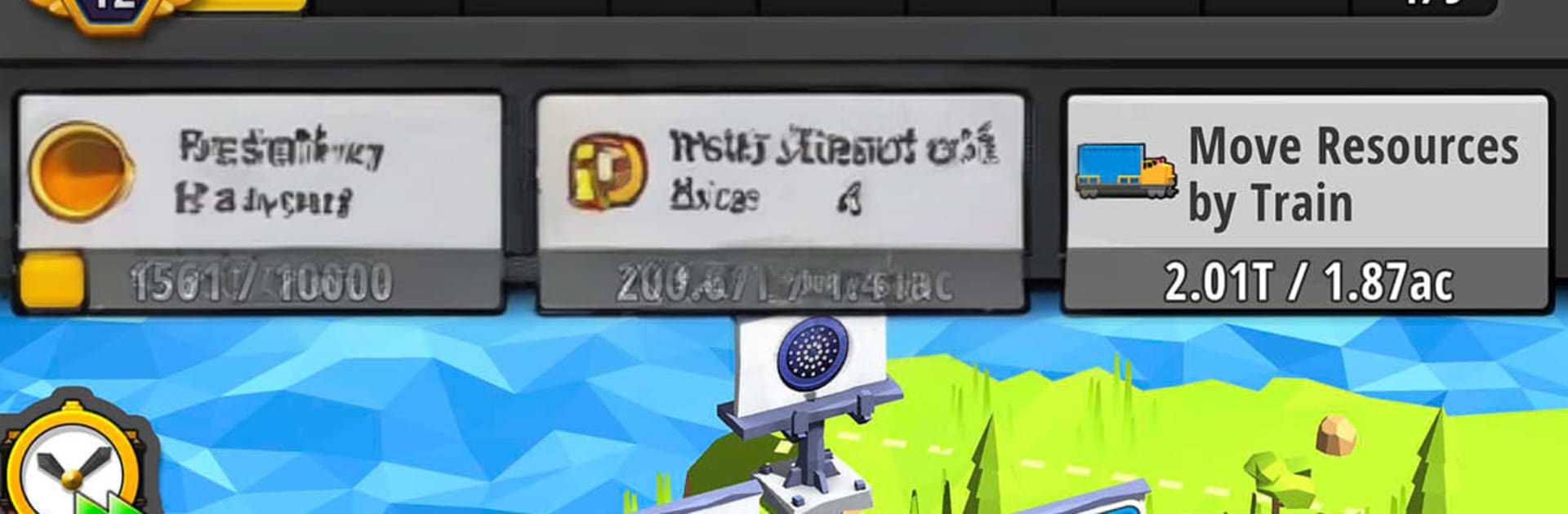
Idle Bitcoin Empire plays like a chill tycoon about building a crypto mine from nothing, then watching it snowball. Players start with one modest rig, add more stations, and set up a chain that keeps the digital coins flowing. Managers can be hired to automate tasks, upgrades push speed and efficiency, and there is a simple transport layer that ships profits so the money counter keeps climbing. The loop is very tidy: improve a station, remove a bottleneck, see the numbers jump, repeat. It keeps running in the background too, so coming back to a pile of cash is part of the fun.

There is more to tweak than it first looks. New mining zones unlock over time, layouts can be rearranged for smoother traffic, and transport networks need a bit of planning so shipments do not get stuck. There are daily goals, longer missions, special events, boosts, and some rare managers that feel like small power spikes. The big hook is the Bitcoin micro-rewards system. The game hands out satoshis for milestones through a third party service, with availability and terms that depend on region, and the game itself does not handle wallets or transactions. The look is clean low-poly 3D, easy to read, with that steady idle-game rhythm that is oddly satisfying. On PC with BlueStacks, quick mouse clicks make upgrading and swapping managers faster, which suits a game that is all about nudging efficiency and letting automation do the heavy lifting.

Get ready for a buttery smooth, high-performance gaming action only on BlueStacks.

Game Features

Enhancements

  • Macros
  • Multi Instance
  • Multi Instance Sync
  • Script
  • Enhancements
Macros

Macros

Automate the predictable in Idle Bitcoin Empire and transform your gameplay with Macros. Get access to inventive Macros in the BlueStacks Macro Community
Multi Instance

Multi Instance

Play Idle Bitcoin Empire on one window. And chat with your friend on the other. Press CTRL + Shift + 8 to open the Multi-Instance Manager. And start creating fresh instances or clone an existing one.
Multi Instance Sync

Multi Instance Sync

Play Idle Bitcoin Empire with the power of Multi-Instance Sync. Replicate what you are doing on the main instance on all other instances. Level up faster, play more.
Script

Script

Script your way to gaming glory in Idle Bitcoin Empire with BlueStacks Script. Write and run a set of commands to automate repeated tasks. Trigger the command by assigning it to any key.
Read More

How to Download and Play Idle Bitcoin Empire on PC or Mac

  • Download and install BlueStacks on your PC or Mac

  • Complete Google sign-in to access the Play Store, or do it later

  • Look for Idle Bitcoin Empire in the search bar at the top right corner

  • Click to install Idle Bitcoin Empire from the search results

  • Complete Google sign-in (if you skipped step 2) to install Idle Bitcoin Empire

  • Click the Idle Bitcoin Empire icon on the home screen to start playing

video
Watch Video

Minimum System Requirements

With BlueStacks 5, you can get started on a PC that fulfills the following requirements.

  • Operating System

    Microsoft Windows 7 or above, macOS 11 (Big Sur) or above

  • Processor

    Intel, AMD or Apple Silicon Processor

  • RAM

    at least 4GB

  • HDD

    10GB Free Disk Space

Note:

* You must be an Administrator on your PC. Up to date graphics drivers from Microsoft or the chipset vendor.

Idle Bitcoin Empire - FAQs

  • How to play Idle Bitcoin Empire on Windows PC & Mac?

    Play Idle Bitcoin Empire on your PC or Mac by following these simple steps.

    • Click on 'Play Idle Bitcoin Empire on PC’ to download BlueStacks
    • Install it and log-in to Google Play Store
    • Launch and play the game.
  • Why is BlueStacks the fastest and safest platform to play games on PC?

    BlueStacks respects your privacy and is always safe and secure to use. It does not carry any malware, spyware, or any sort of additional software that could harm your PC.

    It is engineered to optimize speed and performance for a seamless gaming experience.

  • What are Idle Bitcoin Empire PC requirements?

    Minimum requirement to run Idle Bitcoin Empire on your PC

    • OS: Microsoft Windows 7 or above MacOS 11 (Big Sur) or above
    • Processor: Intel, AMD or Apple Silicon Processor
    • RAM: Your PC must have at least 4GB of RAM. (Note that having 4GB or more disk space is not a substitute for RAM)
    • HDD: 10GB Free Disk Space.
    • You must be an Administrator on your PC.