
Life Of Ants
Life Of Ants

Life Of Ants

Simulation

| Apps Fun Lab LLC

Play on PC with BlueStacks or from our cloud

  • Overview
  • Game Features
  • How to Play

Page Modified On: September 25, 2026

Play Life Of Ants on PC or Mac

Life Of Ants by Apps Fun Lab LLC has plenty to keep you busy. BlueStacks lets you play it on PC or Mac with more screen space, better control, and fewer mobile limits.

About the Game

Life Of Ants is a playful Simulation where you run a tiny colony with a very big appetite. You’ll steer a hero ant around a sunny backyard, gobble oversized snacks, and ferry the loot back to grow your nest, unlock new areas, and keep the workers buzzing even when you’re away. It also feels great on BlueStacks if you like playing on a bigger screen.

Game Features

  • Backyard buffet: Nibble through watermelon wedges, lollipops, pizza slices, and cake as they break into bite-sized chunks you can carry.
  • Pack it high: Upgrade your backpack to stack silly-tall loads and cut down on trips to the nest.
  • Ant workforce: Hire diligent workers to gather nonstop while you explore, plan routes, and hunt for the good stuff.
  • Special breeds: Hatch speedy Fire Ants and powerhouse Leafcutters to boost hauling and chopping duties across the yard.
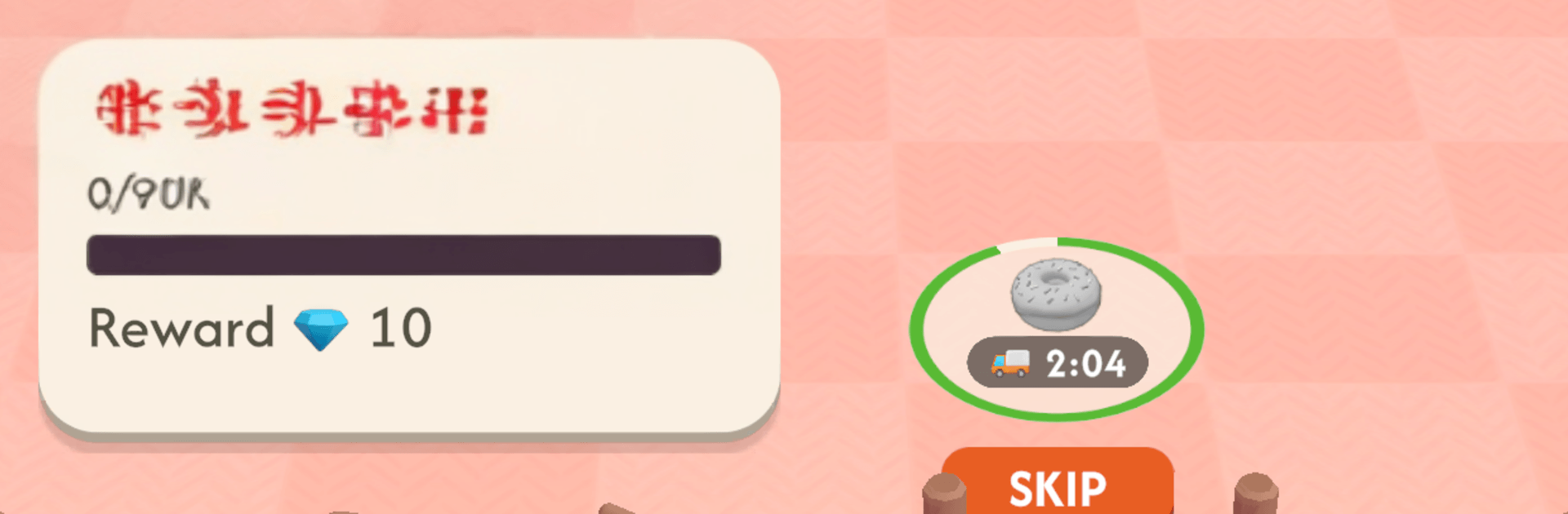
  • Coins and gates: Save your earnings to push open the kitchen gate and raid counters loaded with donuts, toast, and other sweet treasures.
  • Lucky visitors: Keep an eye out for rare golden or gem-toting ants and tap fast to snag their bonus loot before they wander off.
  • Idle progress: Your colony keeps collecting while you’re not playing, so you return to a hefty stash of coins.
  • Simple steering: Guide your lead ant with smooth movement and satisfying chomp animations that show snacks shrinking piece by piece.
  • Explore and expand: Push from lawn patches to indoor shelves, finding fresh resources and more room for a thriving nest.

Start your journey now. Download the game on BlueStacks, invite your friends, and march on a new adventure.


Game Features

Enhancements

  • Macros
  • Multi Instance
  • Multi Instance Sync
  • Script
  • Enhancements
Macros

Macros

Automate the predictable in Life Of Ants and transform your gameplay with Macros. Get access to inventive Macros in the BlueStacks Macro Community
Multi Instance

Multi Instance

Play Life Of Ants on one window. And chat with your friend on the other. Press CTRL + Shift + 8 to open the Multi-Instance Manager. And start creating fresh instances or clone an existing one.
Multi Instance Sync

Multi Instance Sync

Play Life Of Ants with the power of Multi-Instance Sync. Replicate what you are doing on the main instance on all other instances. Level up faster, play more.
Script

Script

Script your way to gaming glory in Life Of Ants with BlueStacks Script. Write and run a set of commands to automate repeated tasks. Trigger the command by assigning it to any key.
Read More

How to Download and Play Life Of Ants on PC or Mac

  • Download and install BlueStacks on your PC or Mac

  • Complete Google sign-in to access the Play Store, or do it later

  • Look for Life Of Ants in the search bar at the top right corner

  • Click to install Life Of Ants from the search results

  • Complete Google sign-in (if you skipped step 2) to install Life Of Ants

  • Click the Life Of Ants icon on the home screen to start playing

video
Watch Video

Minimum System Requirements

With BlueStacks 5, you can get started on a PC that fulfills the following requirements.

  • Operating System

    Microsoft Windows 7 or above, macOS 11 (Big Sur) or above

  • Processor

    Intel, AMD or Apple Silicon Processor

  • RAM

    at least 4GB

  • HDD

    10GB Free Disk Space

Note:

* You must be an Administrator on your PC. Up to date graphics drivers from Microsoft or the chipset vendor.

Life Of Ants - FAQs

  • How to play Life Of Ants on Windows PC & Mac?

    Play Life Of Ants on your PC or Mac by following these simple steps.

    • Click on 'Play Life Of Ants on PC’ to download BlueStacks
    • Install it and log-in to Google Play Store
    • Launch and play the game.
  • Why is BlueStacks the fastest and safest platform to play games on PC?

    BlueStacks respects your privacy and is always safe and secure to use. It does not carry any malware, spyware, or any sort of additional software that could harm your PC.

    It is engineered to optimize speed and performance for a seamless gaming experience.

  • What are Life Of Ants PC requirements?

    Minimum requirement to run Life Of Ants on your PC

    • OS: Microsoft Windows 7 or above MacOS 11 (Big Sur) or above
    • Processor: Intel, AMD or Apple Silicon Processor
    • RAM: Your PC must have at least 4GB of RAM. (Note that having 4GB or more disk space is not a substitute for RAM)
    • HDD: 10GB Free Disk Space.
    • You must be an Administrator on your PC.







