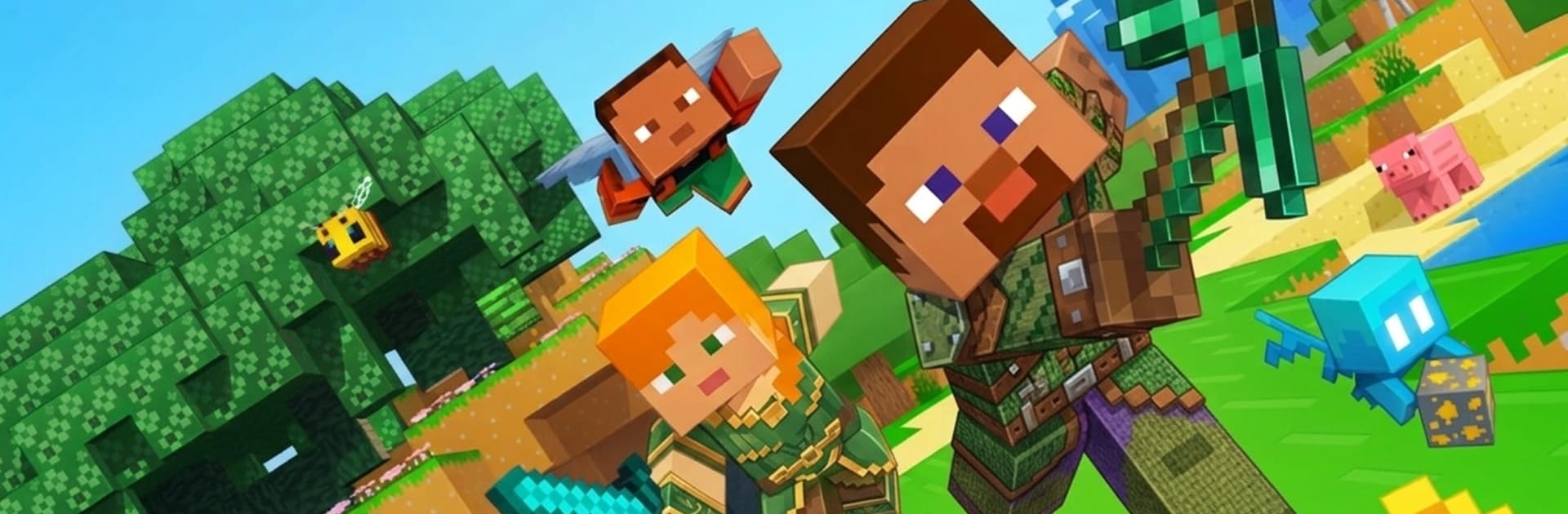
Minecraft: Dream it & Build it

Minecraft: Dream it & Build it

Simulation

| Kfato Gamez Private Limited

Play on PC with BlueStacks or from our cloud

  • Overview
  • Game Features
  • How to Play

Page Modified On: June 09, 2026

Play Minecraft: Dream it & Build it on PC or Mac

Explore a whole new adventure with Minecraft: Dream it & Build it, a Simulation game created by Kfato Gamez Private Limited. Experience great gameplay with BlueStacks, the most popular gaming platform to play Android games on your PC or Mac.

About the Game

Minecraft: Dream it & Build it drops you into a crisp, snowy sandbox where your ideas set the rules. Build at your own pace or brave a harsher path—either way, you’ll gather, craft, and shape a frosty world that’s all yours. Expect wide-open winter biomes, simple controls, and that “one more block” feeling that keeps you tinkering.

Game Features

  • Creative or Survival: Pick a no-pressure building session or take on survival challenges in a cold, unpredictable environment.
  • Snowy Sandbox World: Roam through alpine peaks, pine forests, frozen caves, and broad ice fields, each ripe for exploration and building.
  • Crafting That Matters: Collect wood, stone, and icy materials, then turn them into tools, gear, and the blocks you need for big projects.
  • Build It Your Way: From snug cabins and sweeping bridges to towering castles, mix different blocks and textures to nail the look you want.
  • Hidden Nooks to Find: Poke around the landscape to uncover tucked-away spots, winding caverns, and useful resources off the beaten path.
  • Smooth Block Controls: Place, rotate, and remove blocks without the fuss—easy to learn, satisfying to master.
  • Relaxed to Challenging: Set your own pace. Spend an evening perfecting a cozy lodge or push yourself to gather, craft, and expand in tougher conditions.
  • Playable Anywhere: Great on mobile, and it feels extra precise with keyboard and mouse when you hop in on PC using BlueStacks.
  • Genre: Simulation: A sandbox that blends chill building with hands-on resource management for a grounded, creative experience.

Start your journey now. Download the game on BlueStacks, invite your friends, and march on a new adventure.


Game Features

Enhancements

  • Macros
  • Multi Instance
  • Multi Instance Sync
  • Script
  • Enhancements
Macros

Macros

Automate the predictable in Minecraft: Dream it & Build it and transform your gameplay with Macros. Get access to inventive Macros in the BlueStacks Macro Community
Multi Instance

Multi Instance

Play Minecraft: Dream it & Build it on one window. And chat with your friend on the other. Press CTRL + Shift + 8 to open the Multi-Instance Manager. And start creating fresh instances or clone an existing one.
Multi Instance Sync

Multi Instance Sync

Play Minecraft: Dream it & Build it with the power of Multi-Instance Sync. Replicate what you are doing on the main instance on all other instances. Level up faster, play more.
Script

Script

Script your way to gaming glory in Minecraft: Dream it & Build it with BlueStacks Script. Write and run a set of commands to automate repeated tasks. Trigger the command by assigning it to any key.
Read More

How to Download and Play Minecraft: Dream it & Build it on PC or Mac

  • Download and install BlueStacks on your PC or Mac

  • Complete Google sign-in to access the Play Store, or do it later

  • Look for Minecraft: Dream it & Build it in the search bar at the top right corner

  • Click to install Minecraft: Dream it & Build it from the search results

  • Complete Google sign-in (if you skipped step 2) to install Minecraft: Dream it & Build it

  • Click the Minecraft: Dream it & Build it icon on the home screen to start playing

video
Watch Video

Minimum System Requirements

With BlueStacks 5, you can get started on a PC that fulfills the following requirements.

  • Operating System

    Microsoft Windows 7 or above, macOS 11 (Big Sur) or above

  • Processor

    Intel, AMD or Apple Silicon Processor

  • RAM

    at least 4GB

  • HDD

    10GB Free Disk Space

Note:

* You must be an Administrator on your PC. Up to date graphics drivers from Microsoft or the chipset vendor.

Minecraft: Dream it & Build it - FAQs

  • How to play Minecraft: Dream it & Build it on Windows PC & Mac?

    Play Minecraft: Dream it & Build it on your PC or Mac by following these simple steps.

    • Click on 'Play Minecraft: Dream it & Build it on PC’ to download BlueStacks
    • Install it and log-in to Google Play Store
    • Launch and play the game.
  • Why is BlueStacks the fastest and safest platform to play games on PC?

    BlueStacks respects your privacy and is always safe and secure to use. It does not carry any malware, spyware, or any sort of additional software that could harm your PC.

    It is engineered to optimize speed and performance for a seamless gaming experience.

  • What are Minecraft: Dream it & Build it PC requirements?

    Minimum requirement to run Minecraft: Dream it & Build it on your PC

    • OS: Microsoft Windows 7 or above MacOS 11 (Big Sur) or above
    • Processor: Intel, AMD or Apple Silicon Processor
    • RAM: Your PC must have at least 4GB of RAM. (Note that having 4GB or more disk space is not a substitute for RAM)
    • HDD: 10GB Free Disk Space.
    • You must be an Administrator on your PC.