
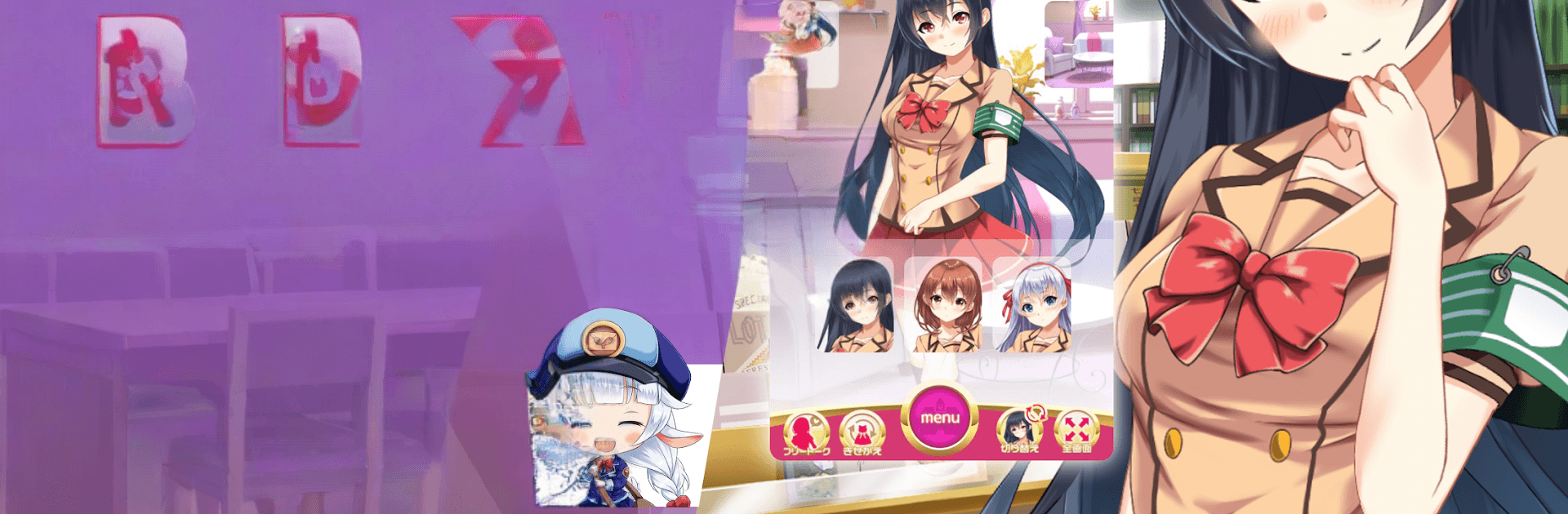
美少女ゲーム-おしメモ 二次元美少女とリアルチャット

美少女ゲーム-おしメモ 二次元美少女とリアルチャット

Simulation

| MUGENDAI Inc.

Play on PC with BlueStacks or from our cloud

  • Overview
  • Game Features
  • How to Play

Page Modified On: September 07, 2026

Play 美少女ゲーム-おしメモ 二次元美少女とリアルチャット on PC or Mac

Play 美少女ゲーム-おしメモ 二次元美少女とリアルチャット by MUGENDAI Inc. on PC or Mac with BlueStacks. Use a bigger screen, mouse and keyboard controls, and smoother performance while you play.

About the Game

美少女ゲーム-おしメモ 二次元美少女とリアルチャット is a Simulation where texting isn’t just small talk—it’s the whole experience. You’ll chat in real time with 2D heroines, guide the tone of the conversation, and watch the story bend around your choices. Pick your favorite type, start messaging, and see where your chemistry takes you.

Game Features

  • Pick Your Ideal Type: From a clumsy childhood friend to a serious class rep or a doting little-sister style heroine, choose the vibe that clicks with you and start from there.
  • Real Chat, Real Reactions: Your messages shape what happens next; the girls respond in lively, expressive ways that make every exchange feel personal.
  • Branching Stories You Control: Nudge the narrative with your replies and unlock scenes that match your pace—whether you’re after sweet, playful, or a little more daring.
  • Auto Mode When You Want It: Kick back and let the conversation flow on its own with an automatic mode that keeps the story moving while you relax.
  • From Wholesome to Flirty: Keep it innocent or turn up the heat—there’s room for casual banter, heartfelt moments, and spicier talk if that’s your lane.
  • PC Link for Extra Expressions: Connect with the web browser version to carry your chats across devices and catch special reactions available through the link.
  • Better Typing on PC: Prefer long replies and quick keystrokes? Playing on PC with BlueStacks makes chatting smoother and more comfortable.

Ready to top the leaderboard? We bet you do. Let precise controls and sharp visuals optimized on BlueStacks lead you to victory.


Game Features

Enhancements

  • Macros
  • Multi Instance
  • Multi Instance Sync
  • Script
  • Enhancements
Macros

Macros

Automate the predictable in 美少女ゲーム-おしメモ 二次元美少女とリアルチャット and transform your gameplay with Macros. Get access to inventive Macros in the BlueStacks Macro Community
Multi Instance

Multi Instance

Play 美少女ゲーム-おしメモ 二次元美少女とリアルチャット on one window. And chat with your friend on the other. Press CTRL + Shift + 8 to open the Multi-Instance Manager. And start creating fresh instances or clone an existing one.
Multi Instance Sync

Multi Instance Sync

Play 美少女ゲーム-おしメモ 二次元美少女とリアルチャット with the power of Multi-Instance Sync. Replicate what you are doing on the main instance on all other instances. Level up faster, play more.
Script

Script

Script your way to gaming glory in 美少女ゲーム-おしメモ 二次元美少女とリアルチャット with BlueStacks Script. Write and run a set of commands to automate repeated tasks. Trigger the command by assigning it to any key.
Read More

How to Download and Play 美少女ゲーム-おしメモ 二次元美少女とリアルチャット on PC or Mac

  • Download and install BlueStacks on your PC or Mac

  • Complete Google sign-in to access the Play Store, or do it later

  • Look for 美少女ゲーム-おしメモ 二次元美少女とリアルチャット in the search bar at the top right corner

  • Click to install 美少女ゲーム-おしメモ 二次元美少女とリアルチャット from the search results

  • Complete Google sign-in (if you skipped step 2) to install 美少女ゲーム-おしメモ 二次元美少女とリアルチャット

  • Click the 美少女ゲーム-おしメモ 二次元美少女とリアルチャット icon on the home screen to start playing

video
Watch Video

Minimum System Requirements

With BlueStacks 5, you can get started on a PC that fulfills the following requirements.

  • Operating System

    Microsoft Windows 7 or above, macOS 11 (Big Sur) or above

  • Processor

    Intel, AMD or Apple Silicon Processor

  • RAM

    at least 4GB

  • HDD

    10GB Free Disk Space

Note:

* You must be an Administrator on your PC. Up to date graphics drivers from Microsoft or the chipset vendor.

美少女ゲーム-おしメモ 二次元美少女とリアルチャット - FAQs

  • How to play 美少女ゲーム-おしメモ 二次元美少女とリアルチャット on Windows PC & Mac?

    Play 美少女ゲーム-おしメモ 二次元美少女とリアルチャット on your PC or Mac by following these simple steps.

    • Click on 'Play 美少女ゲーム-おしメモ 二次元美少女とリアルチャット on PC’ to download BlueStacks
    • Install it and log-in to Google Play Store
    • Launch and play the game.
  • Why is BlueStacks the fastest and safest platform to play games on PC?

    BlueStacks respects your privacy and is always safe and secure to use. It does not carry any malware, spyware, or any sort of additional software that could harm your PC.

    It is engineered to optimize speed and performance for a seamless gaming experience.

  • What are 美少女ゲーム-おしメモ 二次元美少女とリアルチャット PC requirements?

    Minimum requirement to run 美少女ゲーム-おしメモ 二次元美少女とリアルチャット on your PC

    • OS: Microsoft Windows 7 or above MacOS 11 (Big Sur) or above
    • Processor: Intel, AMD or Apple Silicon Processor
    • RAM: Your PC must have at least 4GB of RAM. (Note that having 4GB or more disk space is not a substitute for RAM)
    • HDD: 10GB Free Disk Space.
    • You must be an Administrator on your PC.







